Share designs to give another user access
Give another user access to designs that belong to a different user by sharing the files with them.
To give another user access to designs that belong to a different user, use the share option to share the files with that user.
✓ Checked in the product on 20 October 2026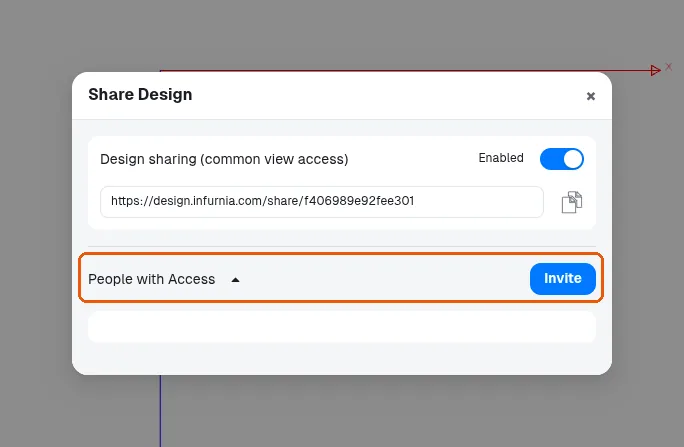
Designs cannot be transferred by moving them between accounts; sharing is the supported way to make them available to the other user.
A project manager can use the user access option to grant another person access to a design, for example when the assigned designer is unavailable. The person granted access can then view and edit the design and make changes. It is recommended to grant this to design managers who oversee the designers.