Apply core materials to several units at once
Bulk-edit core material across selected units and verify the material name and thickness before applying.
The core material can then be changed at the panel level.
✓ Checked in the product on 21 October 2026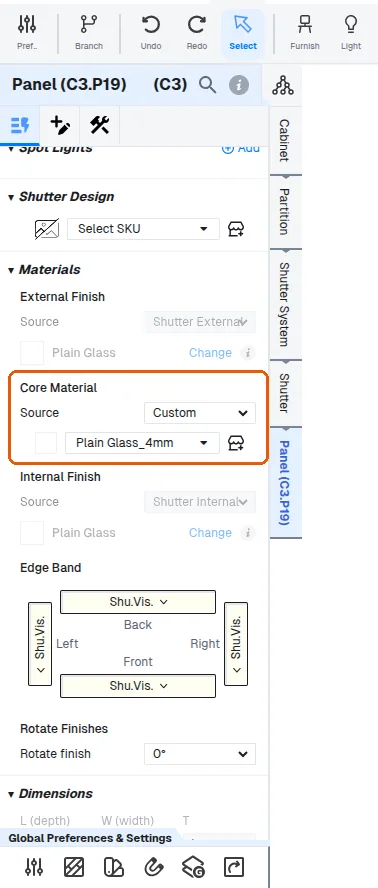
Selecting several units in the unit list and changing the core material in the core material setting applies the new core material to all the selected units at once, so the whole design does not need to be redone.
The carcass/core material of a base cabinet can be set explicitly per cabinet from the cabinet's material settings, or applied to several selected units at once via bulk edit, so the carcass matches the shutter material.
Verify the material name and thickness in the material list before applying.