Cycle snap candidates and select walls with Tab
Use Tab and Shift+Tab while drawing to cycle snap candidates, and Tab on a selected wall to grab the whole room outline.
While drawing in the floor plan, elevation, or 2D sketcher, when a snap indicator is showing, pressing Tab cycles forward through the alternative snap points/lines and Shift+Tab cycles backward.
In Move mode with a wall selected or hovered, pressing Tab selects all the walls of the room that wall belongs to - a quick way to select an entire room outline.
✓ Checked in the product on 10 October 2026Ctrl/Cmd+A selects all elements.
✓ Checked in the product on 21 October 2026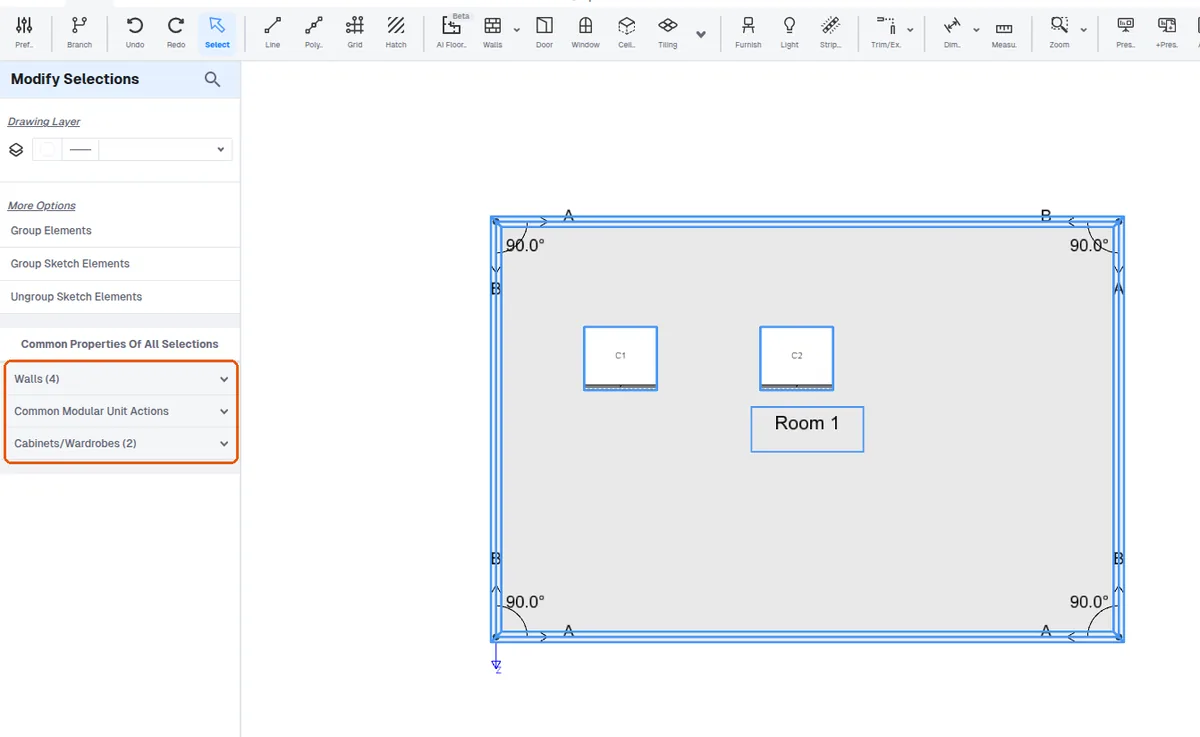
Ctrl/Cmd+F opens a search box in schedule and BOQ views.