Use keyboard shortcuts to add walls, furniture and tiling
Trigger common commands such as adding furniture, drawing a wall, adding tiling or placing a door by typing a short code and pressing Enter.
Common commands have keyboard shortcuts: type FR and Enter to add furniture, WA and Enter to draw a wall, TI and Enter to add tiling, and DR and Enter for a door.
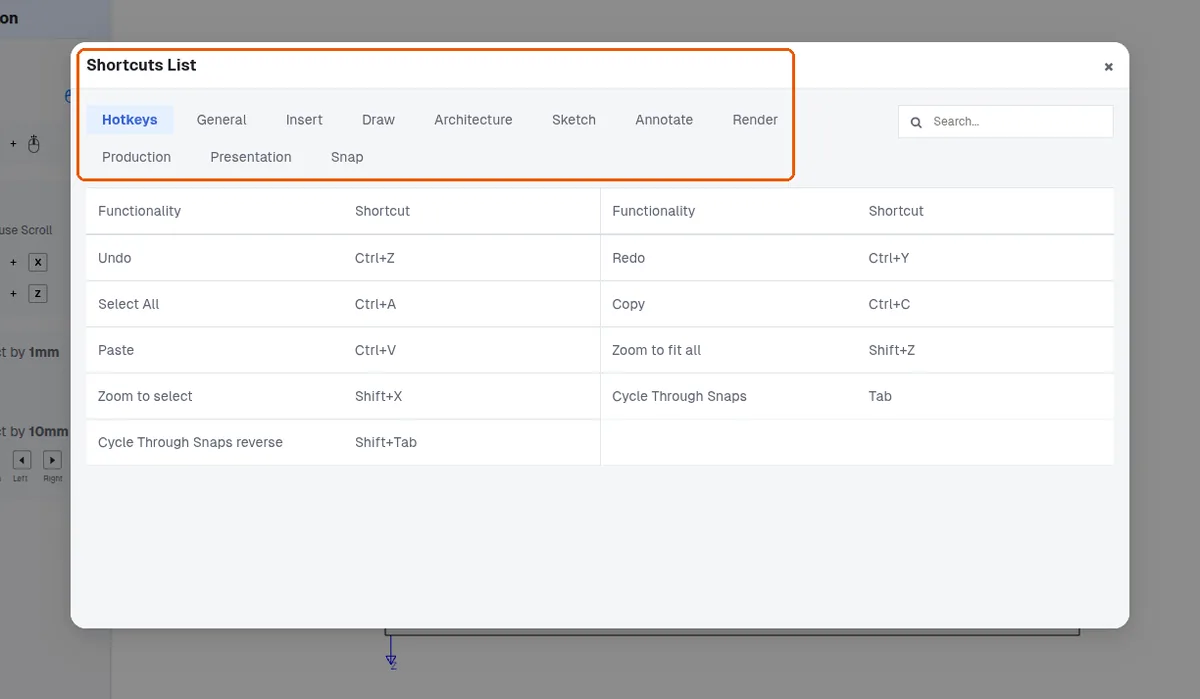
✓ Checked in the product on 10 October 2026A shortcuts reference is available in the interface.
✓ Checked in the product on 21 October 2026