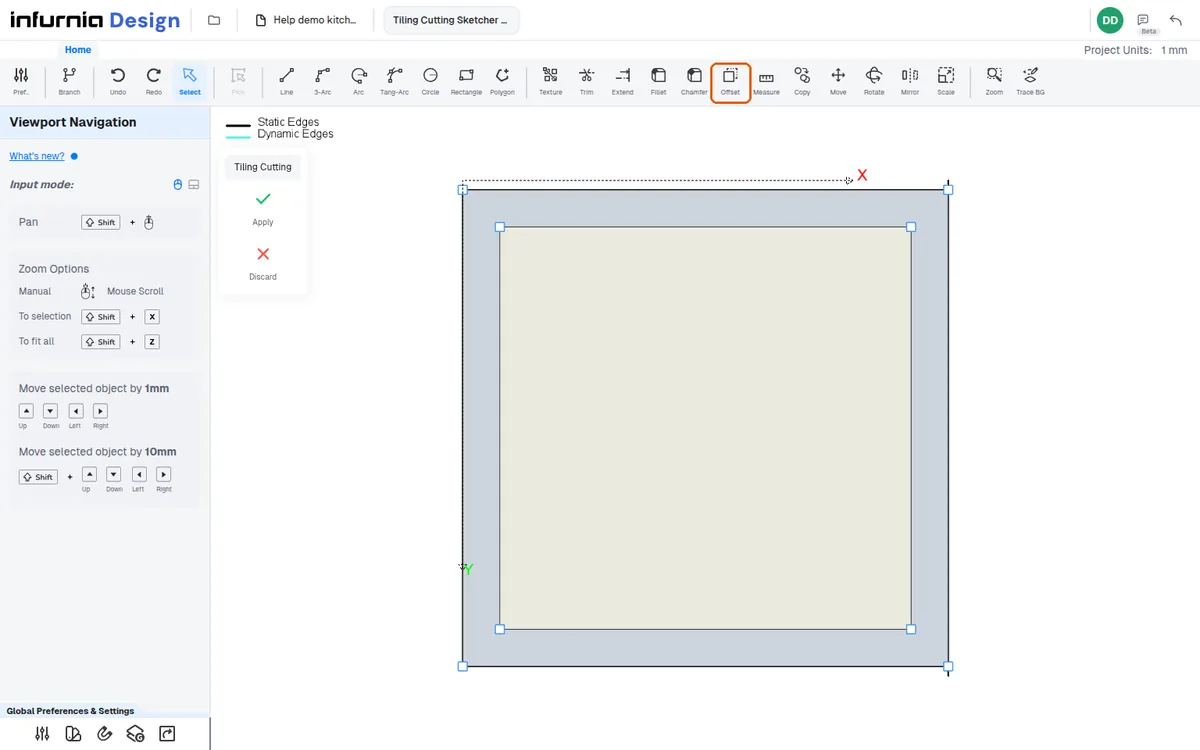
Add a true ceiling and create a false ceiling with offset
Add a true ceiling with the ceiling tool, then build a false ceiling by drawing a rectangle or offsetting a copy for a peripheral one.
To add a true ceiling, use the ceiling tool beside tiling, click the center of the area with the pick tool, and click Apply.
✓ Checked in the product on 10 October 2026If the ceiling sits too low, check the wall height by clicking the wall thickness (not the surface) and set the ceiling height to match.
For a false ceiling, select the ceiling, choose Create False Ceiling, then Add Extrude Shape, and draw a rectangle corner-to-corner with the Rectangle tool; Apply adds it.
For a peripheral false ceiling, use the offset command with copy to retain the original rectangle.
✓ Checked in the product on 20 October 2026