Core design steps: wall, door, window, ceiling and tiling
Draw the walls, add doors, add windows, add the ceiling and add tiling to complete a design.
After understanding the UI, the five things to be done in a design are: draw the walls, add doors, add windows, add the ceiling, and add tiling.
Walls are drawn by clicking straight walls, specifying a start point and using the keyboard space bar.
✓ Checked in the product on 20 October 2026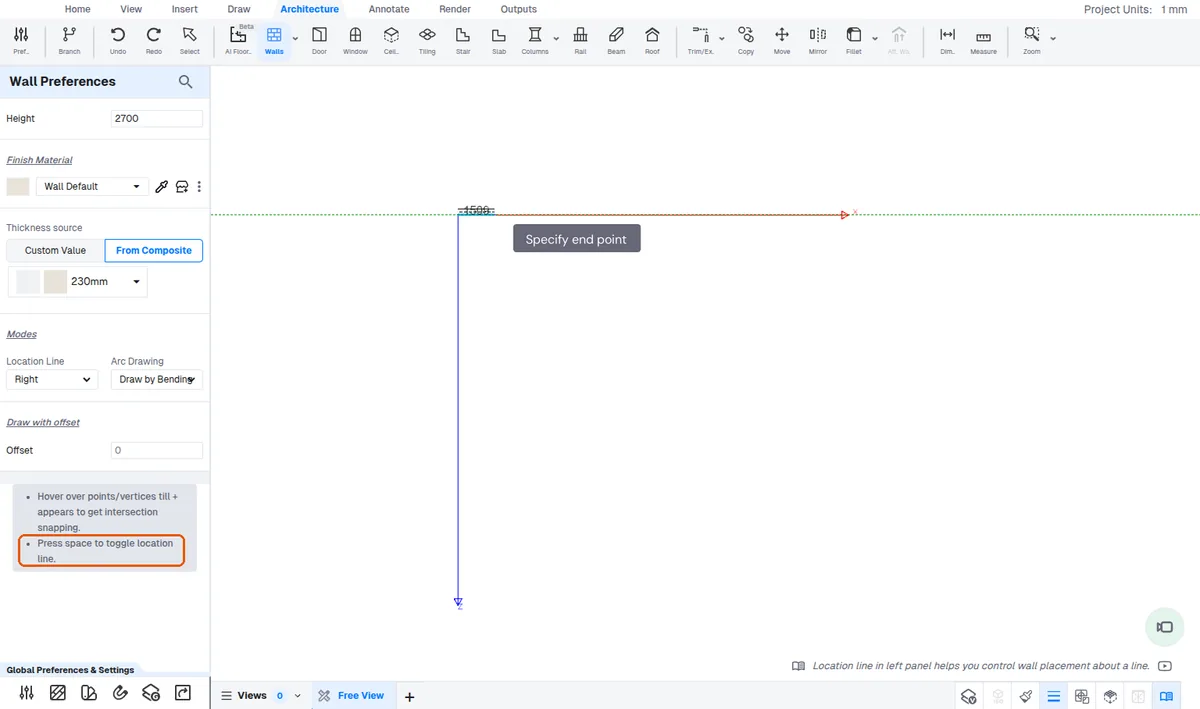
Dimensions can be set automatically.
Doors and windows are placed and then moved with accurate measurements.
✓ Checked in the product on 19 October 2026