Assign selected elements to a layer via change drawing layer
Move selected items into a layer with the change drawing layer option, then confirm a single cabinet's layer in its customize panel.
To move items into a layer, select them (area select, left-to-right select which only picks items fully inside the blue selection, or shift-click one by one), then use the change drawing layer option and pick the target layer from the drop-down.
✓ Checked in the product on 22 October 2026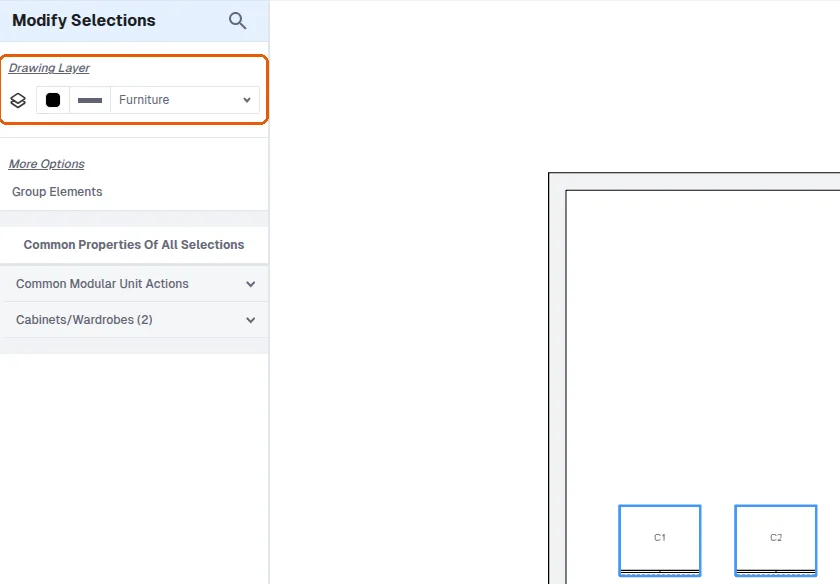
To verify a single cabinet's layer, open its customize (pencil) panel, scroll to drawing layer and check the value shown.
✓ Checked in the product on 9 October 2026