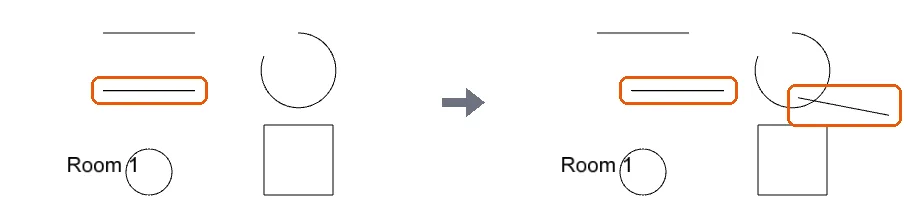
Create patterned trim using sweep with a path and profile
Draw the trim outline as a path, then sweep a profile shape along it to create patterned trim or moulding.
To create a patterned trim or moulding, draw the outline as a path, then use the sweep tool: select the path, define or edit the active profile shape (e.g. a rectangle), and apply.
✓ Checked in the product on 9 October 2026The profile shape is retained after editing, so subsequent sweeps can reuse the same shape; a new shape can be created if needed.
Multiple parts can be swept along a continuous path or individually.
Copies can be made with the copy command (CP) and moved or mirrored into position.
✓ Checked in the product on 21 October 2026