Hide or unhide items using layers in the layer panel
Hide or show whole groups of items at once by toggling the visibility of the layer they sit on.
Every item in a design is assigned to a layer (furniture to the furniture layer, walls to the wall layer, and so on).
✓ Checked in the product on 10 October 2026Use the layer panel at the bottom-left to hide or unhide a layer, which hides or shows all items on that layer.
✓ Checked in the product on 22 October 2026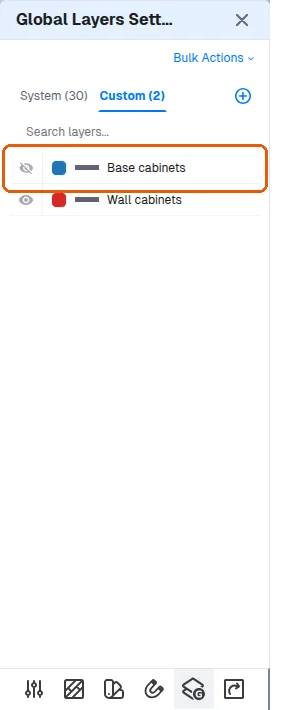
To show base units while hiding wall and loft units, place those units on a separate layer and toggle that layer's visibility.