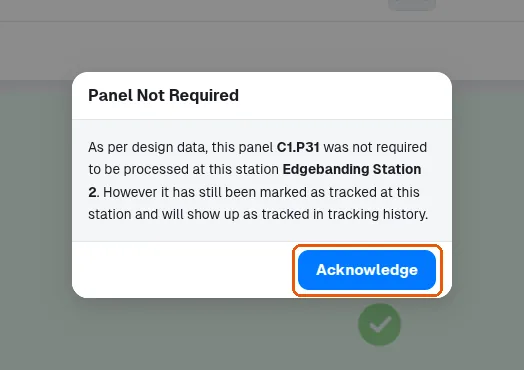
Undo tracking and acknowledge a Panel Not Required alert
Undo a tracking in one click from the success message or acknowledge the Panel Not Required alert.
After tracking, a success message with an Undo button appears and untracks the same panels in one click; it can also be dismissed, and once it is gone panels must be untracked individually (re-scan then 'Mark as Untracked', or via Tracking History).
✓ Checked in the product on 20 October 2026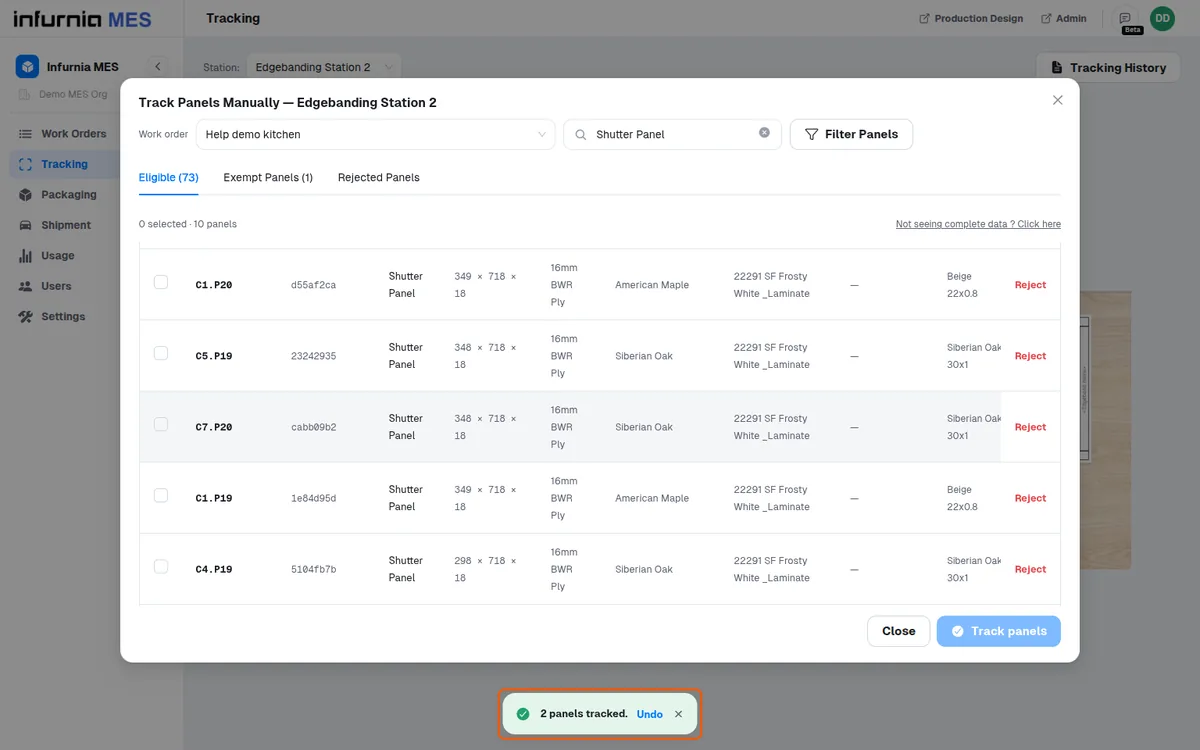
If a tracked panel is one that design data says was not required at that station, a 'Panel Not Required' alert appears that must be acknowledged before continuing; the tracking still stands and the panel shows as tracked in Tracking History.
✓ Checked in the product on 20 October 2026