Create a packaging box from the button on the right side of the screen
Create a new box for a work order on the Packaging page, then print its label and close it to complete packaging.
To create a new box for packaging, open the work order on the Packaging page and click 'Create new Box' (the first card of the box grid, on the left side).
✓ Checked in the product on 19 October 2026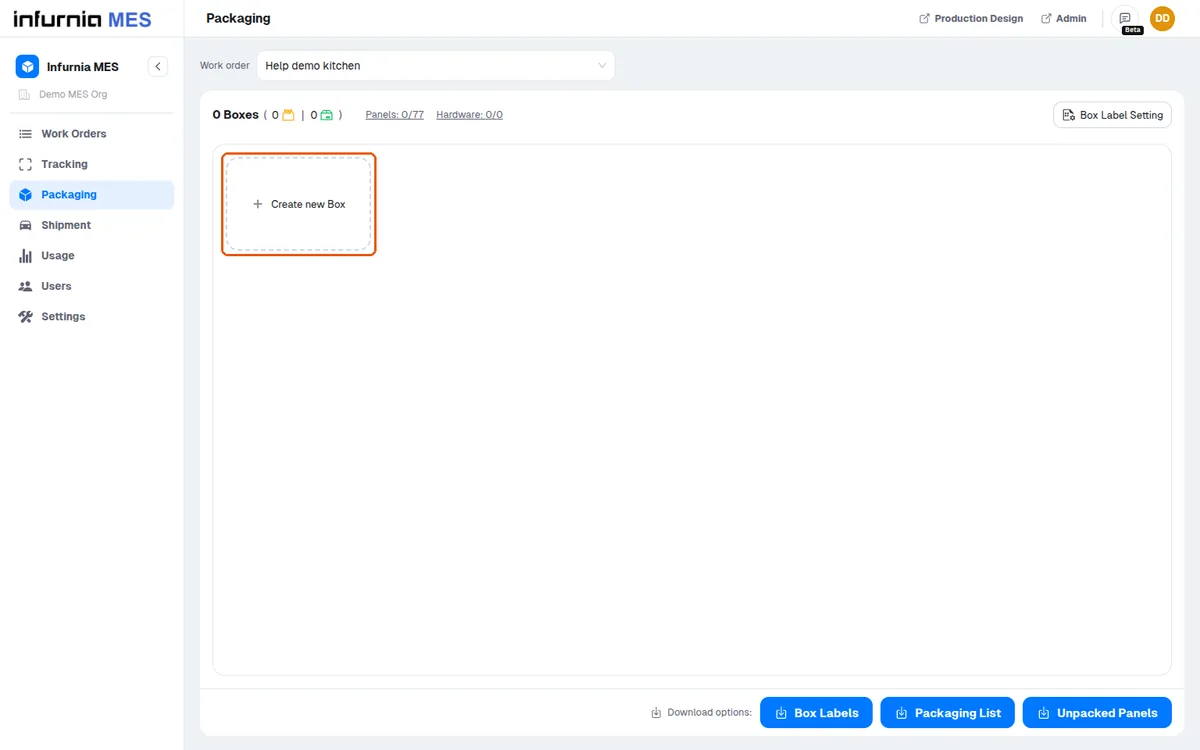
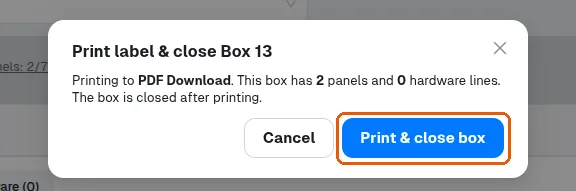
Print the label and close the box to complete packaging.
✓ Checked in the product on 19 October 2026