Create boxes, scan labels and enter shipment details for dispatch
Create new boxes for packaging, ensure all panels are tracked, then scan the box label and enter the receiver, driver and vehicle details needed for dispatch.
For shipment, create new boxes for packaging.
✓ Checked in the product on 19 October 2026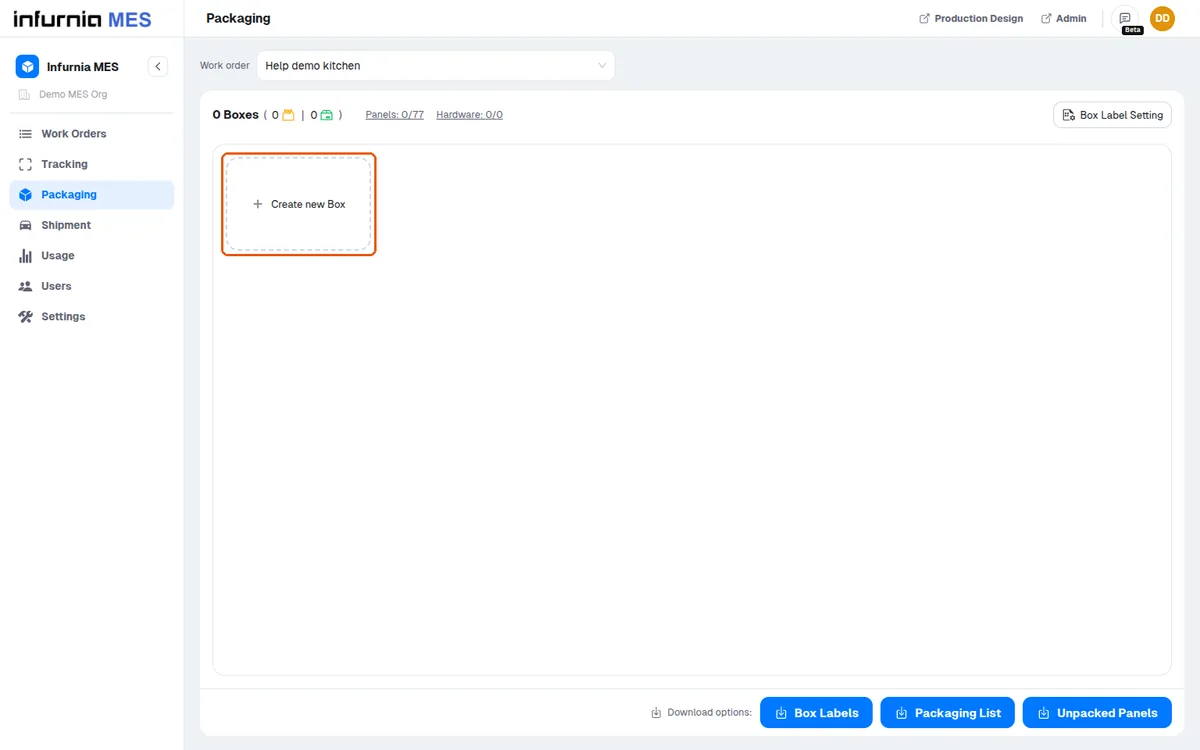
Ensure all panels are tracked at the packaging and shipment stations.
Scan the box label, then enter the receiver number and address.
✓ Checked in the product on 19 October 2026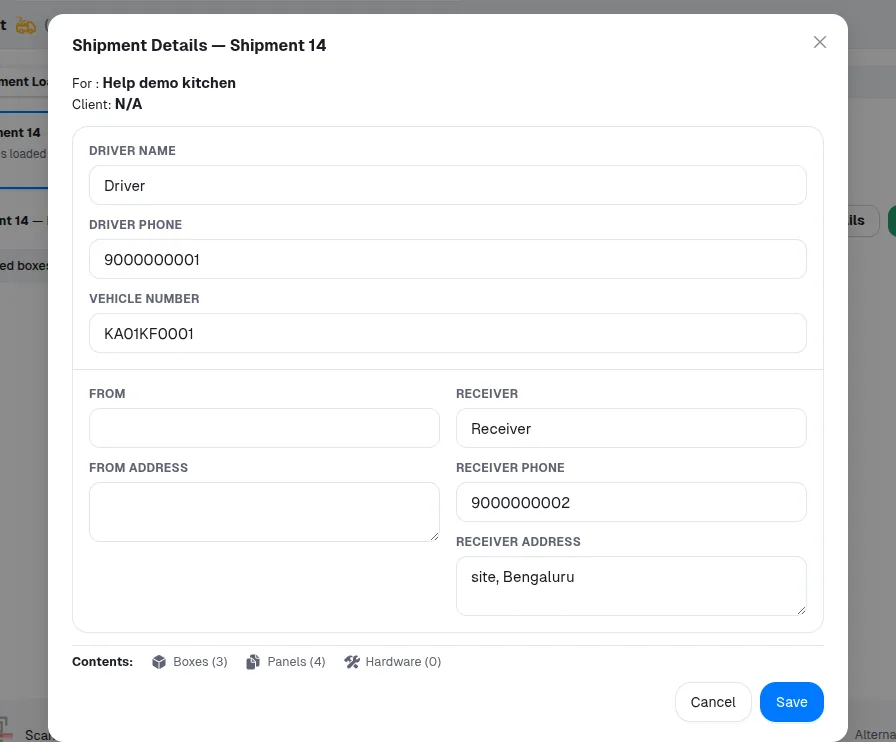
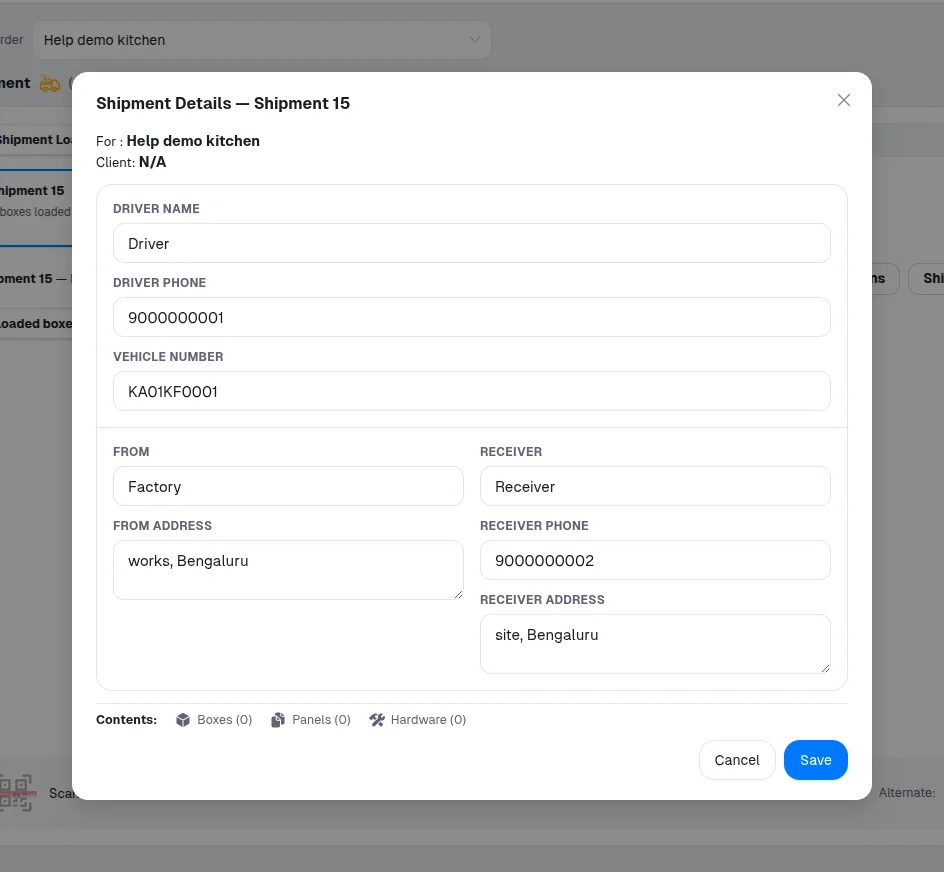
A shipment's Shipment Details take the driver's name and phone number, the vehicle number, the sender (From, From address) and the receiver's name, phone number and address. An empty Save is accepted, and boxes load into a shipment whose details are empty.
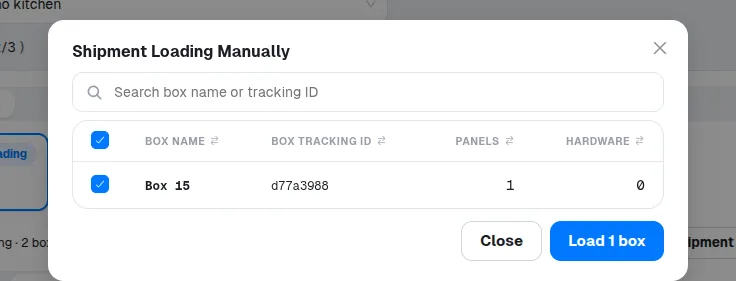
A box can be manually selected for loading.
✓ Checked in the product on 19 October 2026