Copy a floor with its rooms and units
Duplicate an existing floor so its rooms, names and units carry over to a new floor level.
The Floor selector's '+ Add Floor' offers 'New Blank Floor' or 'Copy Specific Floor' with the floor to copy.
✓ Checked in the product on 22 October 2026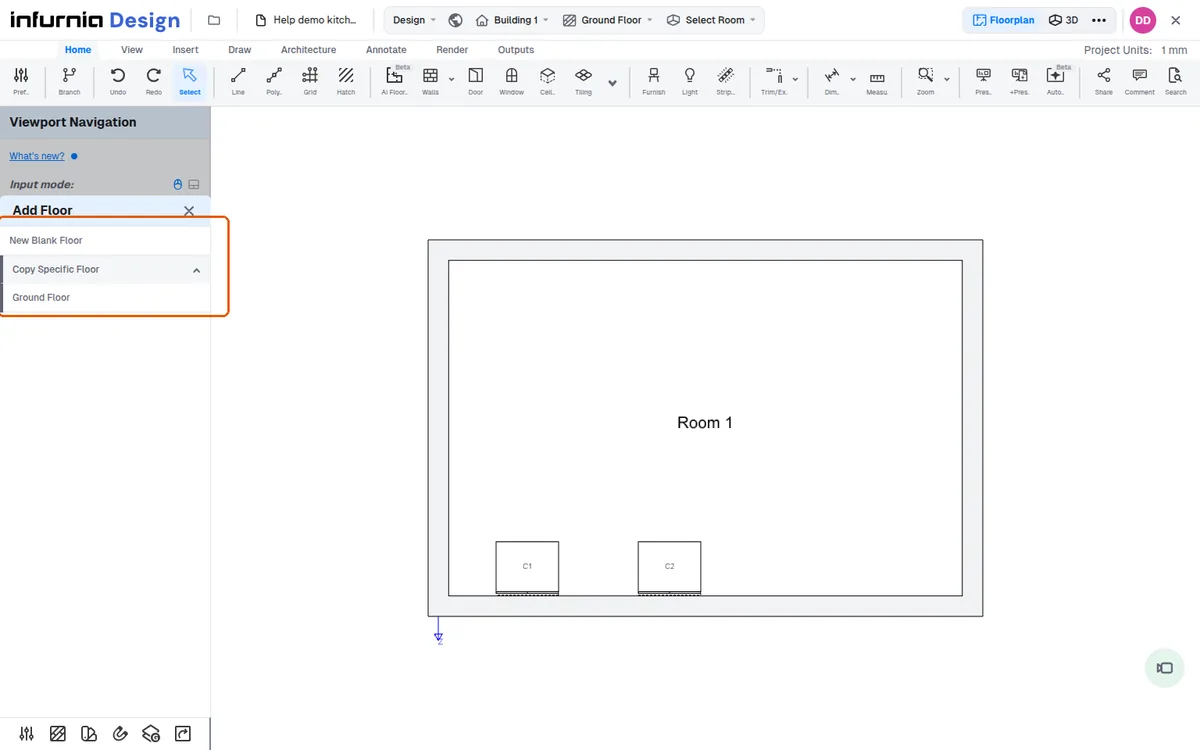
A copied floor is added as a new floor holding the same rooms, with the same names, and their units.
✓ Checked in the product on 22 October 2026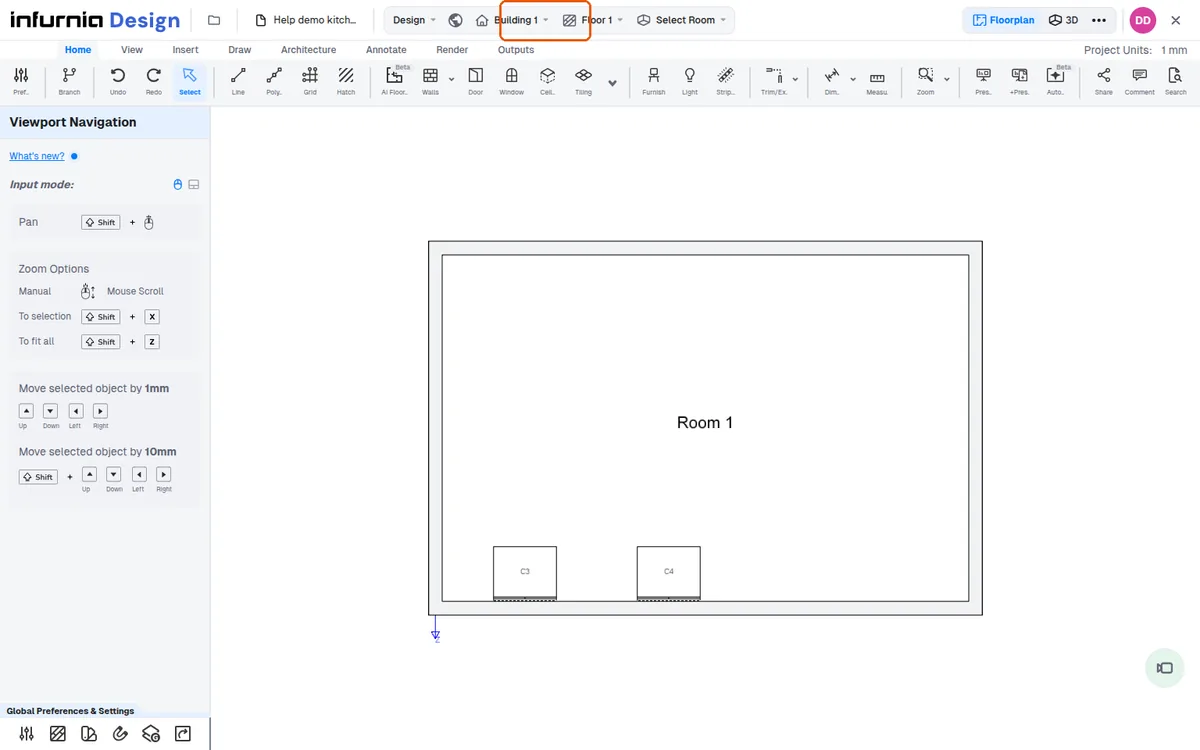
The view switches to the copied floor (message 'View switched to Floor 2').
✓ Checked in the product on 22 October 2026At building level in 3D the copied floor sits above the lower floors at the same plan position.
✓ Checked in the product on 22 October 2026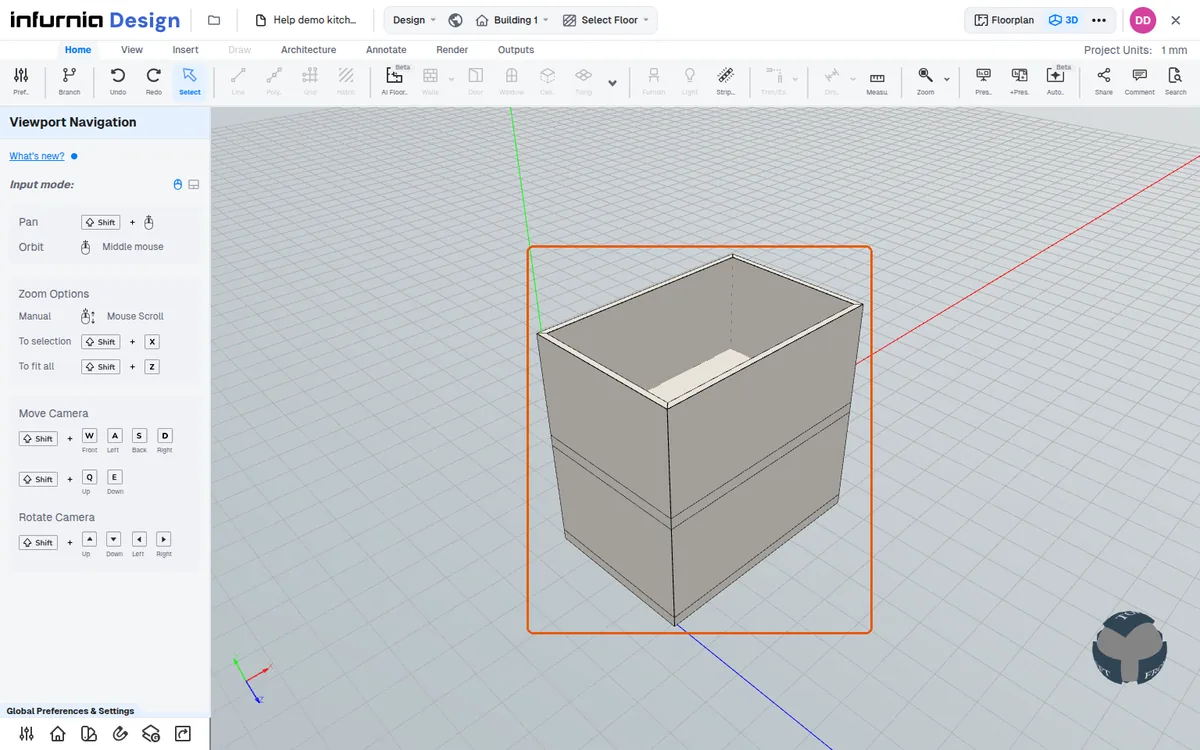
After copying a floor, switching to 3D at building level shows the duplicated rooms stacked one above the other across floor levels, so the same kitchen or bedroom appears on each level. This confirms the floor copies are aligned vertically in the building view.
✓ Checked in the product on 20 October 2026