Add a granite or stone slab via the Architecture module
Place a granite or stone countertop slab in the Architecture module, then set its elevation, snap it into position and edit its thickness and material.
To place a slab (e.g. granite or stone countertop), go to the Architecture module rather than the wardrobe/cabinet module. Choose the slab option, draw a rectangle and apply it.
✓ Checked in the product on 22 October 2026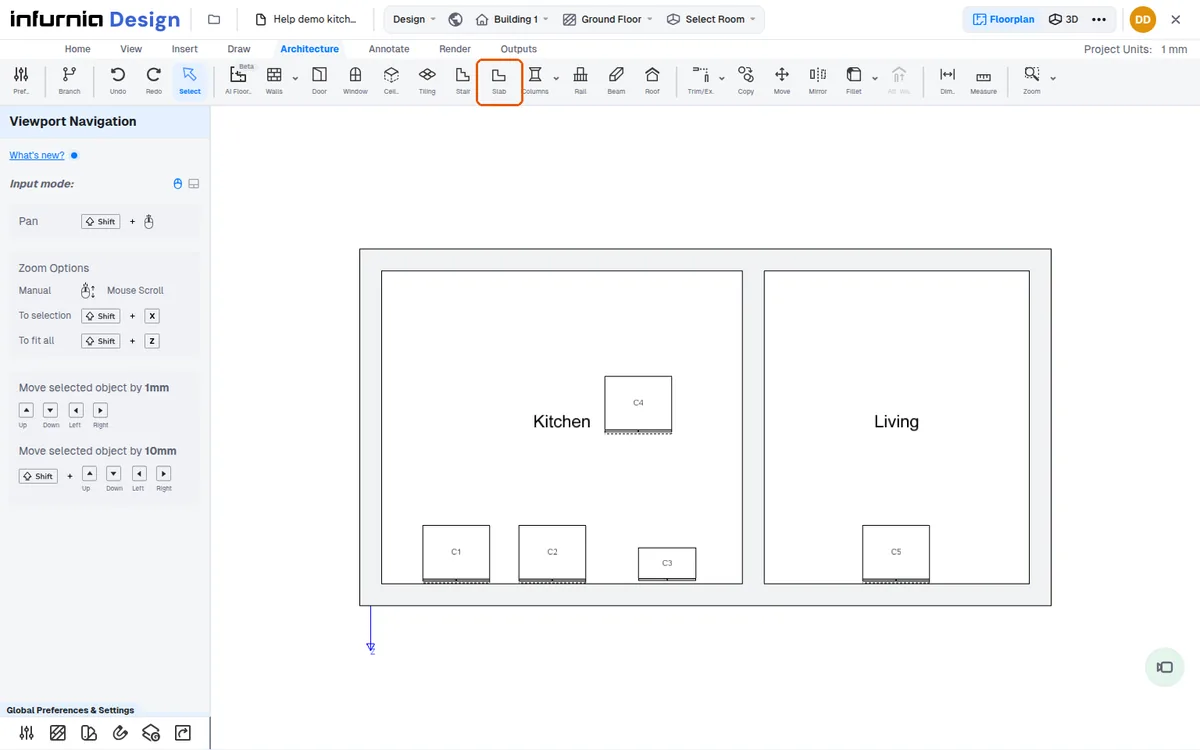
The slab appears in the scene.
✓ Checked in the product on 10 October 2026Select the slab to set its elevation from the floor.
✓ Checked in the product on 10 October 2026Drag the slab in 3D using the green arrow, which snaps it into place.
Thickness and material can then be edited from the slab's properties.
✓ Checked in the product on 10 October 2026