Create parametric pockets and dog-bone cutouts on panels
Machine pockets into panel faces, size them parametrically, and use routing for dog-bone and horizontal cutouts.
To machine a pocket into a panel, enter the machining/CNC mode, choose the face to work on (e.g. the internal face of a panel), add a contour and set the operation type to pocketing.
Position and size the pocket parametrically using panel part references (e.g. opposite panel thickness divided by two, panel depth minus an offset) so the pocket stays linked to the panel.
Instead use a trim/routing operation, which lets you add vertices and set a custom contour.
✓ 已于 2026年10月19日 在产品中核实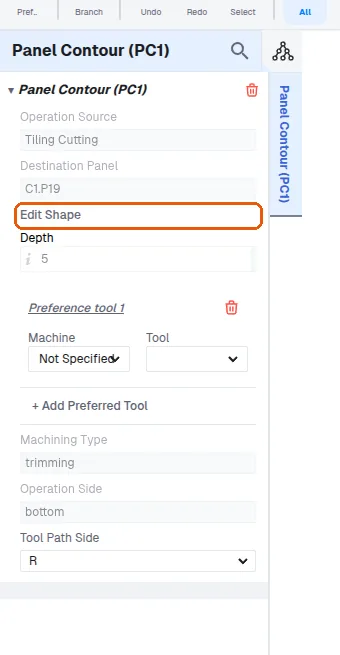
Horizontal pocketing is not currently available as a pocketing operation. The same effect can be achieved using routing, which is supported, so horizontal side-face pockets can still be produced without the dedicated pocketing operation.