Add machines after publishing and refresh the machine list
Add a beam-saw or CNC machine in Settings > Machines and make it appear on the published work order without republishing.
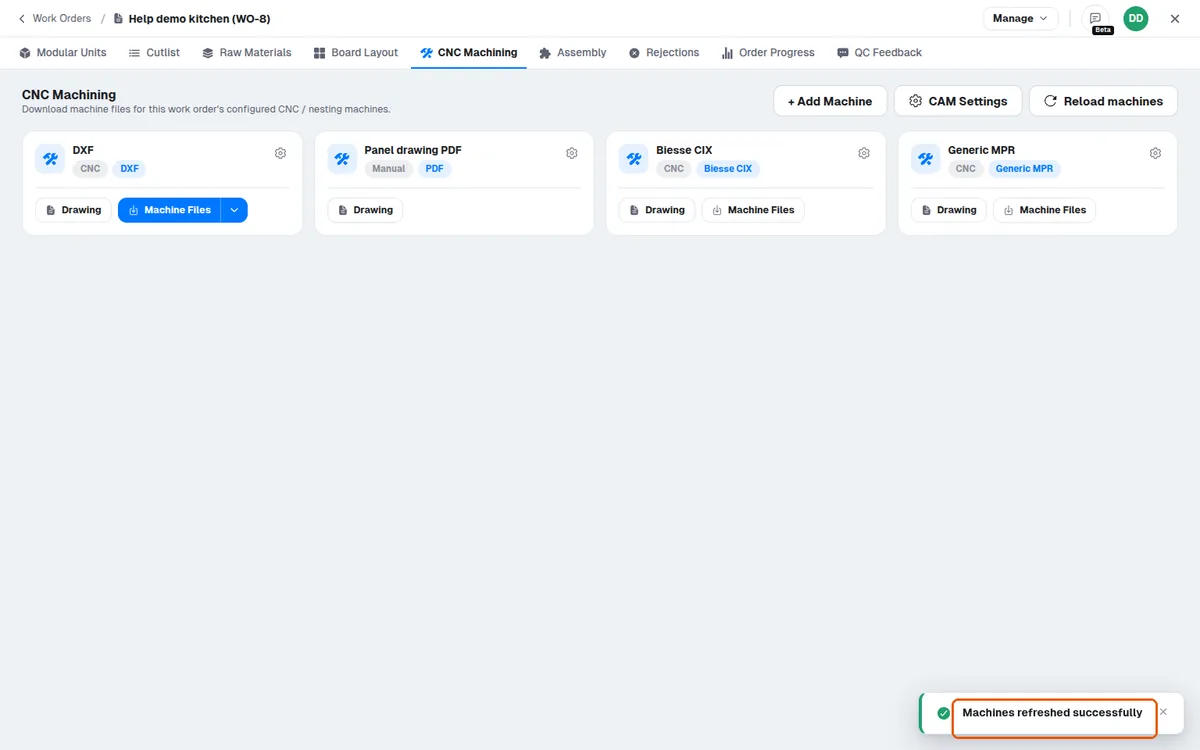
Machines need not be set up before the work order is published: a cutting beam-saw machine (Biesse XML output) and a CNC machine (Generic MPR output) added in Settings > Machines after the work order was published show on the published work order at once (Board Layout > Saw Files, the CNC Machining tab's cards) and give their files without republishing.
After adding a machine in the MES Settings > Machines tab (machine name, type, sub-type and output format), the production team can verify the configuration by exporting the CNC files for a work order from the MES and checking the output.
If a newly added or expected machine does not appear in the CNC Machining tab, use the Reload machines button in that tab's header to refresh the machine list.
✓ 已于 2026年10月20日 在产品中核实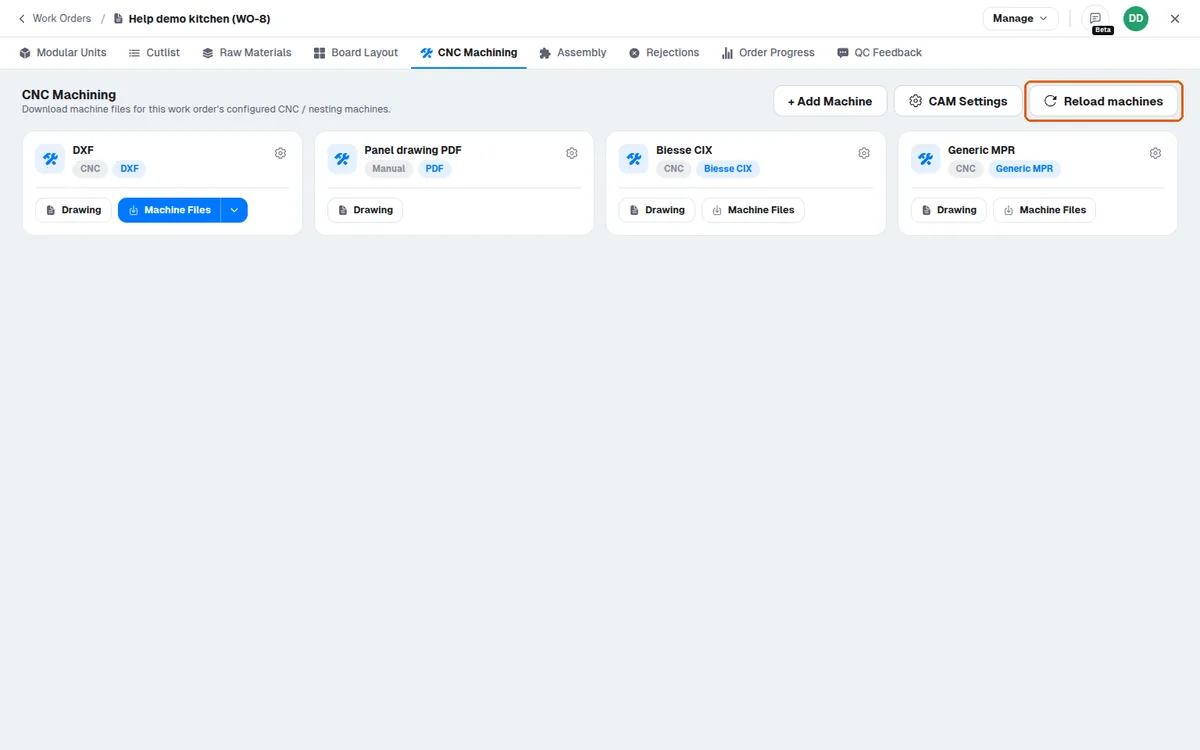
A 'Machines refreshed successfully' message confirms the reload.
✓ 已于 2026年10月20日 在产品中核实