Add a handle at drawer level with the drawer handle selector
Assign a handle to a single drawer, or to several cabinets at once, without touching placement or orientation settings.
Handles can also be assigned at drawer level.
Open the cabinet's edit panel, go to drawer level edits, scroll down to the Handle section and pick the handle in the drawer's handle selector; it applies on pick.
✓ 已于 2026年10月9日 在产品中核实For several cabinets at once, select them and use 'Modify Handle', then 'Apply Changes'.
✓ 已于 2026年10月21日 在产品中核实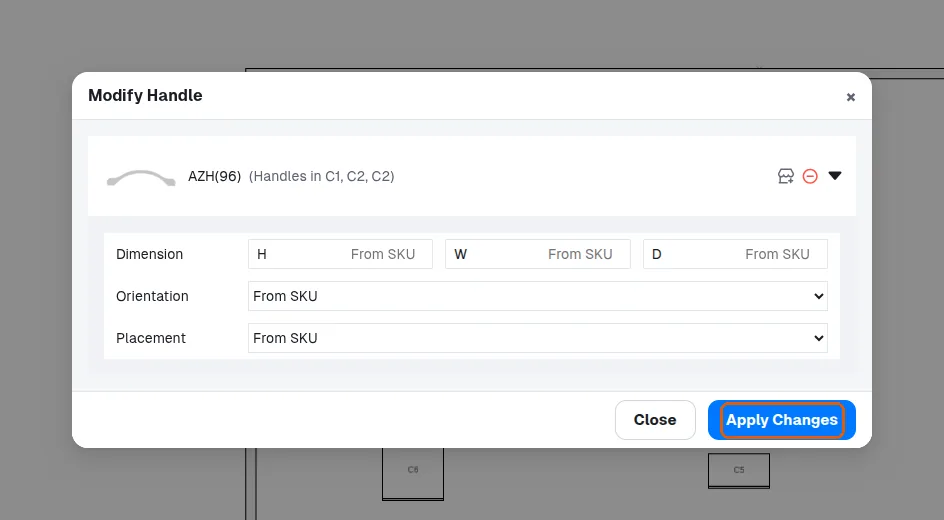
Placement and orientation settings do not need to be changed if the existing defaults are acceptable.
✓ 已于 2026年10月9日 在产品中核实