Add a ceiling and tiling with the pick tool
Draw a ceiling and tiling inside the room with the pick tool, then adjust the tiling pattern and size.
To add a ceiling, choose the ceiling option under architecture and use the pick tool to draw inside the room.
✓ 已于 2026年10月20日 在产品中核实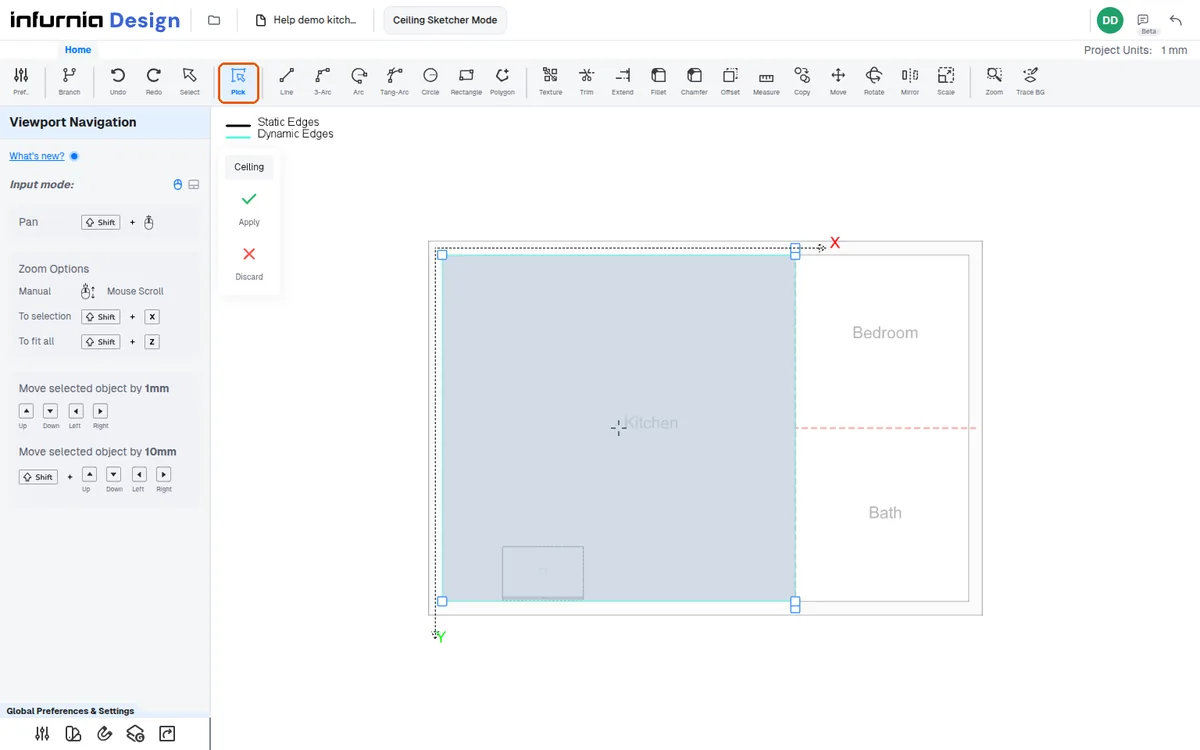
Tiling uses the same pick tool: click inside the area and apply.
The tile must be selected from the catalog, which is saved in the admin portal.
✓ 已于 2026年10月20日 在产品中核实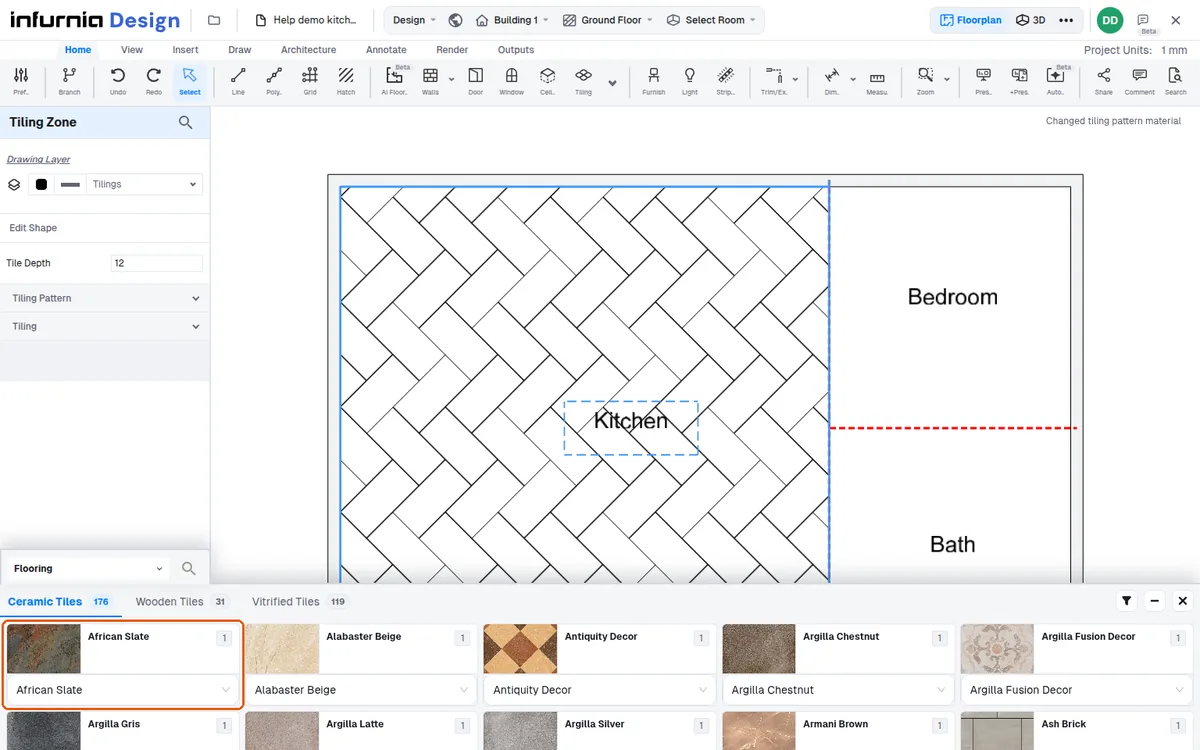
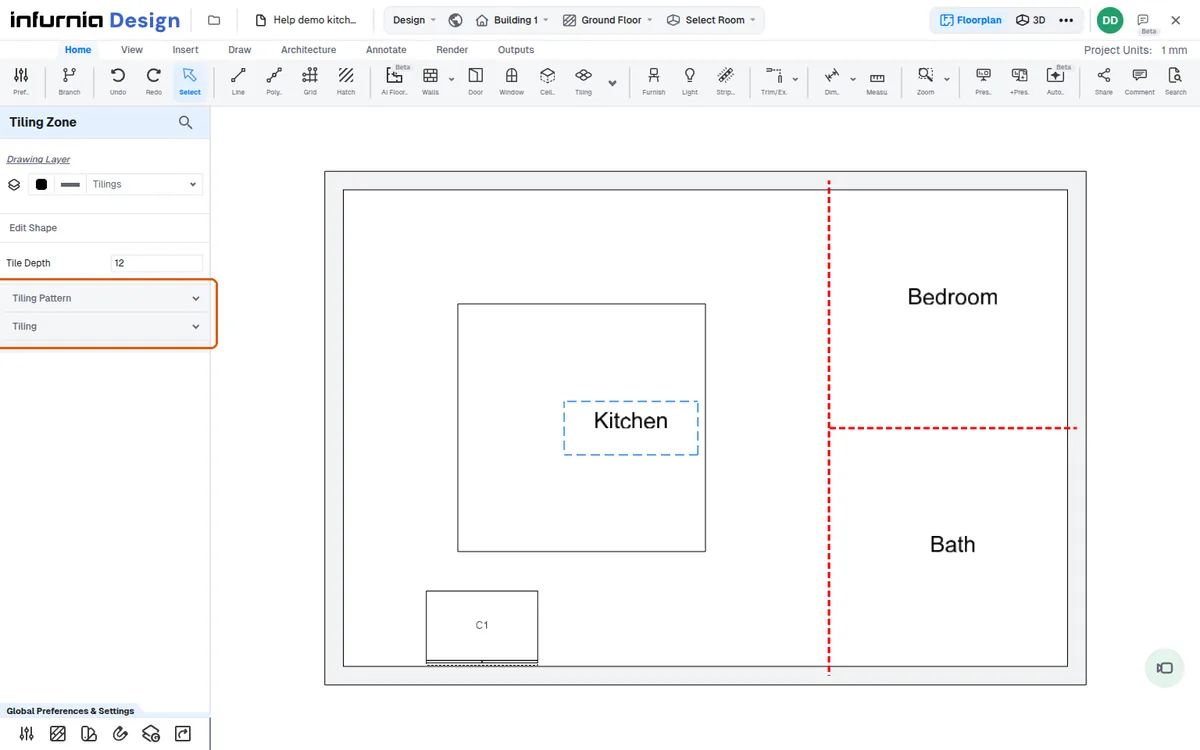
The tiling pattern and size can be changed on the left-hand side.
✓ 已于 2026年10月20日 在产品中核实