Generate multi-cabinet elevations and change finishes in bulk
Open a cabinet's 2D Drawings to generate elevations covering several cabinets, then group-select cabinets to change their materials and finishes in one action.
Select a cabinet and open its '2D Drawings' option (Sectional Elevations / Multi Cabinet Elevation) to generate elevations covering multiple cabinets.
✓ ଅକ୍ଟୋବର 20, 2026 ରେ ପ୍ରଡକ୍ଟରେ ଯାଞ୍ଚ କରାଯାଇଛି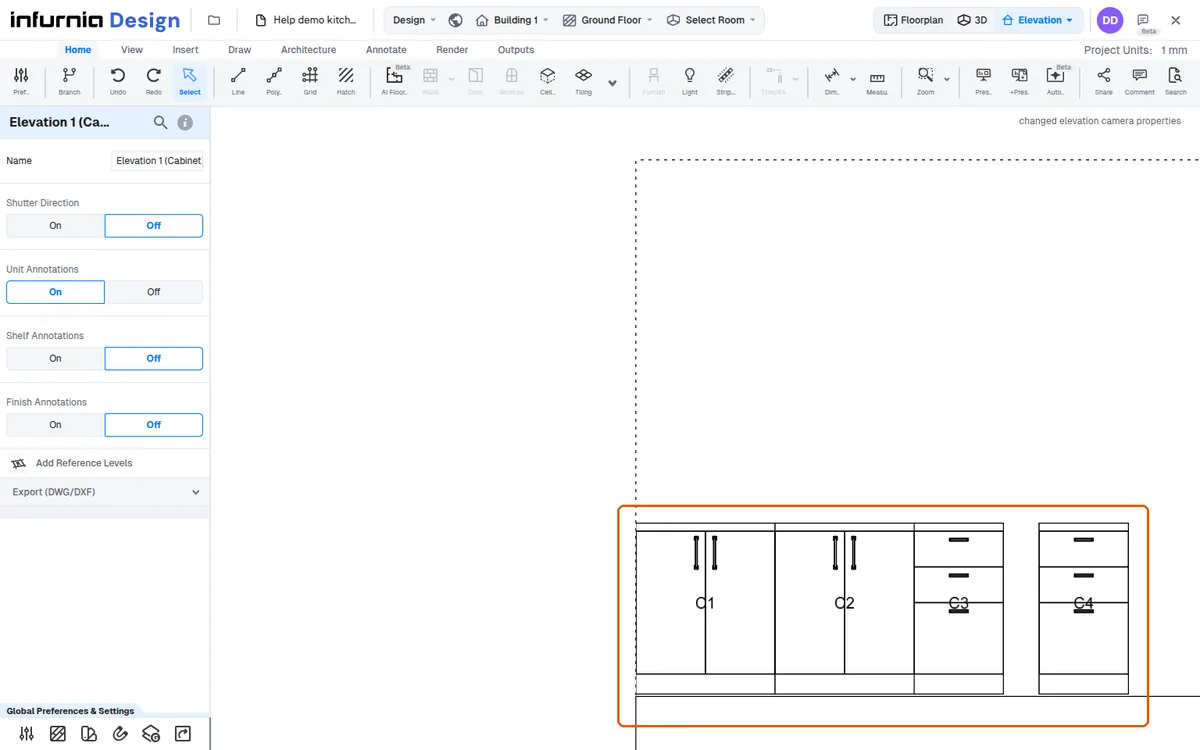
To change the finish of multiple cabinets or wardrobes at once, select them together; the left-hand panel then shows a 'Cabinets/Wardrobes (n)' section whose Change Material > Finishes (shutter / carcass, external / internal) applies the chosen finish to every selected cabinet or wardrobe in one action instead of editing each unit individually.
Group-select cabinets to change materials and finishes across all of them at once.
✓ ଅକ୍ଟୋବର 20, 2026 ରେ ପ୍ରଡକ୍ଟରେ ଯାଞ୍ଚ କରାଯାଇଛି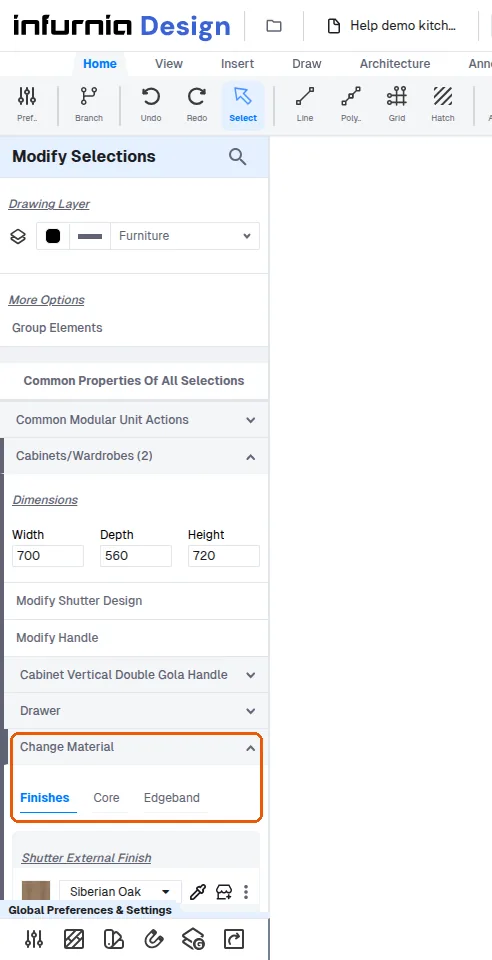
The group selection capability has been available since the beginning of the software.
The group selection capability makes colour or finish changes take only seconds.