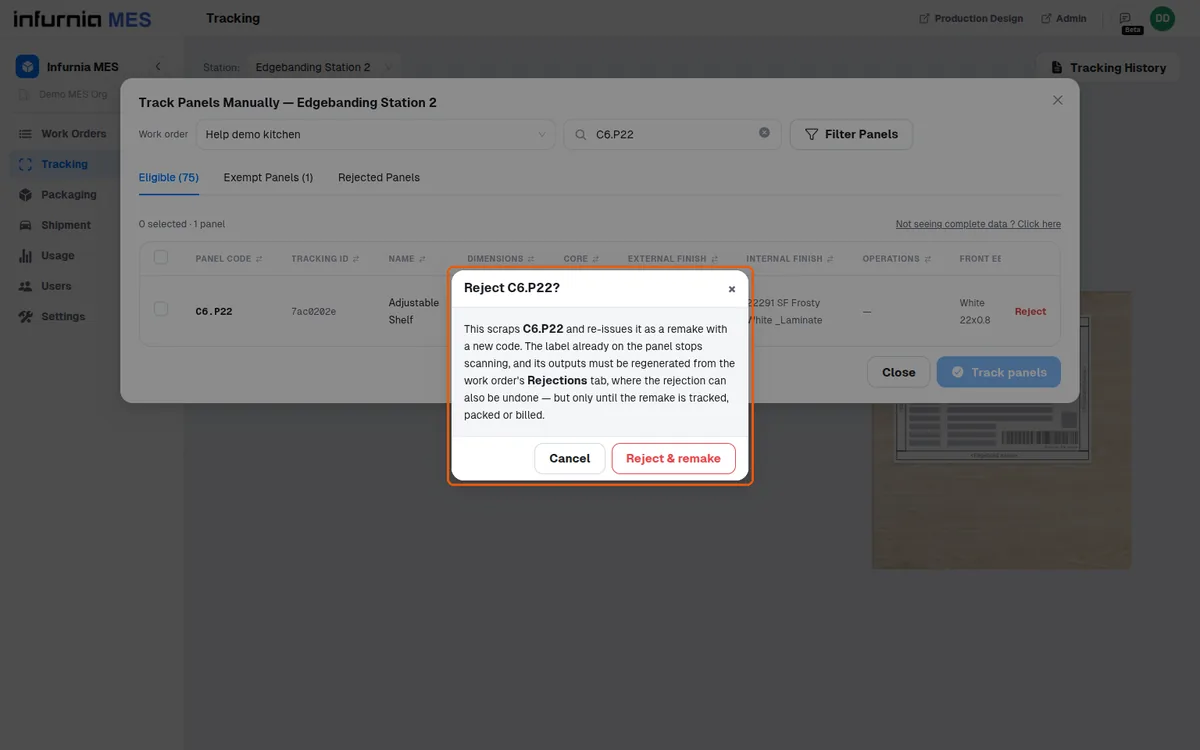
Reject and remake a panel from the manual table
Reject a panel and remake it, then regenerate the remake's outputs from the Rejections tab.
Separately, a panel can be rejected and remade from the scan result, the manual table or Tracking History; the old label stops scanning and the remake's outputs must be regenerated from the work order's Rejections tab, where the rejection can be undone until the remake is tracked, packed or billed.
The Reject link on a row is an action to reject that panel, not a status.
✓ 2026년 10월 20일에 제품에서 확인됨