Move a unit with the gimbal or the position fields
Reposition a unit in the floor plan or with the 3D gimbal, using the coloured axis handles to move it in the direction you want.
To reposition a unit, either adjust it in the floor plan or use the 3D gimbal: hold the green gimbal arrow, choose the direction and type the distance (positive upward, negative downward).
✓ 2026년 10월 20일에 제품에서 확인됨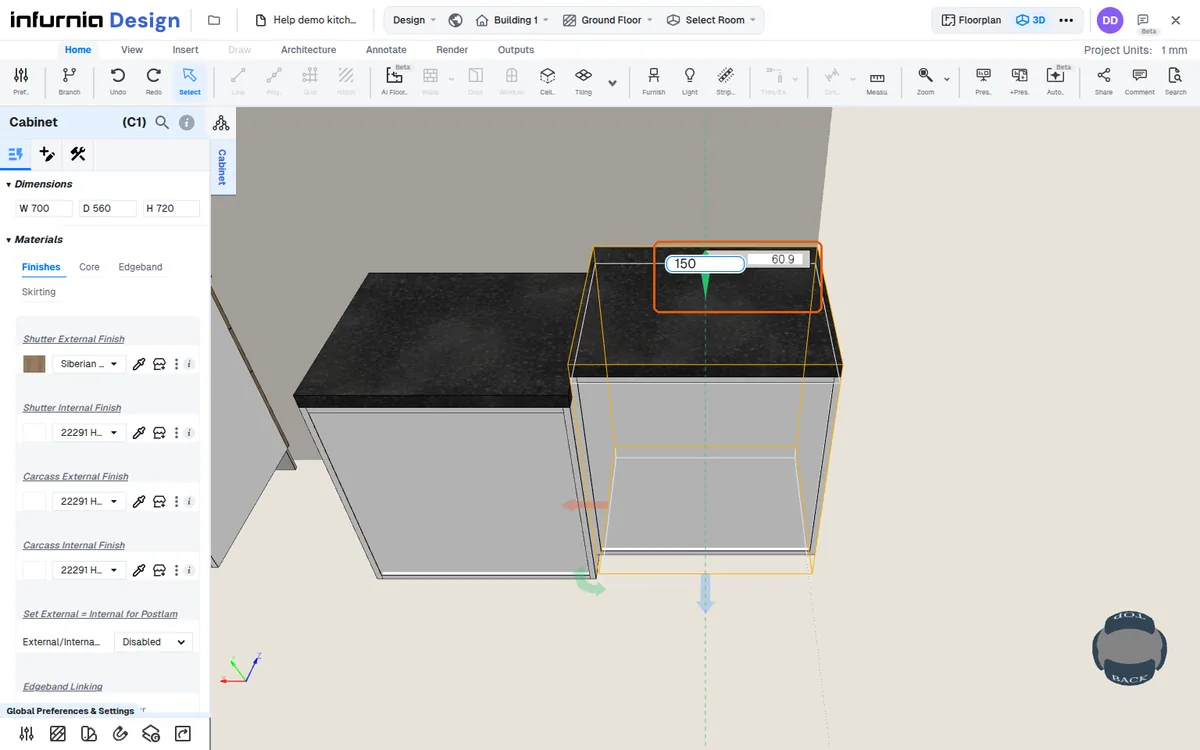
The gimbal arrow colour matches the axis colour (green for Y), which indicates which axis will change.
✓ 2026년 10월 20일에 제품에서 확인됨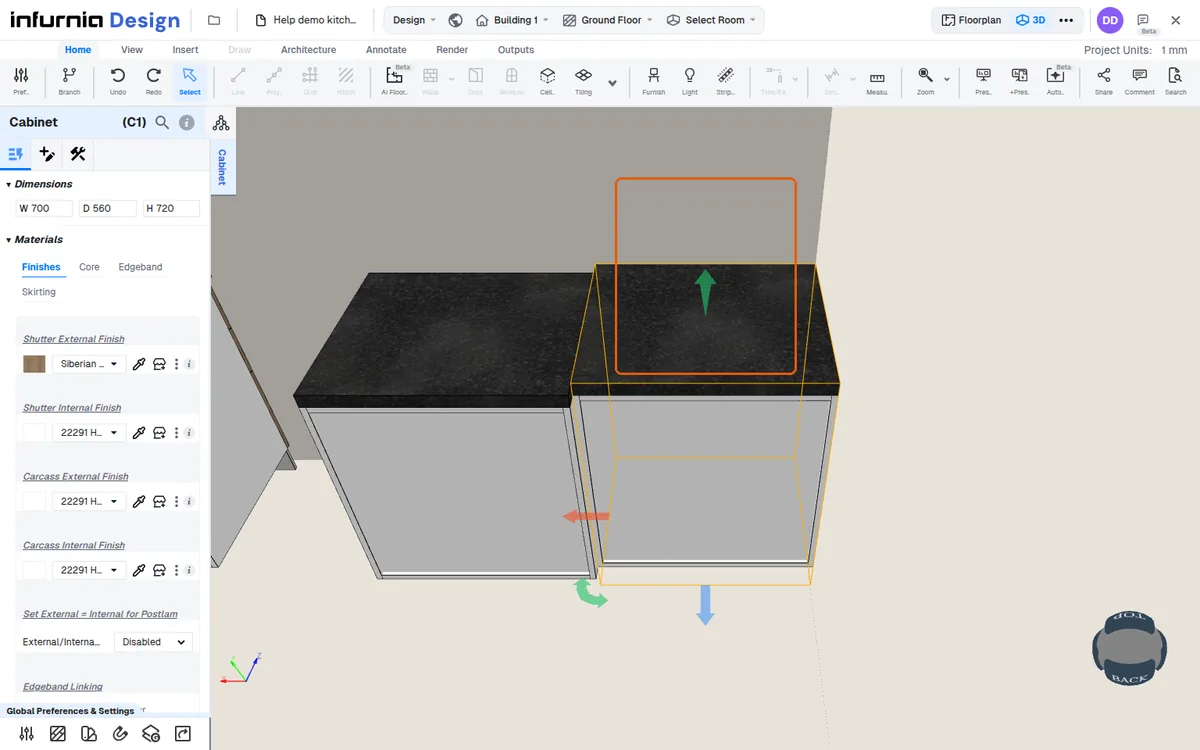
In 3D view, click the cabinet to bring up the gimbal with green, red and blue handles. Drag the blue handle to move the unit forward or back into clear space. The same selection lets you edit width, height and depth, and the internal layout adjusts automatically to the new size.
✓ 2026년 10월 19일에 제품에서 확인됨