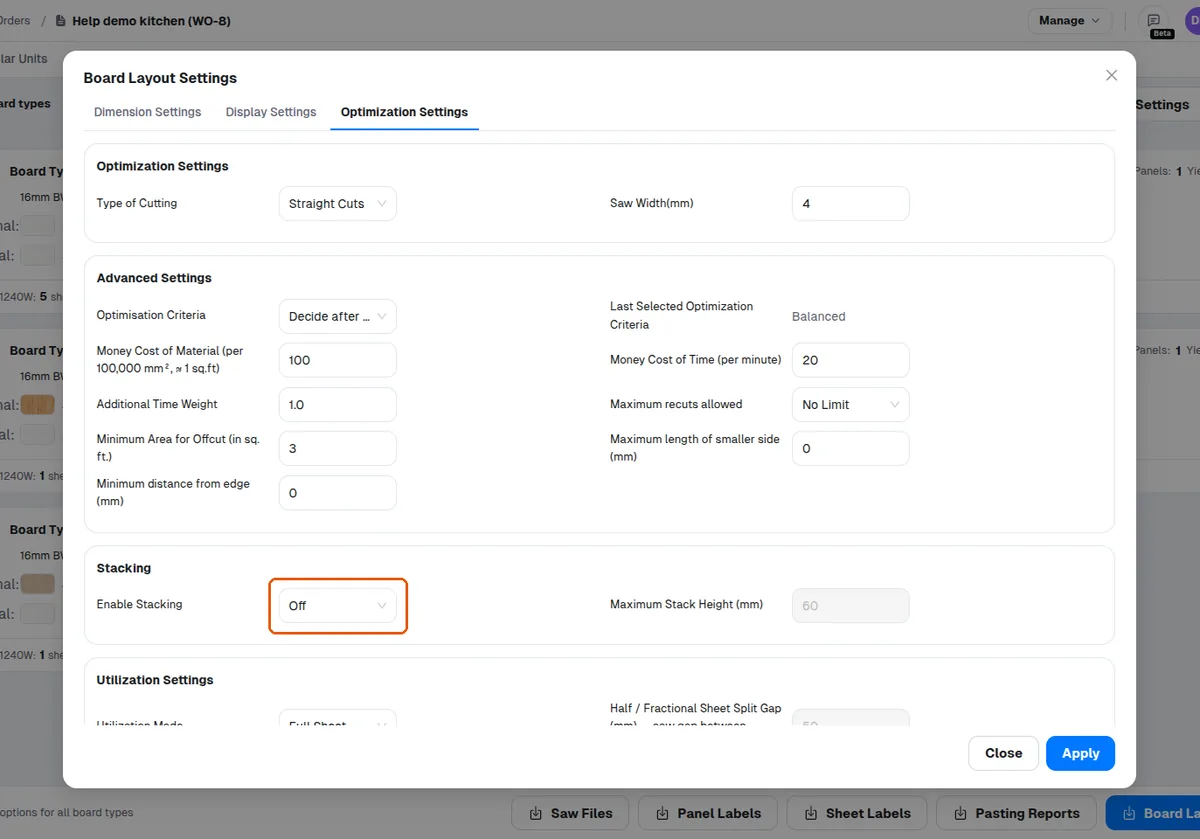
Enable stacking per work order and set maximum stack height
Turn on stacking for a work order and set how high boards may stack in its board layouts.
Stacking is configured inside a work order's Board Layout Settings.
✓ 2026年10月20日に製品で確認済み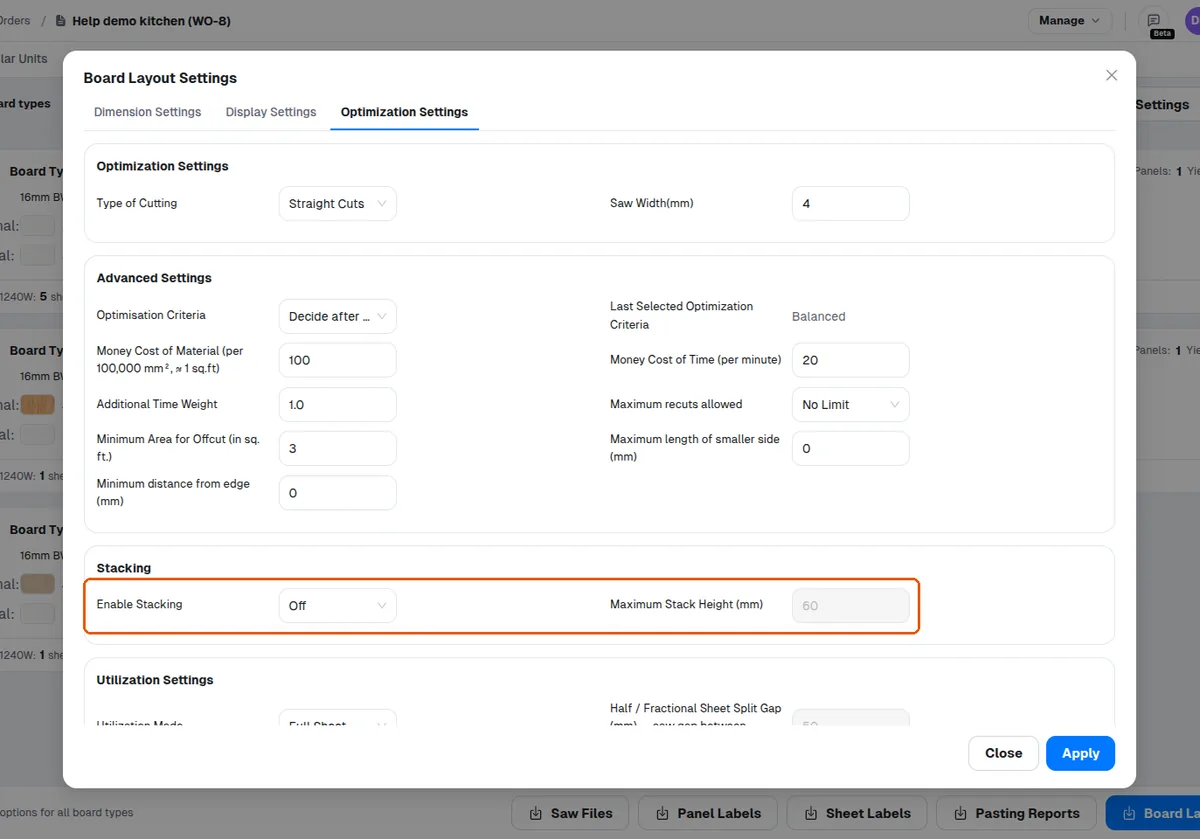
Open the required work order, turn the Enable Stacking option on, and set the Maximum Stack Height (mm) value.
✓ 2026年10月20日に製品で確認済み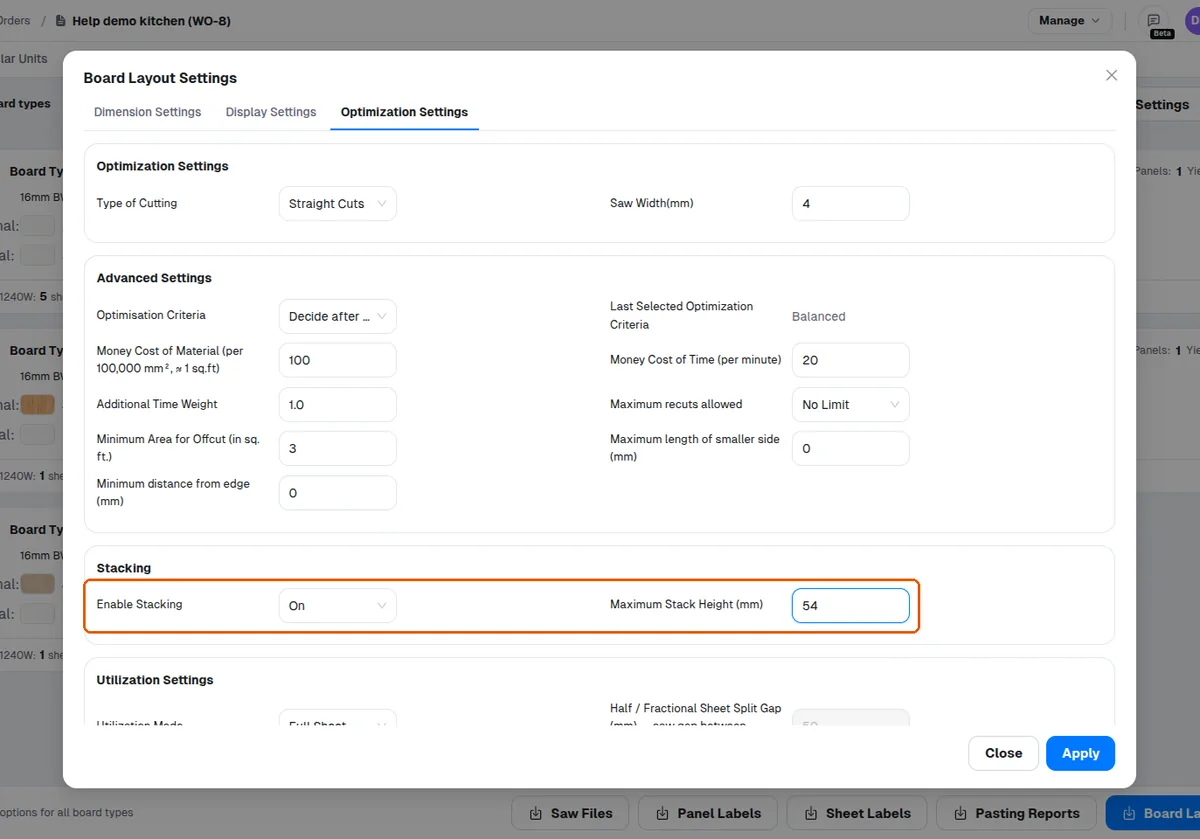
Stacking is off by default, so it must be enabled for each work order where stacked board layouts are needed.