ground floor plan view से architectural columns और beams जोड़ें
ground floor plan view में काम करके और architecture options से उन्हें चुनकर architectural columns और beams जोड़ें।
architectural columns या beams जोड़ने के लिए ground floor plan view में काम करें, ताकि snapping और placement सटीक रहें।

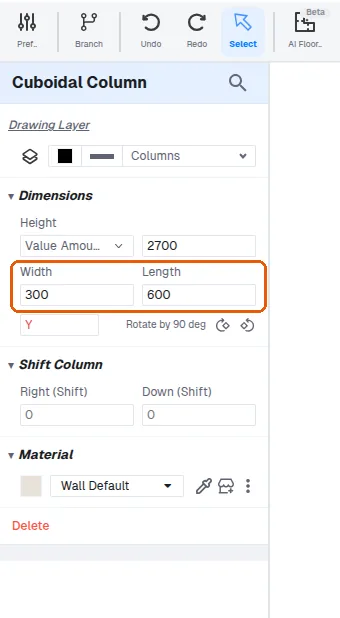
architecture options से column या beam चुनें, फिर architectural constraints के अनुसार उसे आवश्यक dimension में resize करें (उदाहरण के लिए 300mm by 600mm)।
✓ 21 अक्टूबर 2026 को प्रोडक्ट में जाँचा गया