Send a design from the design portal to production
Create the design and drawings in the design portal, then hand it to the production portal for checking before it reaches the shop floor.
The platform has two portals: a design portal and a production portal.
✓ Vérifié dans le produit le 21 octobre 2026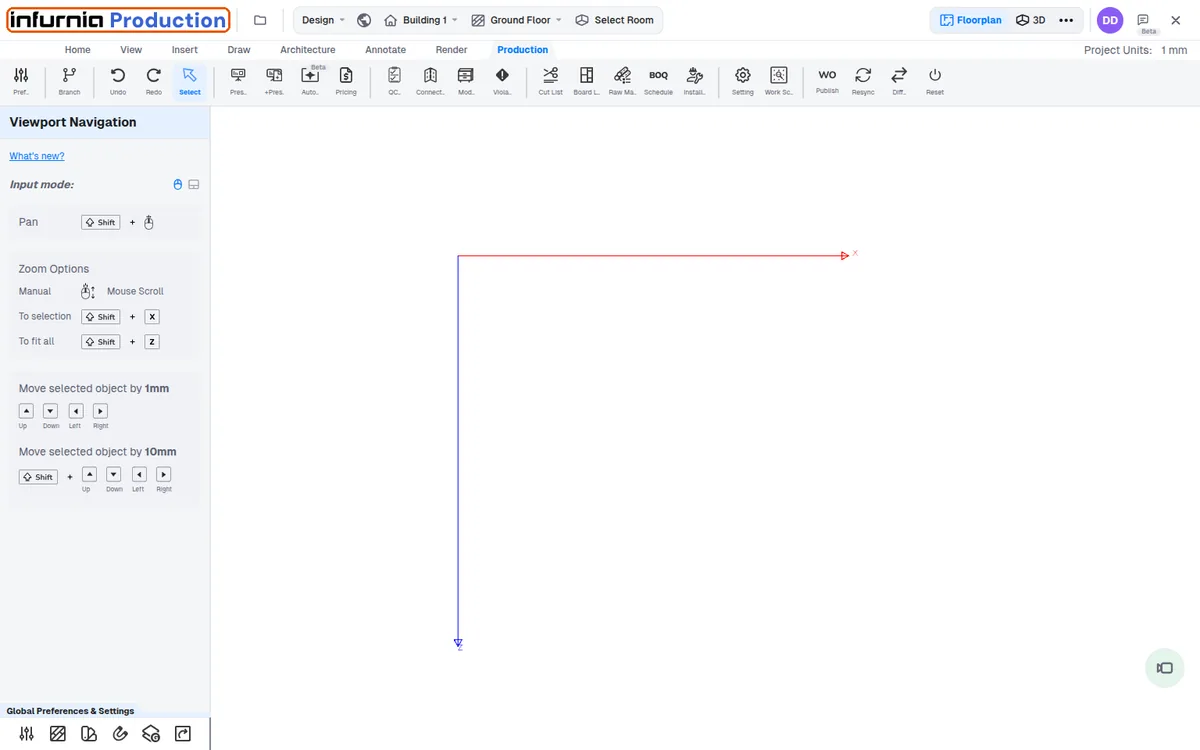
Designers create the design, presentation and working drawings, and can generate the quotation.
Once done, a Send to Production button moves the design to the production portal.
✓ Vérifié dans le produit le 21 octobre 2026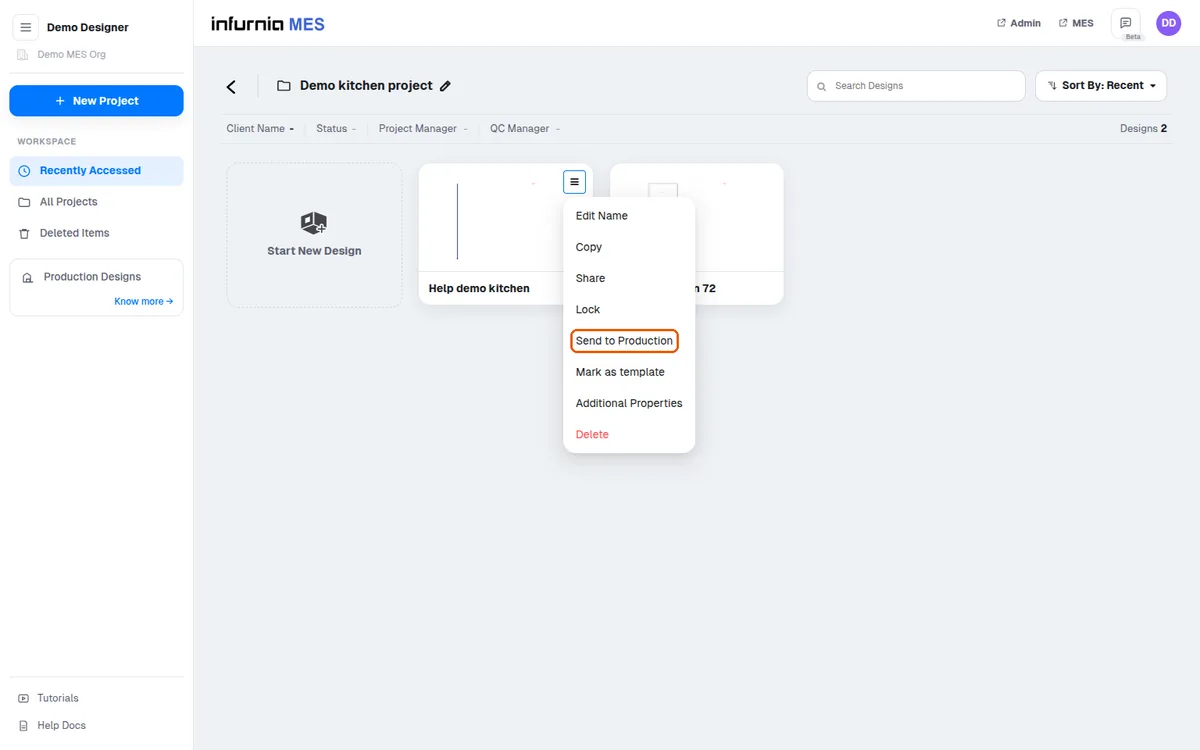
In the production portal, a production designer checks internal construction, number of fixes, cut list correctness and hardware placement before releasing it to production.
Before releasing a project to production, verify the construction and fine-tune the outputs, then review the cut list for correctness. Only after these checks should the design be sent to direct production. This prevents errors such as incorrect panel sizes or drawer configurations from reaching the shop floor.
The platform has two distinct environments: the design environment, where design teams work, and the production environment, where production teams work. The same design can be opened in both, and the environment in use is indicated at the top left of the interface.
✓ Vérifié dans le produit le 19 octobre 2026