Output CNC files for a work order
Add a machine in the production setup, choose the CNC panel-by-panel operation and download the generic MPR file.
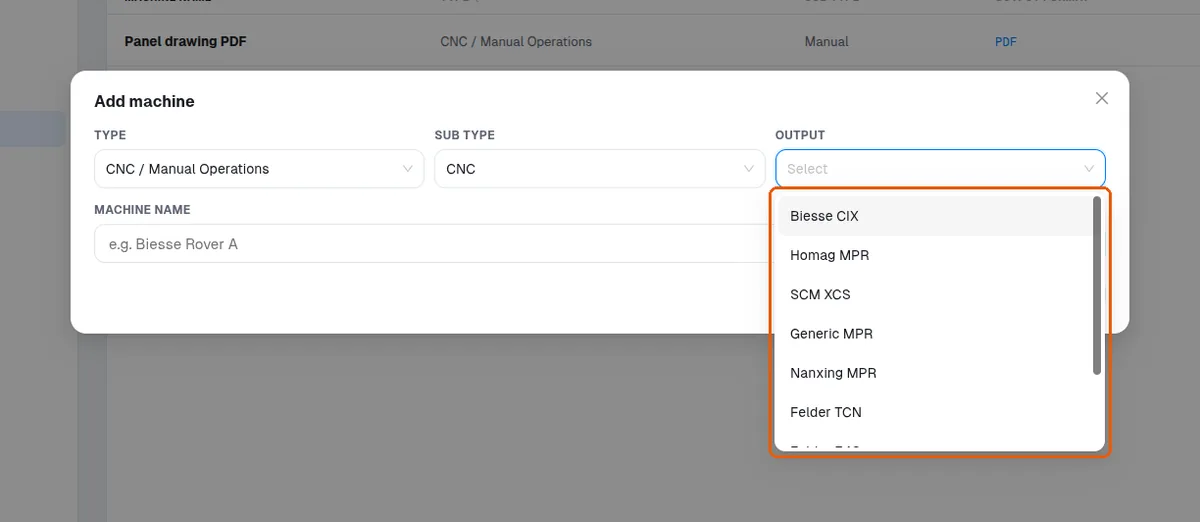
To output CNC files, add a machine in the production setup.
✓ Checked in the product on 18 October 2026To output CNC files, choose the CNC panel-by-panel operation.
To output CNC files, configure the machine name and the tool names as per the specific machine.
✓ Checked in the product on 18 October 2026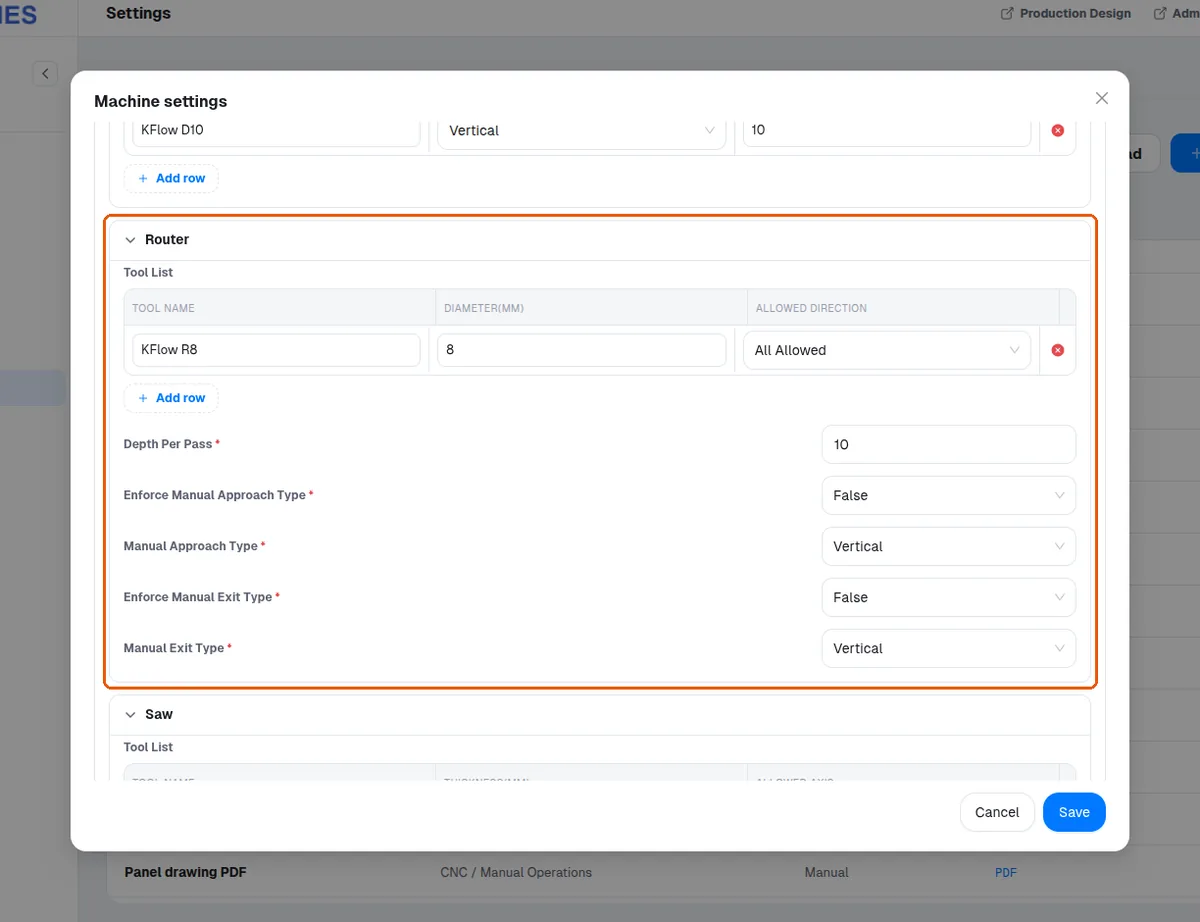
To output CNC files, open the work order in the production portal and download the generic MPR file for that machine.
The format is chosen by the machine's Output setting.
✓ Checked in the product on 18 October 2026