Add saw blade tool row in machine side-saw tool list
Add a saw blade tool row with its name and blade thickness so sawing operations can run on the machine.
To enable sawing operations on a machine, open the machine's CAM settings, go to the Side-Saw → Tool List section, and add a row with the tool name and the blade thickness in mm (the saw blade kerf).
✓ Checked in the product on 20 October 2026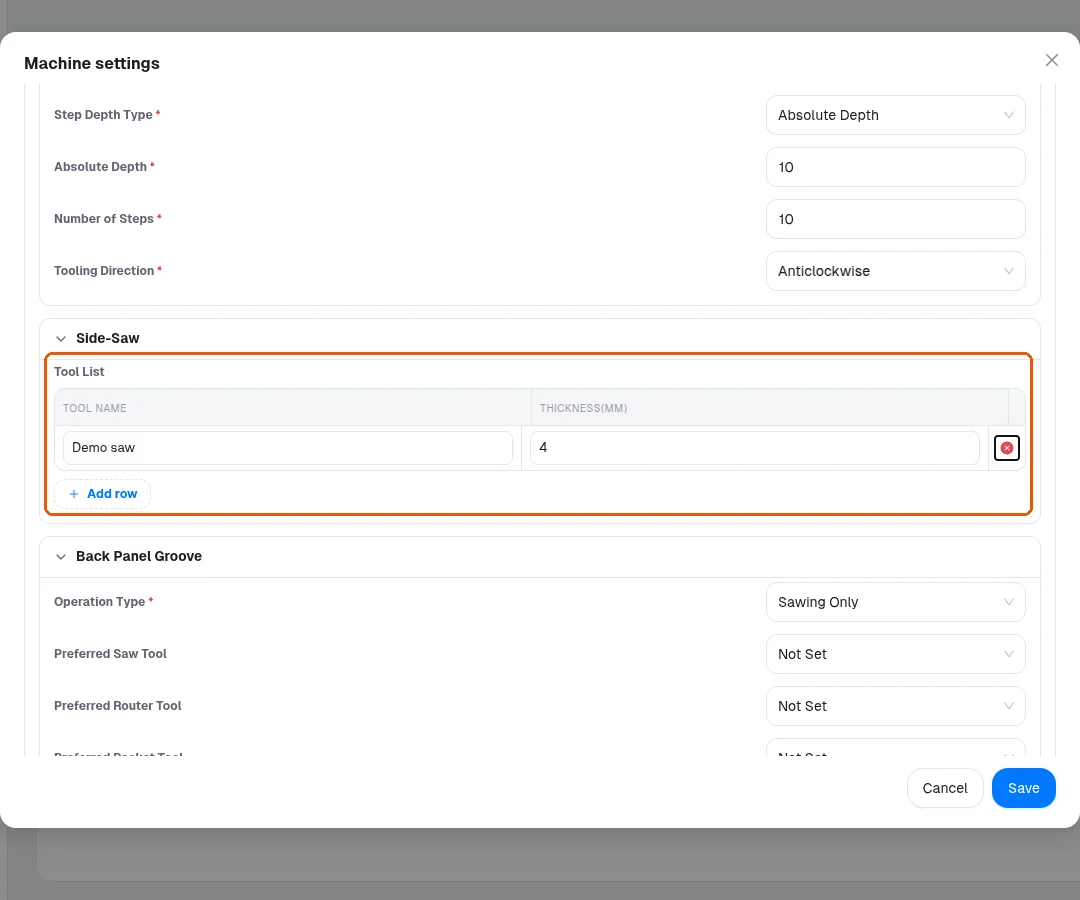
The Side-Saw → Tool List section must be populated before sawing-type machining can run.