Open presentation tool and set page size before adding content
Open the presentation tool, pick a sheet or template, and set the page size in settings before adding any content.
Open the presentation tool from its button or the PR shortcut.
✓ Checked in the product on 10 October 2026Choose a blank sheet, a ready-made template, or a company template.
✓ Checked in the product on 10 October 2026Before adding any content, set the page size in settings (e.g. A4 landscape).
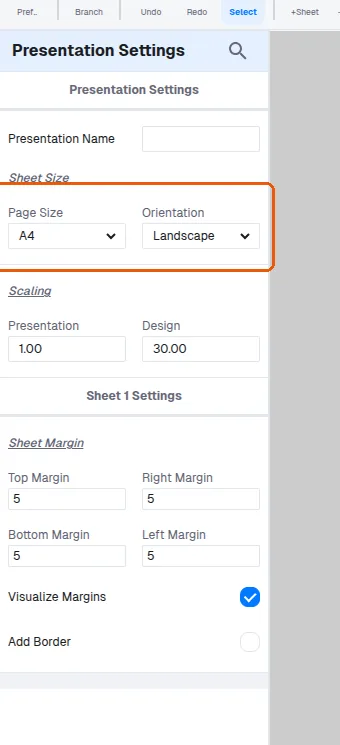
Margins define a keep-out area for items but do not draw a border.
A border must be added separately, where thickness and colour can be chosen.
✓ Checked in the product on 10 October 2026