Add saved views to a presentation sheet
Place a saved view such as a floor plan onto a presentation sheet, then crop, scale and detail it.
Saved views can be placed onto a presentation sheet: open the views panel, pick the view (for example a floor plan) and use 'Add to current sheet'.
✓ Checked in the product on 22 October 2026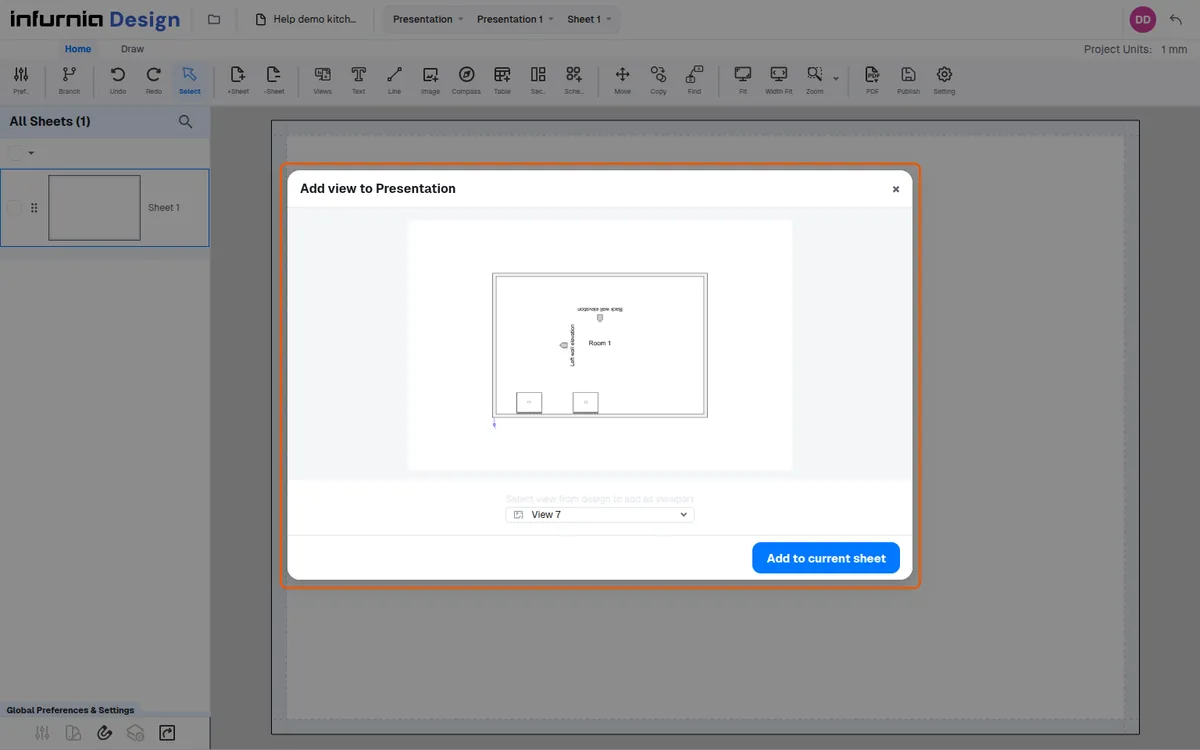
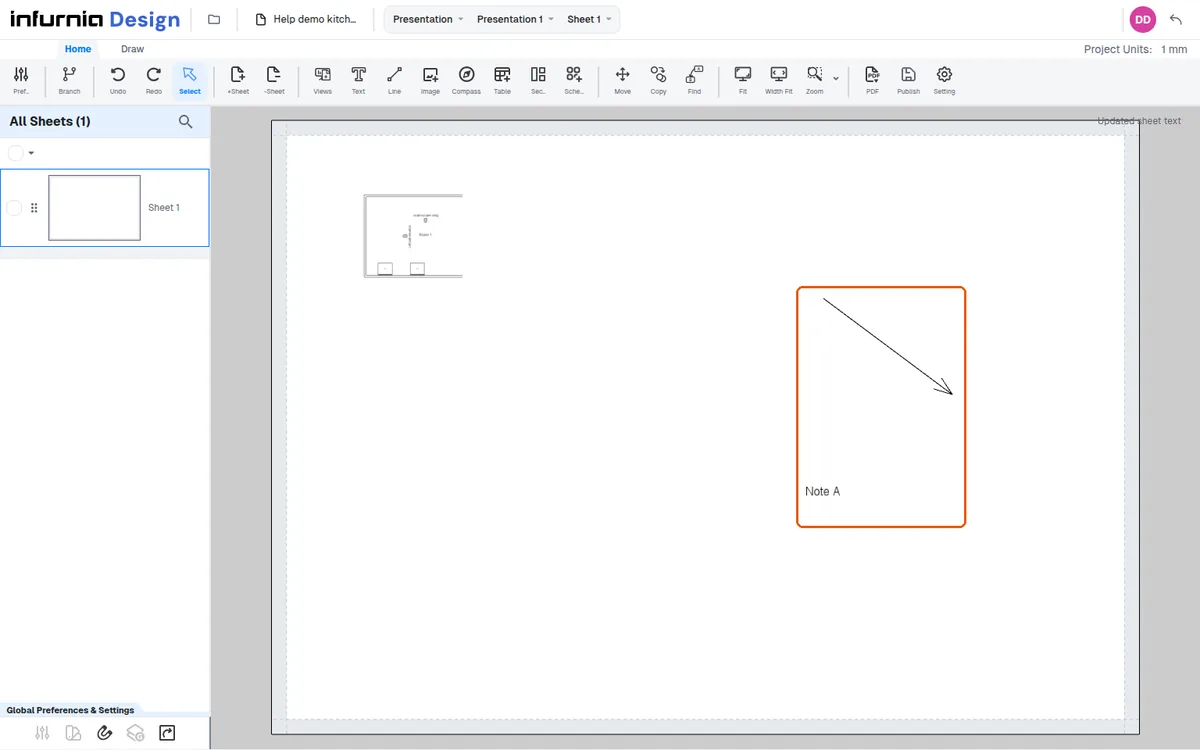
The placed view can then be cropped and scaled.
✓ Checked in the product on 22 October 2026Additional details can be added on the sheet.
✓ Checked in the product on 22 October 2026