Set up presentation sheets with page size, borders and templates
Lay out a presentation sheet with the right page size, title block and graphics, then save and publish it as a reusable template.
In the presentation tool, choose the page size (A3 or A4, per company preference) and add margins and borders.
✓ Checked in the product on 21 October 2026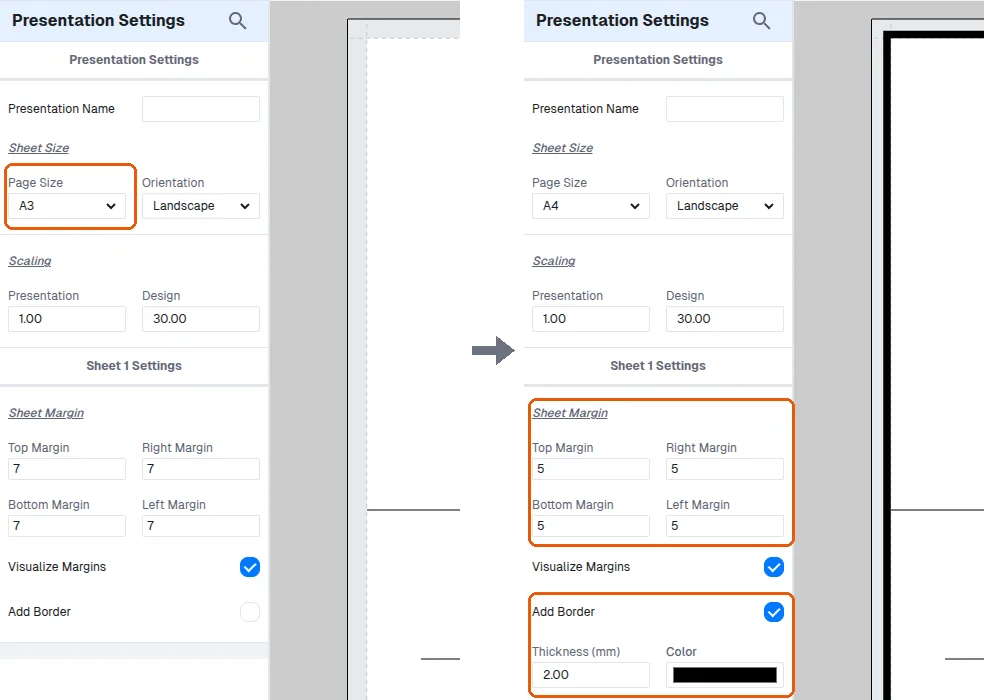
Build the title block using section lines to subdivide the sheet, or lines for more precise positioning, and use the move tool for fine adjustments.
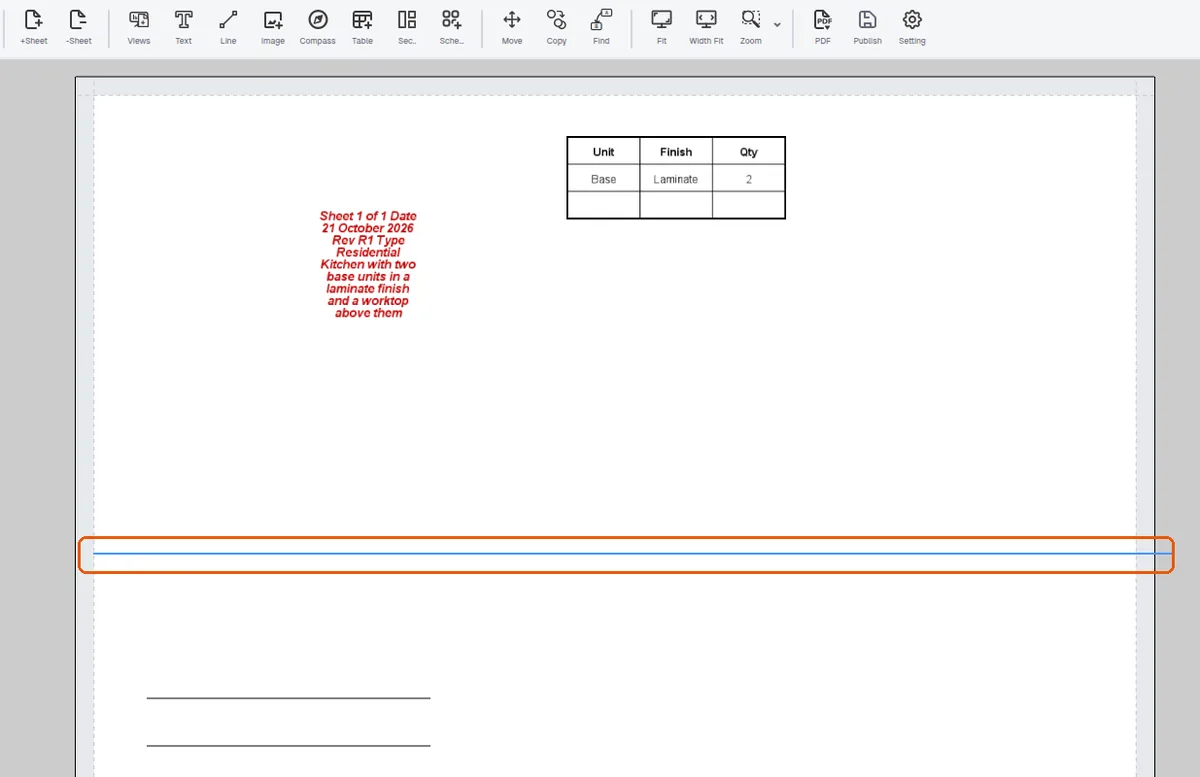
Text, logos, shapes and a compass symbol can be added, with text wrapping and resizable text boxes.
Save the layout as a template and publish it so the same pre-designed layout is reused across projects; sheets can be duplicated, resequenced or deleted.