Edit a drawing selected in presentation with Enter View
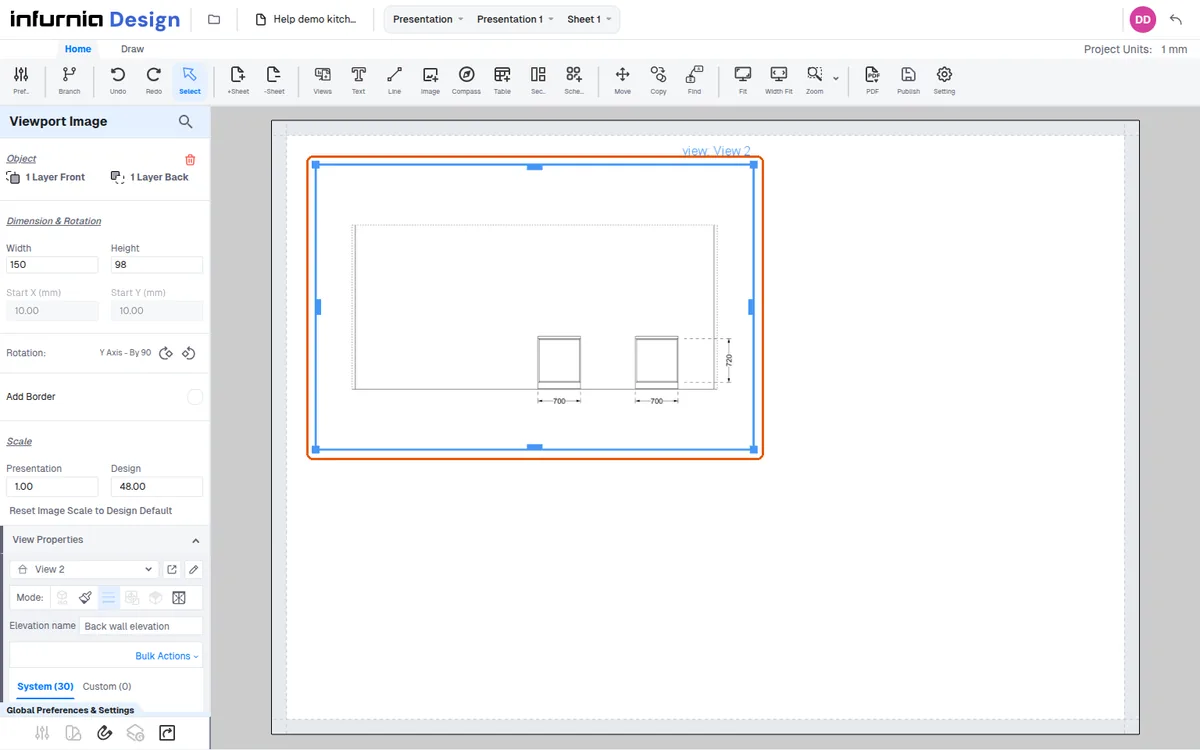
Select a drawing in the presentation and open it with Enter View to make changes that appear back in the presentation elevation.
To edit a specific drawing in a presentation, select that drawing in the presentation, then use the Enter View option to open the view as it appears in the presentation.
✓ Checked in the product on 22 October 2026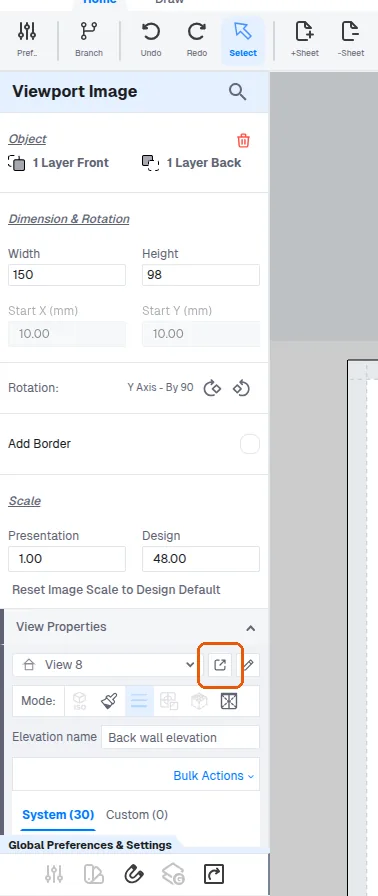
Any modifications made there, such as adding or deleting dimensions, are reflected back in the presentation elevation.
✓ Checked in the product on 22 October 2026