Create reusable components from drawn shapes for floor plans
Draw a shape with the draw tools, turn it into a component, and reuse it across projects.
To add custom symbols to a floor plan, draw the shape using the draw tools (rectangle, circle, lines).
✓ Checked in the product on 21 October 2026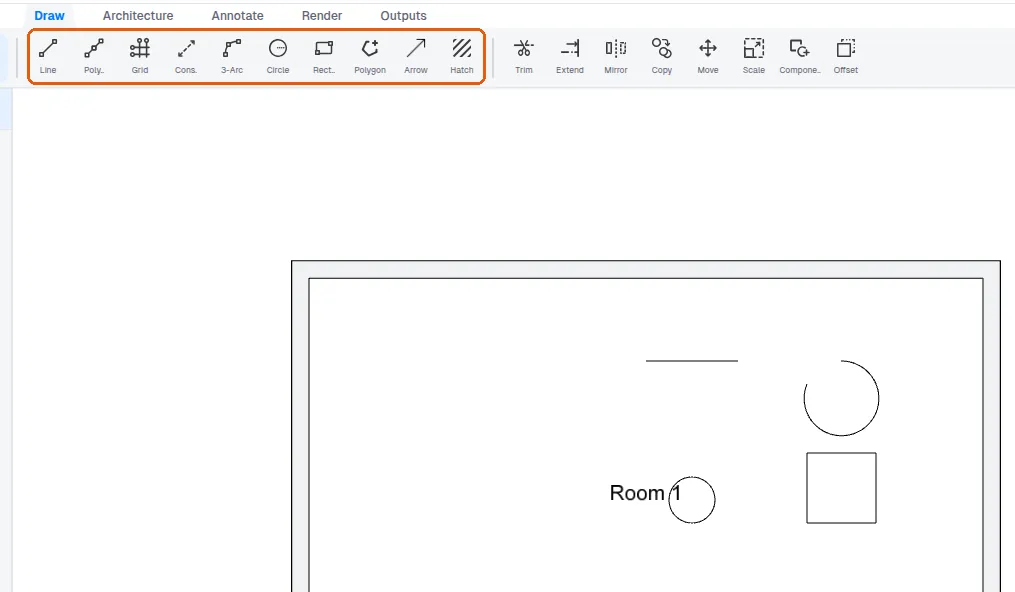
Instead of grouping, select the shape and use Component > Create new component, then pick a base point.
✓ Checked in the product on 21 October 2026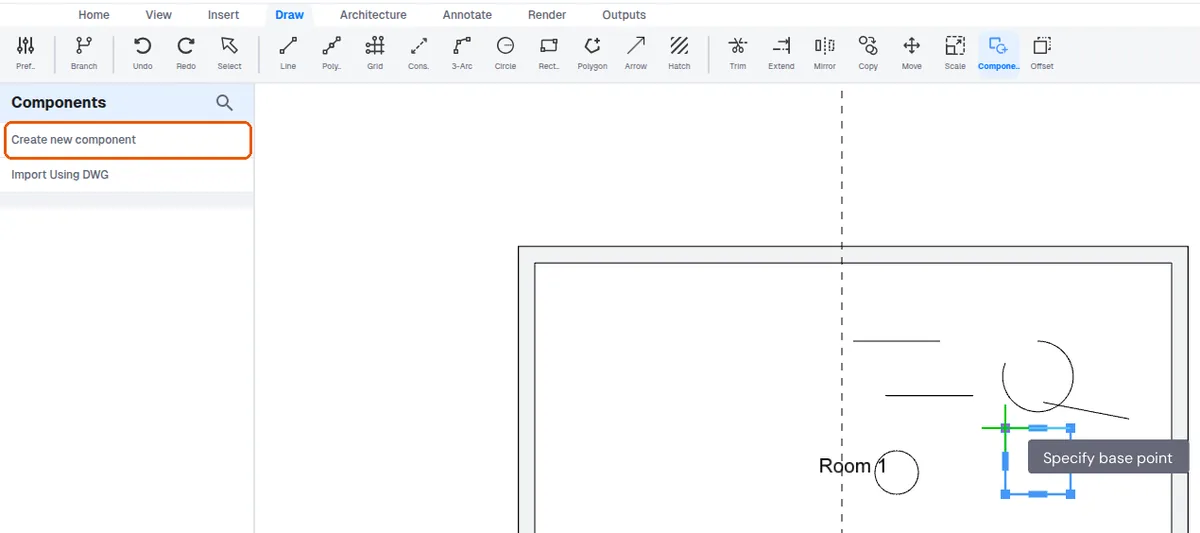
The component is saved for reuse and can be inserted in other projects via Add component.
Components can be rotated.
✓ Checked in the product on 21 October 2026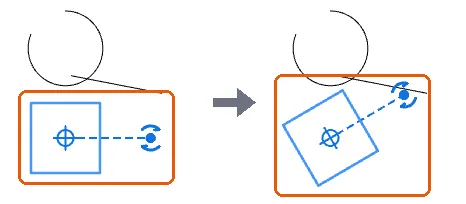
A symbol drawn in CAD can alternatively be imported via DWG to bring in its shape.