Convert a dynamic component to static in a presentation
Freeze a dynamic component into plain sheet objects once the design is final, knowing the change cannot be reverted.
Every dynamic component's Additional Properties menu has 'Change to Static'.
'Change to Static' shows a consent modal with the exact warning: 'If you make this component static in nature, the data will no longer change in response to the modifications made in the design. This action can not be reverted later. Do you want to continue?'
✓ Checked in the product on 20 October 2026On confirm, the component is exploded into ordinary sheet objects at the same spot - the table becomes a plain editable sheet table (frozen at its natural content dimensions, which may differ slightly from the stretched box the dynamic version filled), plus any texts/lines/images it contained.
Recommend converting only as a final publishing step, after the design is frozen.
Non-automatic (static) presentation fields do not refresh when the design changes, so they must be readjusted manually in each design.
✓ Checked in the product on 20 October 2026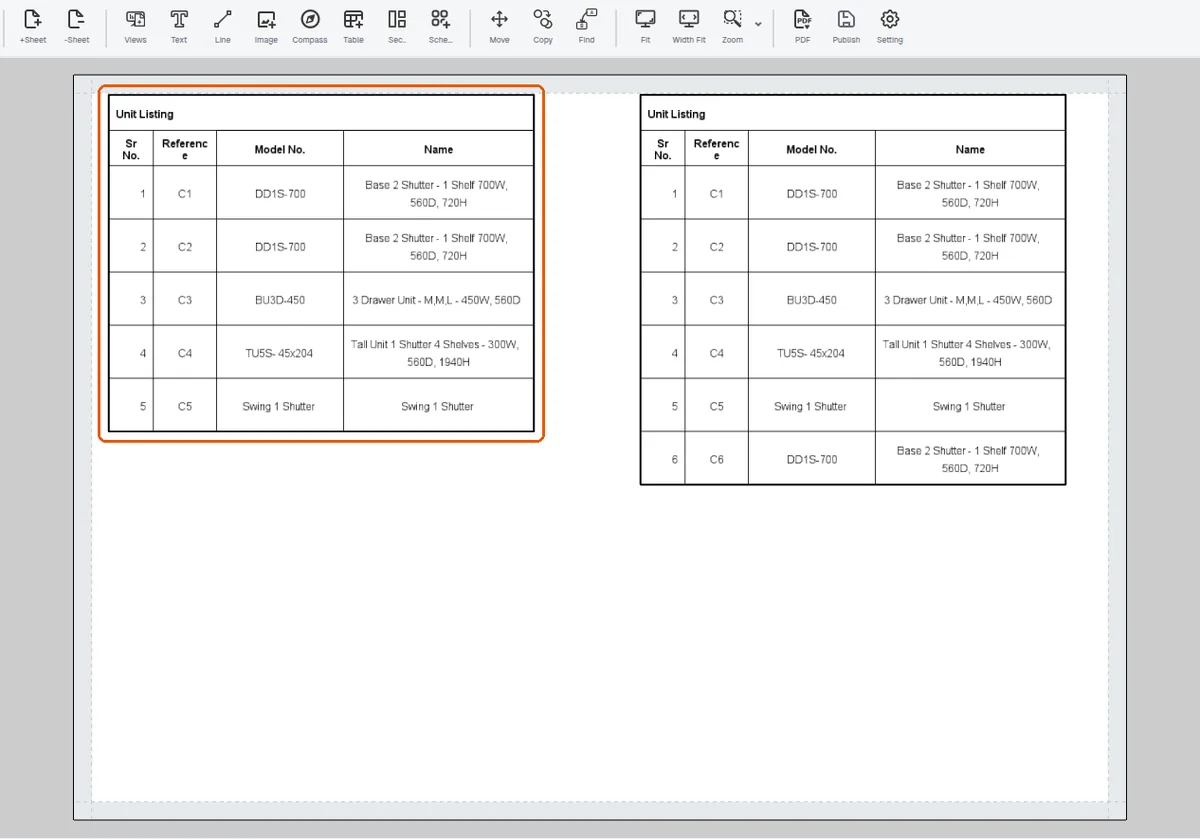
Converting them to automatic/dynamic fields removes that repeated manual editing.