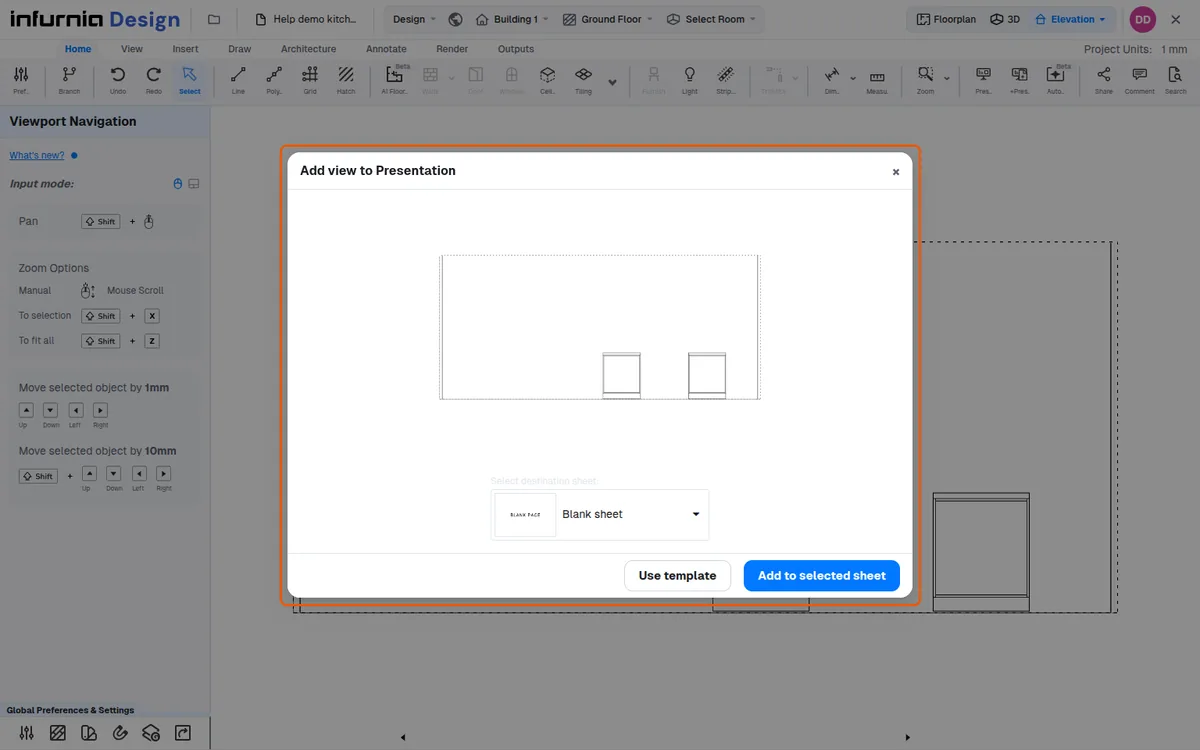
Add a view to presentation from the bottom of the screen
Place a design view into a presentation from the view's settings or the toolbar's Outputs tab, one view at a time.
To place a design view into a presentation, open the view's settings (the gear on its tab in the views bar at the bottom of the screen) and choose "Lock view and add to ppt".
✓ Checked in the product on 22 October 2026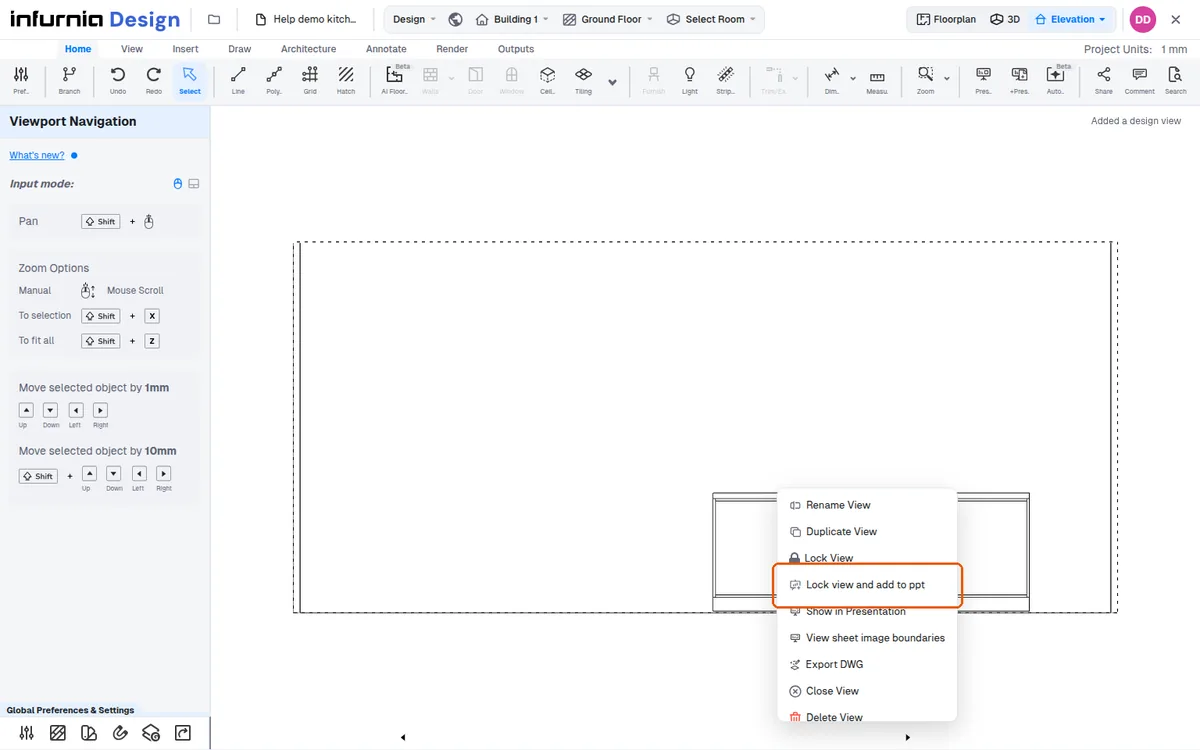
The toolbar's Outputs tab also has "Add View to Presentation".
✓ Checked in the product on 22 October 2026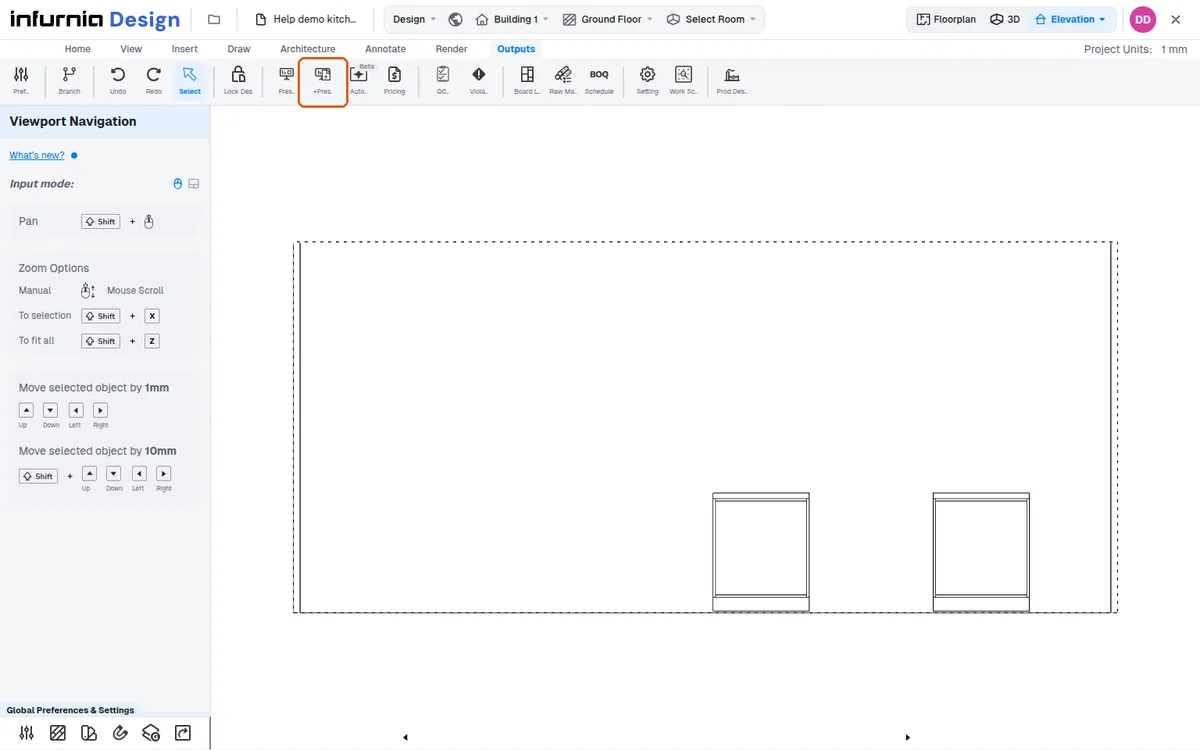
Views are added one at a time.
✓ Checked in the product on 22 October 2026