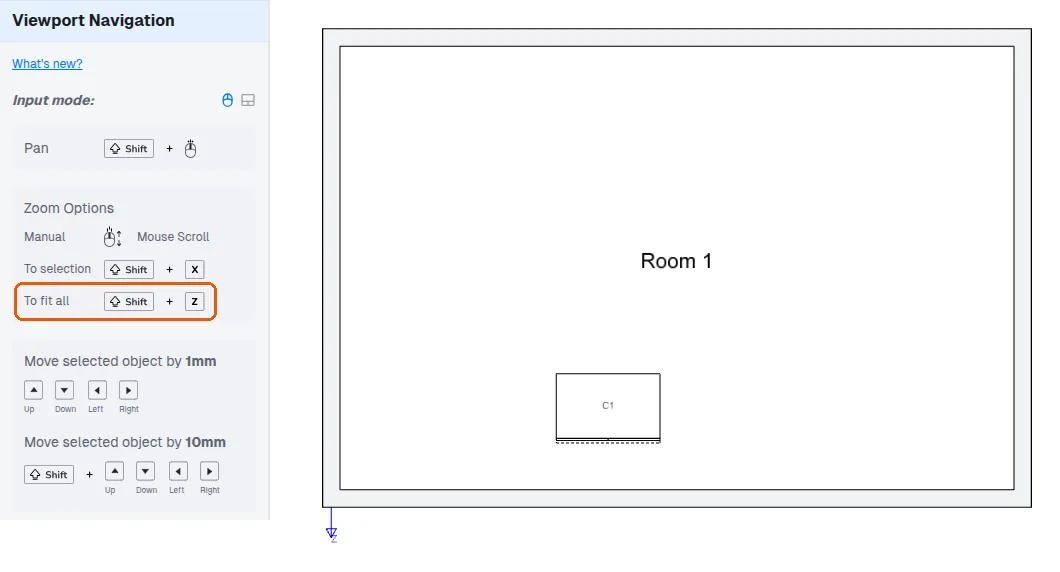
Zoom to fit the design view with Shift+Z
Press Shift+Z in the design view to fit the view to the objects in your design.
In the design view, pressing Shift+Z performs a zoom-extent action, fitting the view to the objects in the design.
✓ Checked in the product on 21 October 2026