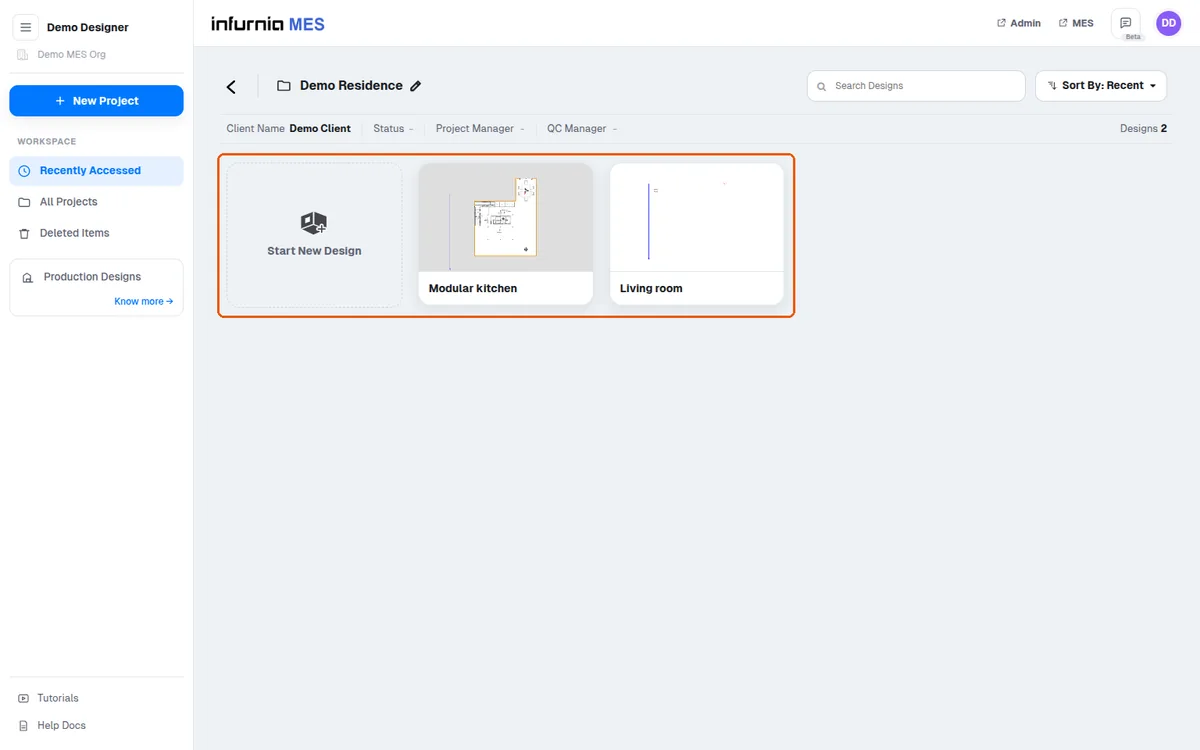
Rename, copy or create designs inside a project folder
Open a project to manage its designs, then copy, rename or add designs within the same project folder.
Open a project from the all-projects list to see its designs.
✓ Checked in the product on 20 October 2026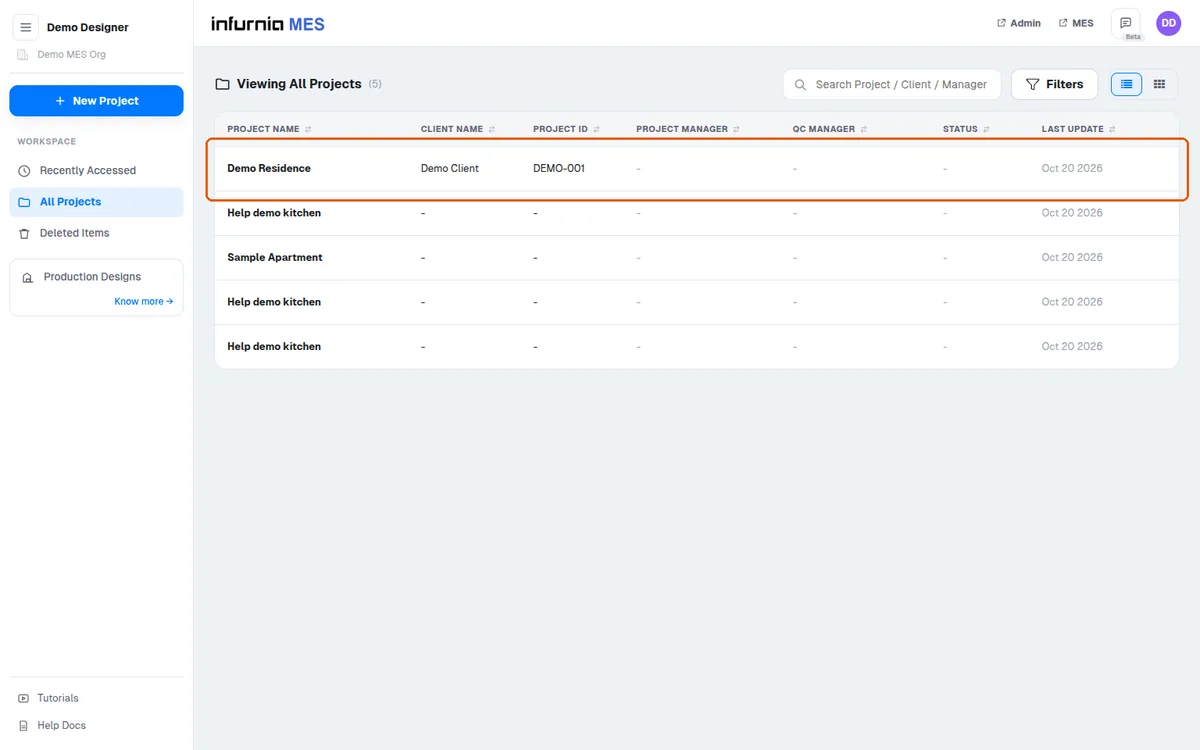
Use the three-dash menu on a design to copy, rename or edit its name.
✓ Checked in the product on 20 October 2026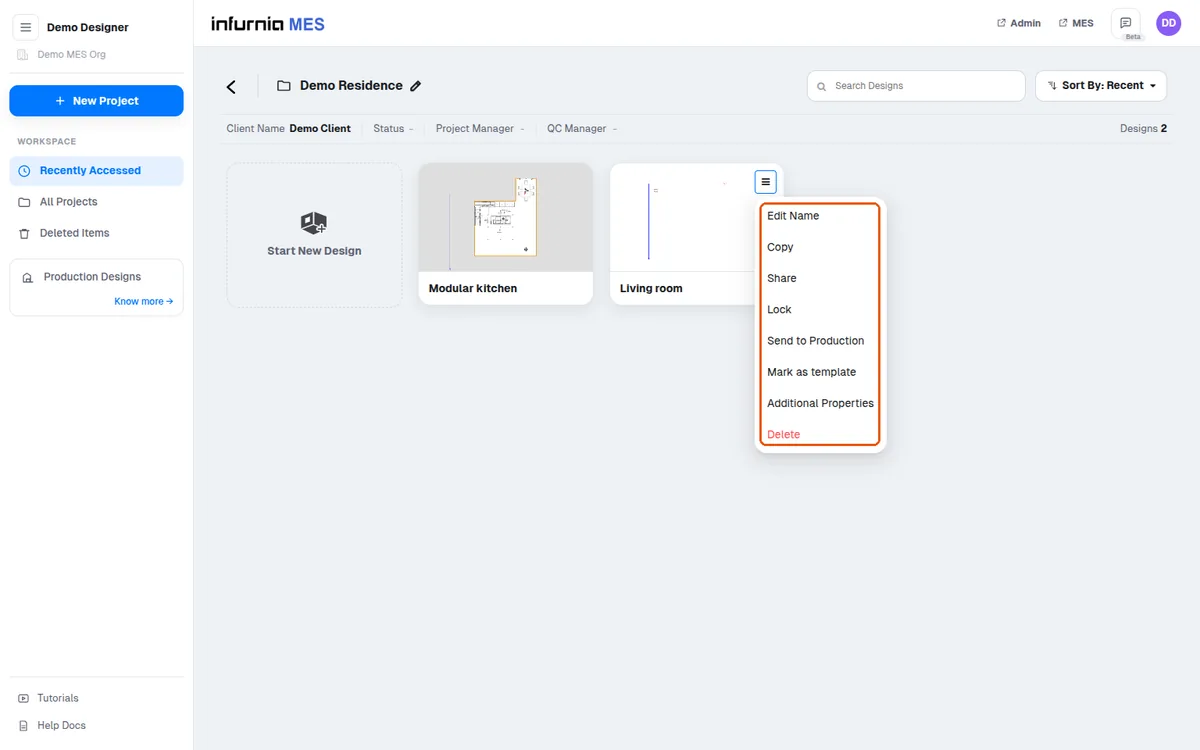
To add another design within the same project folder, click start new design and a new design is created.
✓ Checked in the product on 20 October 2026