Grant yourself access to a designer's design from the admin portal
Give yourself access to a design that a designer has not shared manually, using the admin portal's Design Hub.
If a designer has not shared a design manually, an admin can still give access to it from the admin portal: open Project Hub > Design Hub, open the project's ⋮ menu, then choose User Access on the design's settings (cog) menu.
✓ Checked in the product on 20 October 2026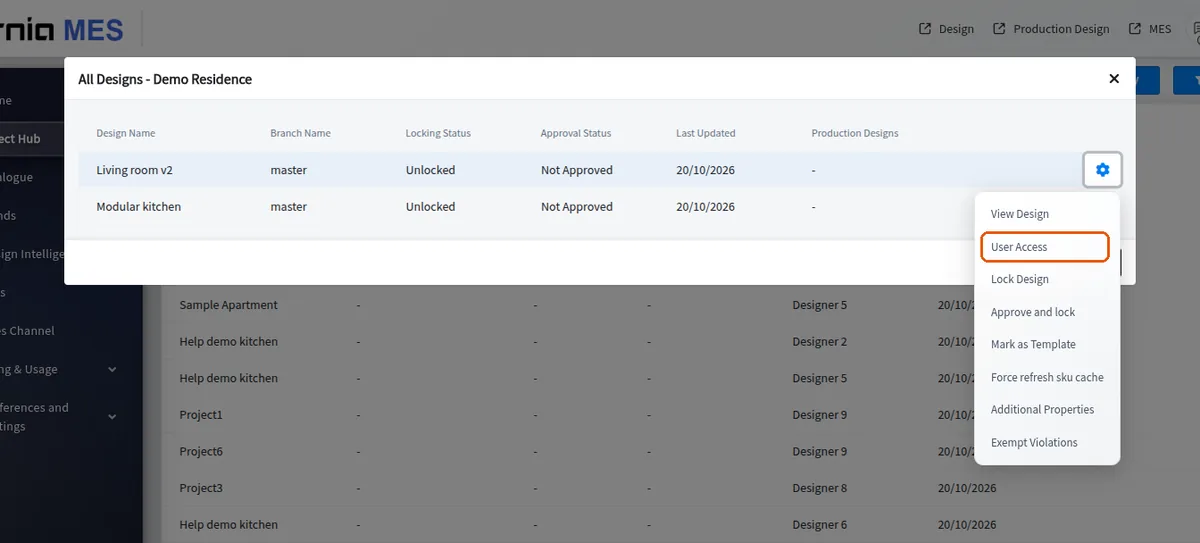
The User Access List shows who has access and with which level (for example Edit, Owner).
✓ Checked in the product on 20 October 2026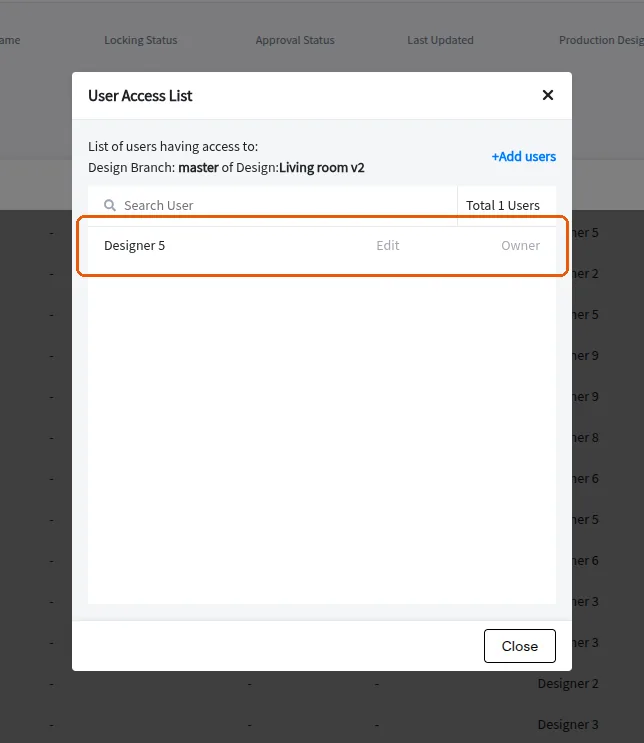
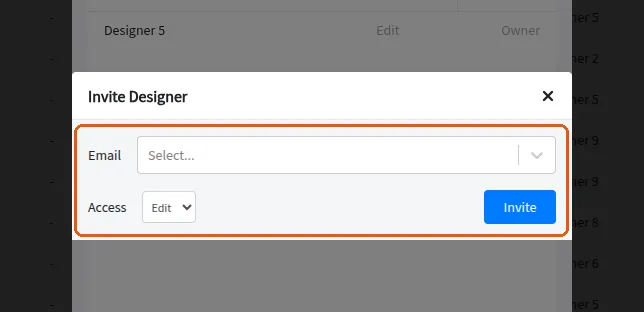
'+Add users' adds a user, including yourself.