Know which View options are enabled in each view
Check which View menu options are available in the 2D floor plan, in an elevation view and outside an elevation.
'Add Elevation View' is enabled only while in the 2D floor plan (switch to floor plan first if it is greyed out).
✓ Checked in the product on 9 October 2026'Turn on/off Skeleton mode' is enabled only while in an elevation view.
✓ Checked in the product on 22 October 2026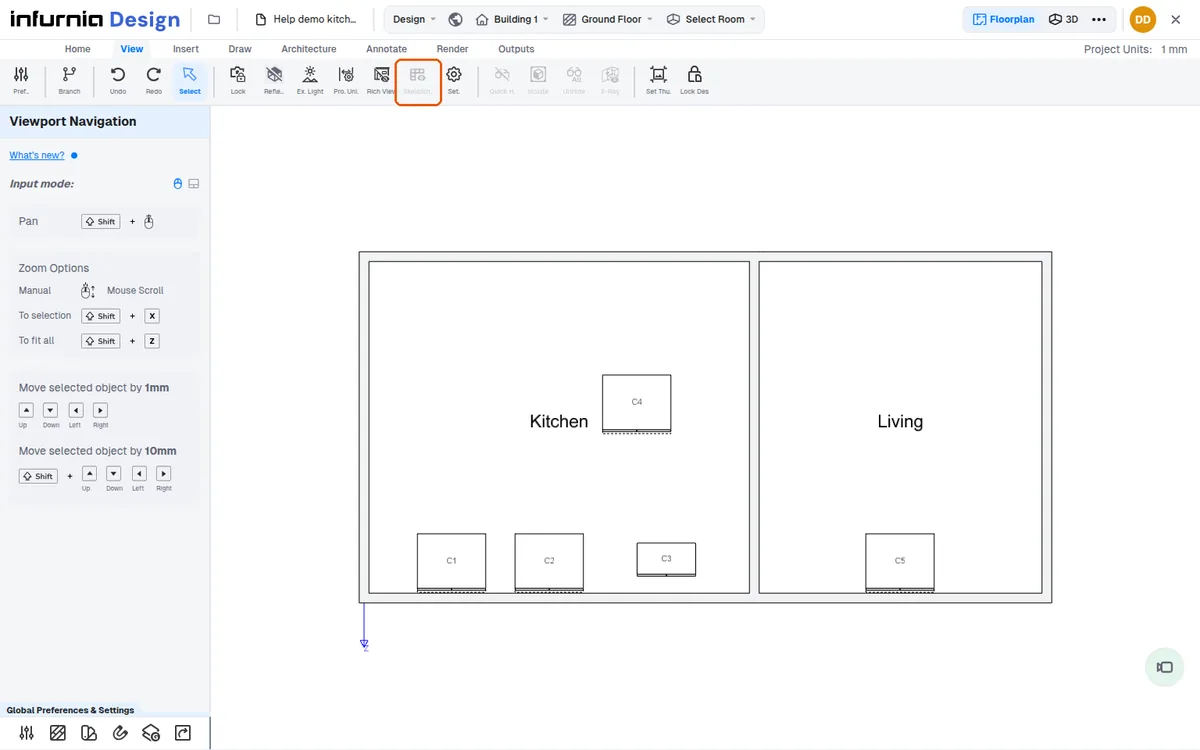
The compass annotation is floor-plan only.
✓ Checked in the product on 9 October 2026Elevation-type views are labelled 'elevation' for vertical cameras and 'section' for horizontal ones.
When you are not in an elevation, the Skeleton option is greyed out (the View tab's 'Skeleton..' button and the bottom bar's Skeleton Mode button); hovering the View tab button shows 'Cannot toggle skeleton mode outside elevation view'.
✓ Checked in the product on 22 October 2026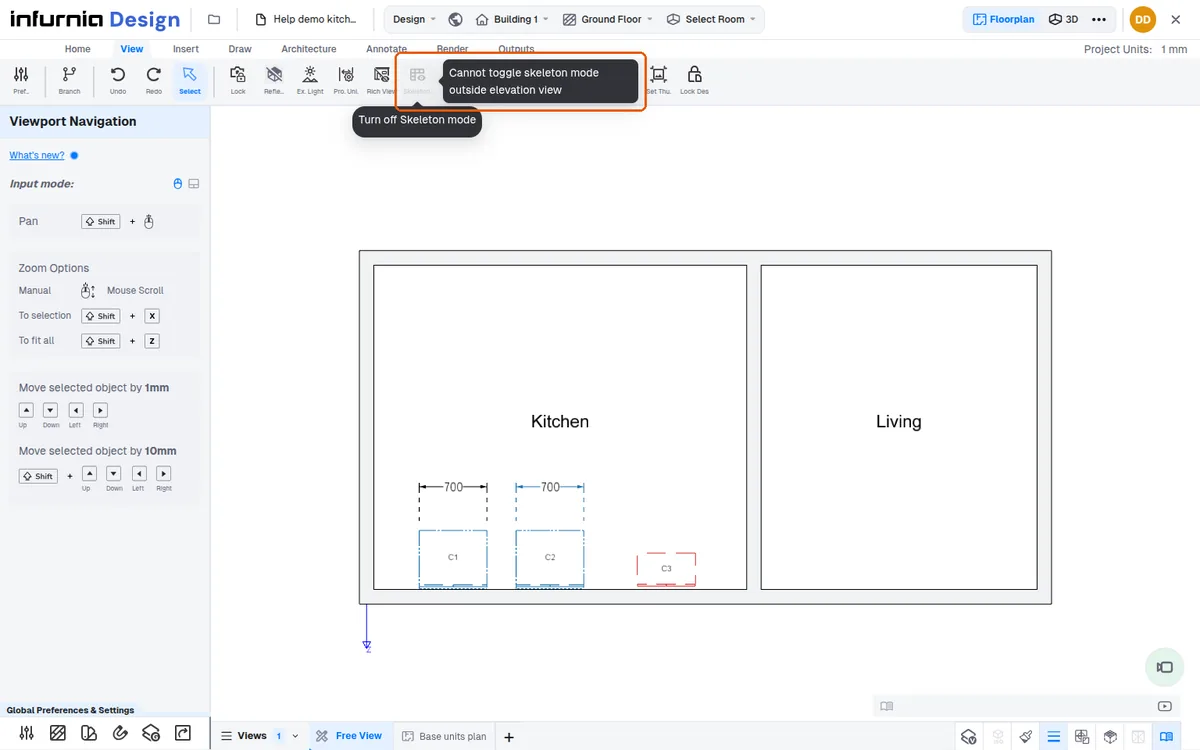
Skeleton mode is only available while an elevation view is active.
✓ Checked in the product on 22 October 2026The View tab's Skeleton button appears in Floor Plan only once the design has an elevation.
✓ Checked in the product on 22 October 2026