Create peripheral vs central false ceiling using offset copy or move
Model a false ceiling rectangle on the ceiling, then choose offset copy for a peripheral border or move for a central panel.
To model a false ceiling, draw a rectangle on the ceiling, then use the offset command.
✓ Checked in the product on 20 October 2026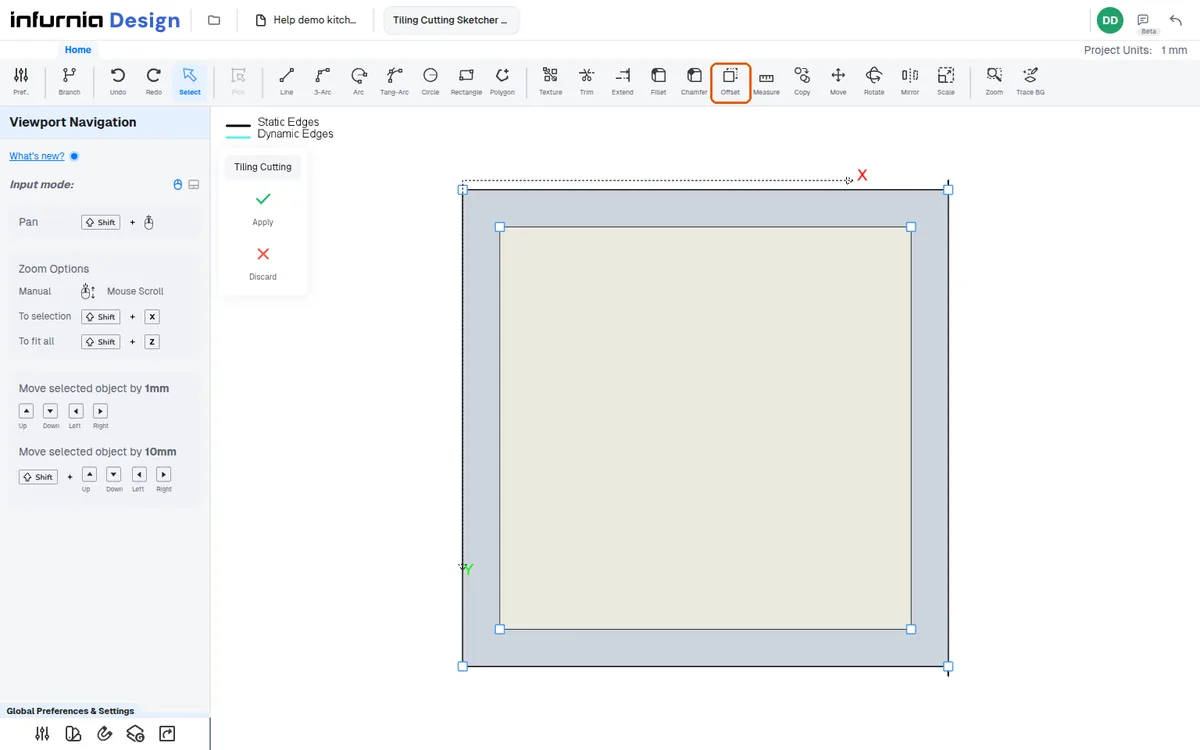
For a peripheral (border) false ceiling, offset with the copy option and set the distance (e.g. 300 mm).
✓ Checked in the product on 20 October 2026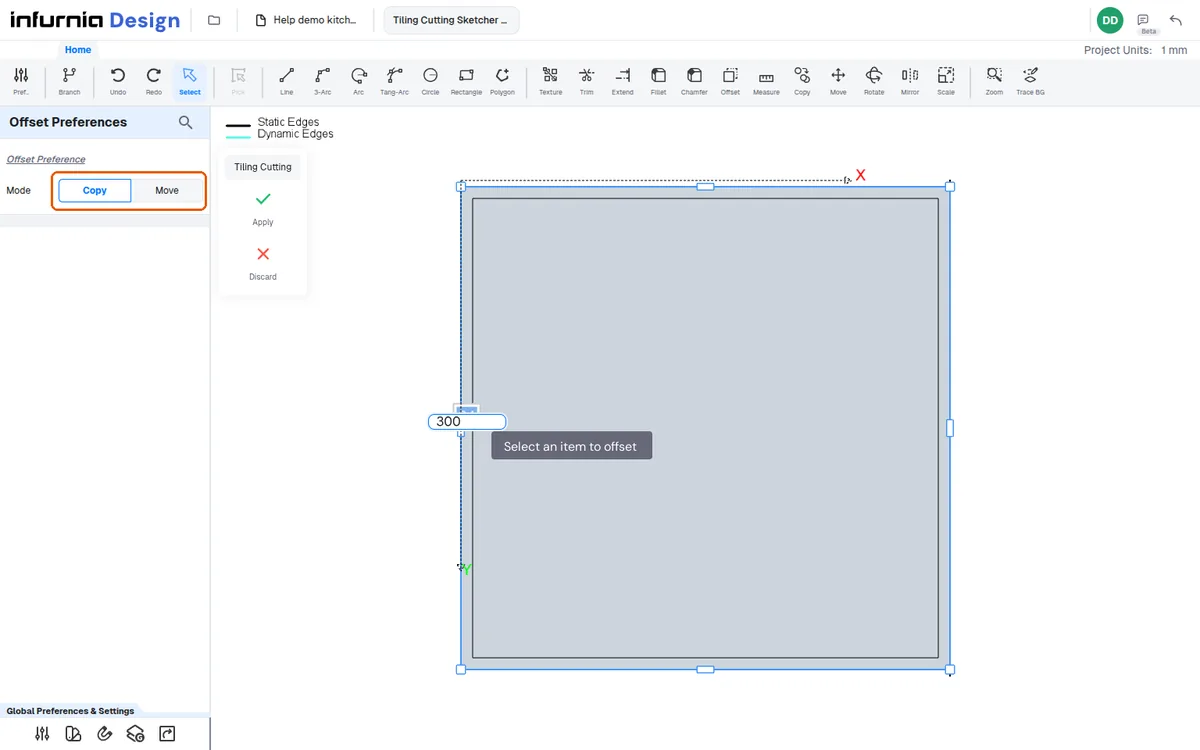
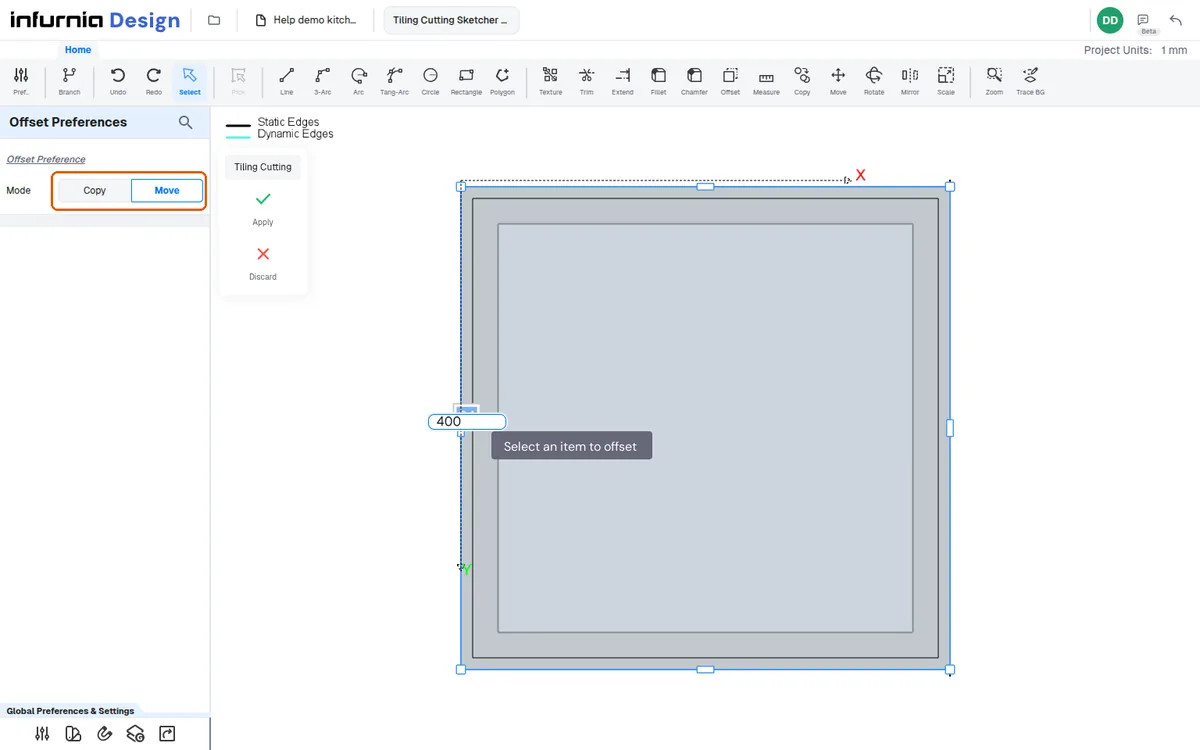
For a central false ceiling, use the move option instead of copy on the outer rectangle and drag inward by the desired distance (e.g. 400 mm).
✓ Checked in the product on 20 October 2026