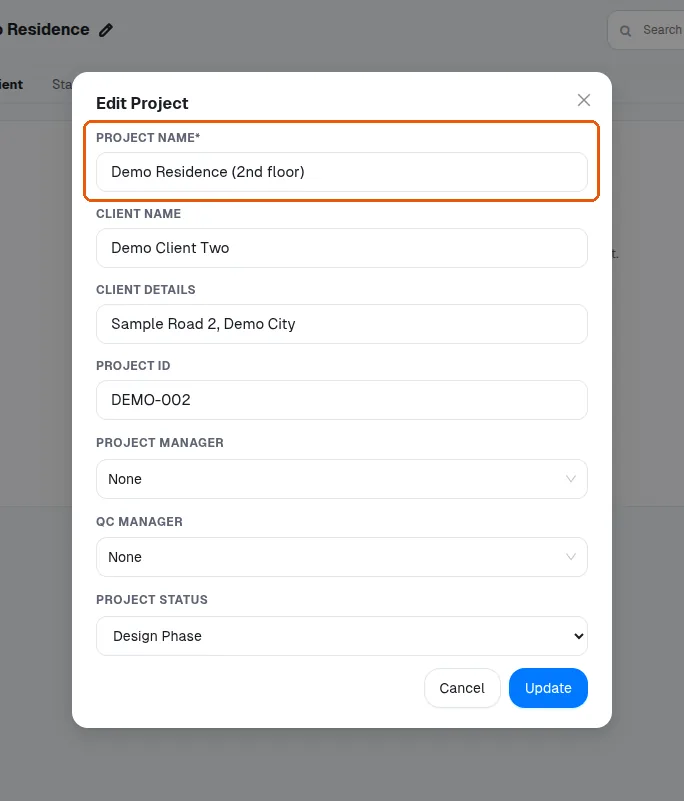
Create a project from the design portal with name and client details
Create a project from the design portal by entering the project name and client details, then finish with create project.
In the design portal, click new project (or create new project), type the project name and client name and details; the project ID is optional. Click create project to finish.
✓ Checked in the product on 20 October 2026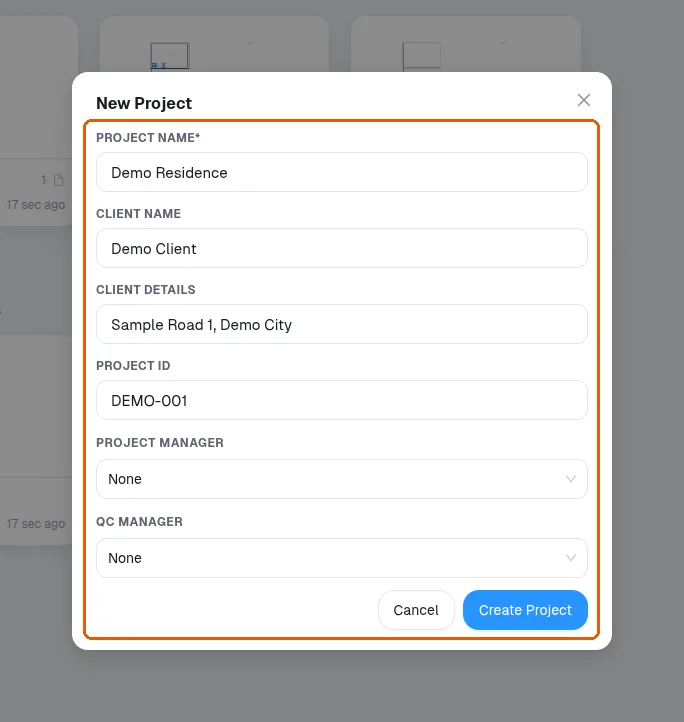
The project name can be changed later by coming back to the project.
✓ Checked in the product on 20 October 2026