Add tiles with TI shortcut and ceilings via Architecture menu
Add tiles to a room with the tiling tool or shortcut T I Enter, customise their depth, pattern, size and grout line, then place a ceiling from the Architecture menu.
Add tiles using the tiling tool or shortcut T I Enter, defining a boundary or shape by clicking inside a room.
✓ Checked in the product on 19 October 2026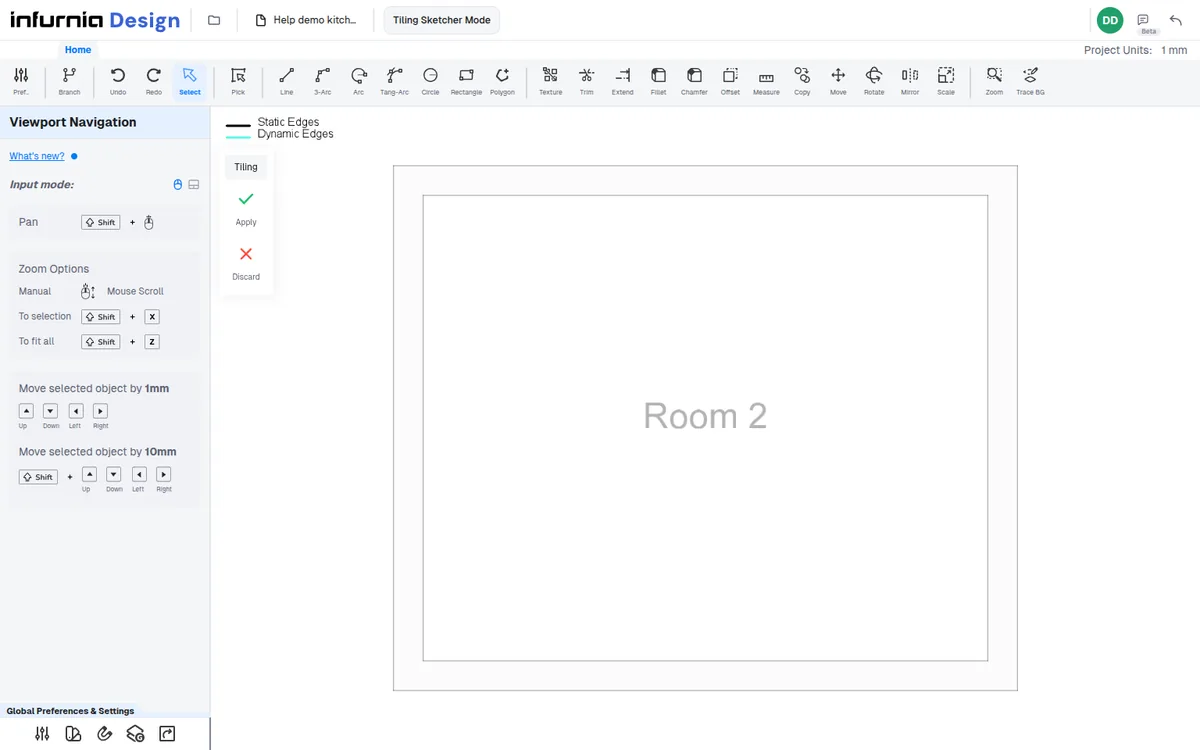
Customize tile depth (thickness), pattern, size, and grout line width and color.
✓ Checked in the product on 21 October 2026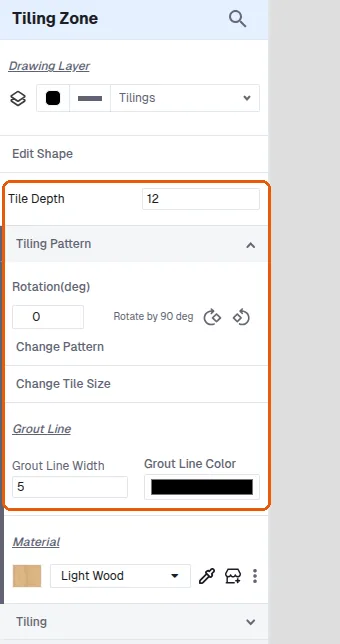
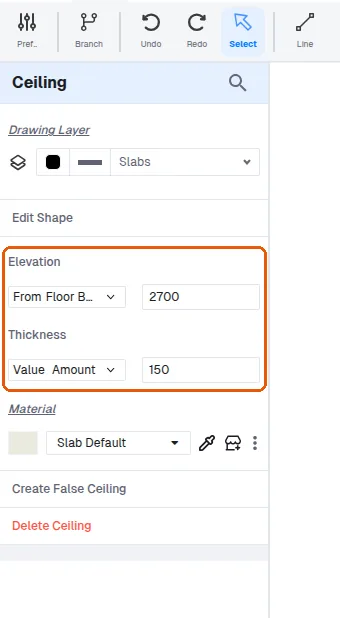
Place ceilings by going to Architecture, selecting Ceiling, and clicking inside the room; set the ceiling elevation from the floor and thickness.
✓ Checked in the product on 21 October 2026