Clone a SKU to get an owned, editable copy
Clone a non-owned or warehouse item so it becomes owned by your workspace and fully editable.
For a non-owned (Infurnia) library item, cloning it first is the recommended route to a custom variant.
The clone becomes owned by your workspace.
✓ Checked in the product on 22 October 2026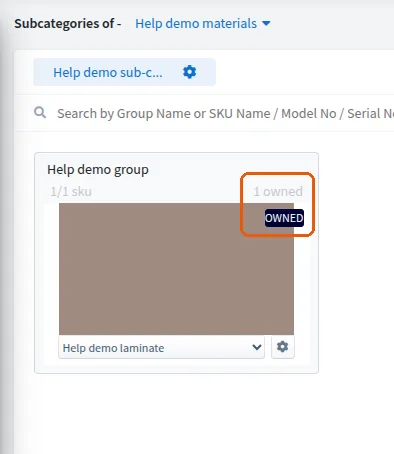
The clone's SKU structure can then be edited.
✓ Checked in the product on 20 October 2026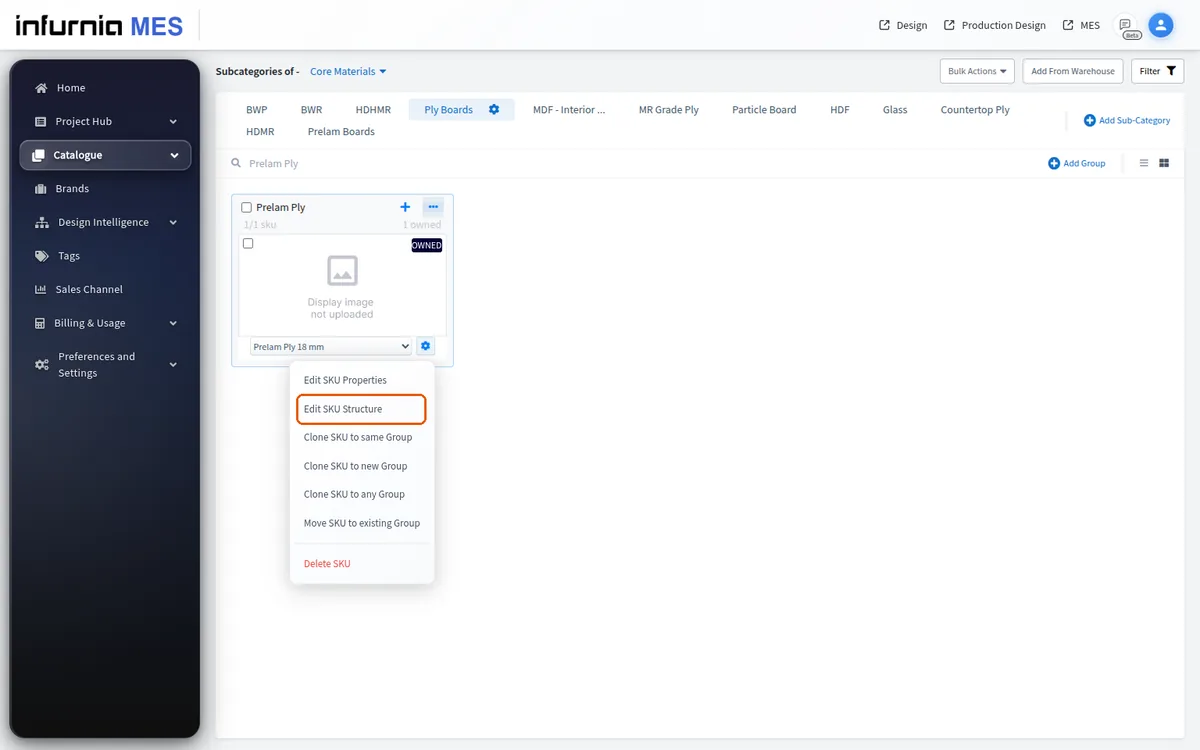
The clone becomes owned by your workspace.
Cloning is also the way to retain the items a project actually needs: identify the required items and clone-and-own them so they stay owned by your workspace for that project.
Items already owned remain owned.
To change the name, display picture or technical parameters, clone the SKU first.
The clone becomes owned by your workspace and is then fully editable.
Cloning also lets you assign your own model numbers or ERP codes.
✓ Checked in the product on 10 October 2026Cloning is also the way to bring a default brand product into your own custom category.
✓ Checked in the product on 10 October 2026The clone's settings and additional properties can then be modified as needed.
✓ Checked in the product on 10 October 2026Hardware pulled from the global warehouse is non-owned by default and cannot be edited in place.
When cloning a SKU, you can choose to copy that connector hardware into your business unit, after which it becomes owned and can be edited there. A read-only preview is available before you commit, showing which hardware a clone (or a bulk copy) would bring over. Hardware copied this way keeps the original item's model number and ERP code rather than receiving a new suffix.