Download a machine cutlist and handle unsupported formats
Open the Cutlist tab, pick a panel-saw machine and fall back to CSV when the machine's format is not supported.
To download a machine-specific cutlist, open the Cutlist tab of the work order, use the Custom Cutlist menu and pick the required panel-saw machine.
✓ 已于 2026年10月20日 在产品中核实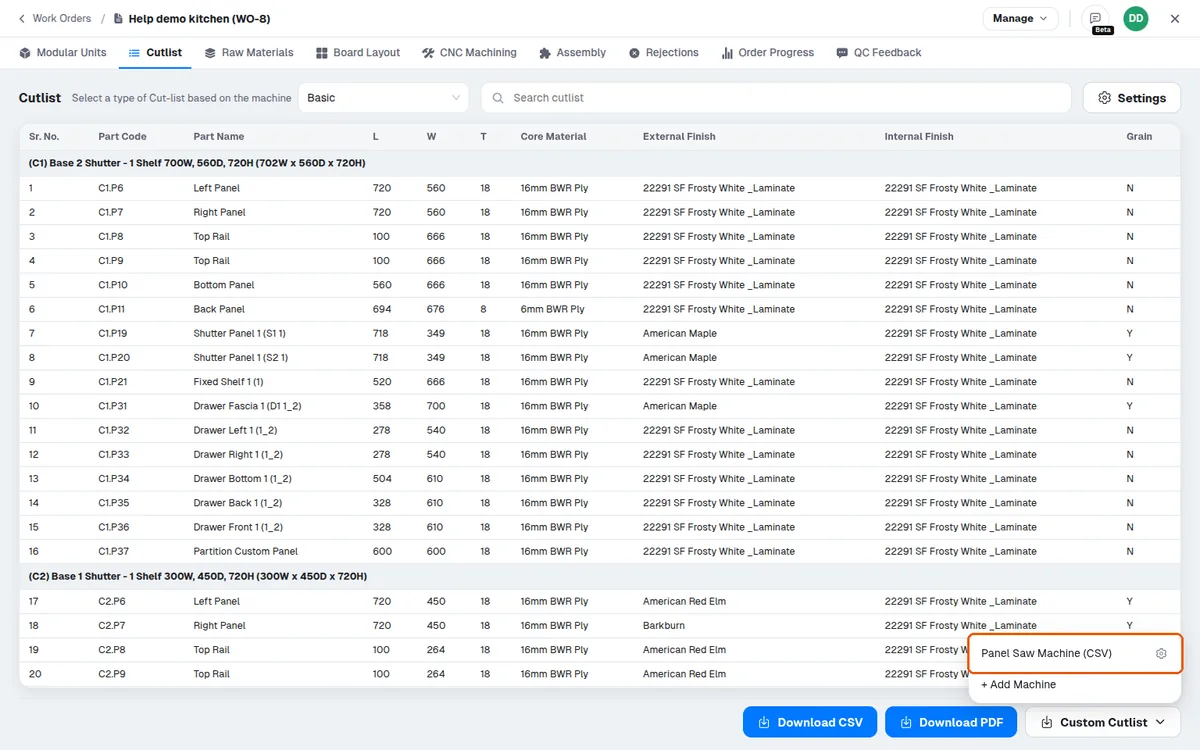
The download is only enabled once the work order is published.
✓ 已于 2026年10月20日 在产品中核实If a machine's required format is not among the supported output options, the cutlist can still be exported as CSV and uploaded to the machine to check whether it works.
The Profile Cutting List PDF lists each profile piece's cut size and the cabinet it belongs to, and a Profile 1D Layout PDF shows the cut sequence along the profile in text form.