Read the external and internal finish on a panel label
Open the panel label to see which side of a panel carries the external finish and which carries the internal finish.
To know which side of a panel is the external finish and which is the internal finish, open the panel label.
The panel label lists the external finish and the internal finish separately; the two may be the same or different.
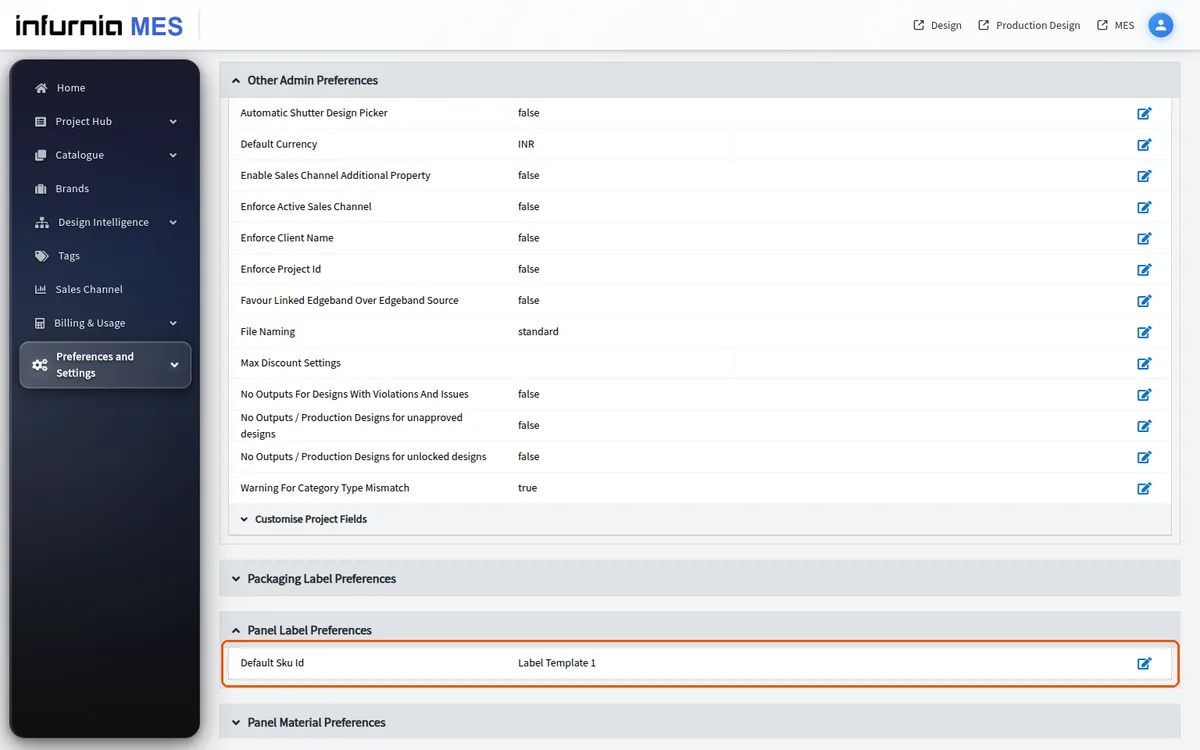
Org Preferences > 'Panel Label Preferences' only chooses the default label template (for example 'Default Sku Id Label Template 1'); nothing is generated there.
✓ 已于 2026年10月21日 在产品中核实