Rotate objects in the 2D sketcher and 2D machining
Open the Home tab in the 2D sketcher, tiling and cutting mode or panel 2D machining and choose Rotate.
In the 2D sketcher (opened, for example, by the Slab tool), click "Rotate" on the "Home" tab.
In the 2D sketcher, open the "Home" tab of the toolbar and choose "Rotate".
✓ 已于 2026年10月22日 在产品中核实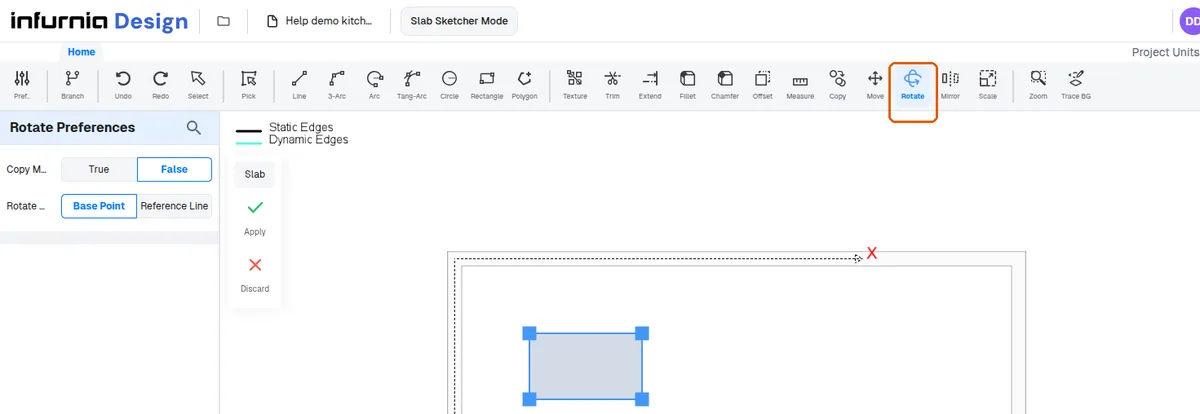
In the 2D sketcher, in tiling and cutting mode and in panel 2D machining the "Rotate" tool sits on the "Home" tab.
The "Rotate" control is also on the "Home" tab in panel 2D machining.