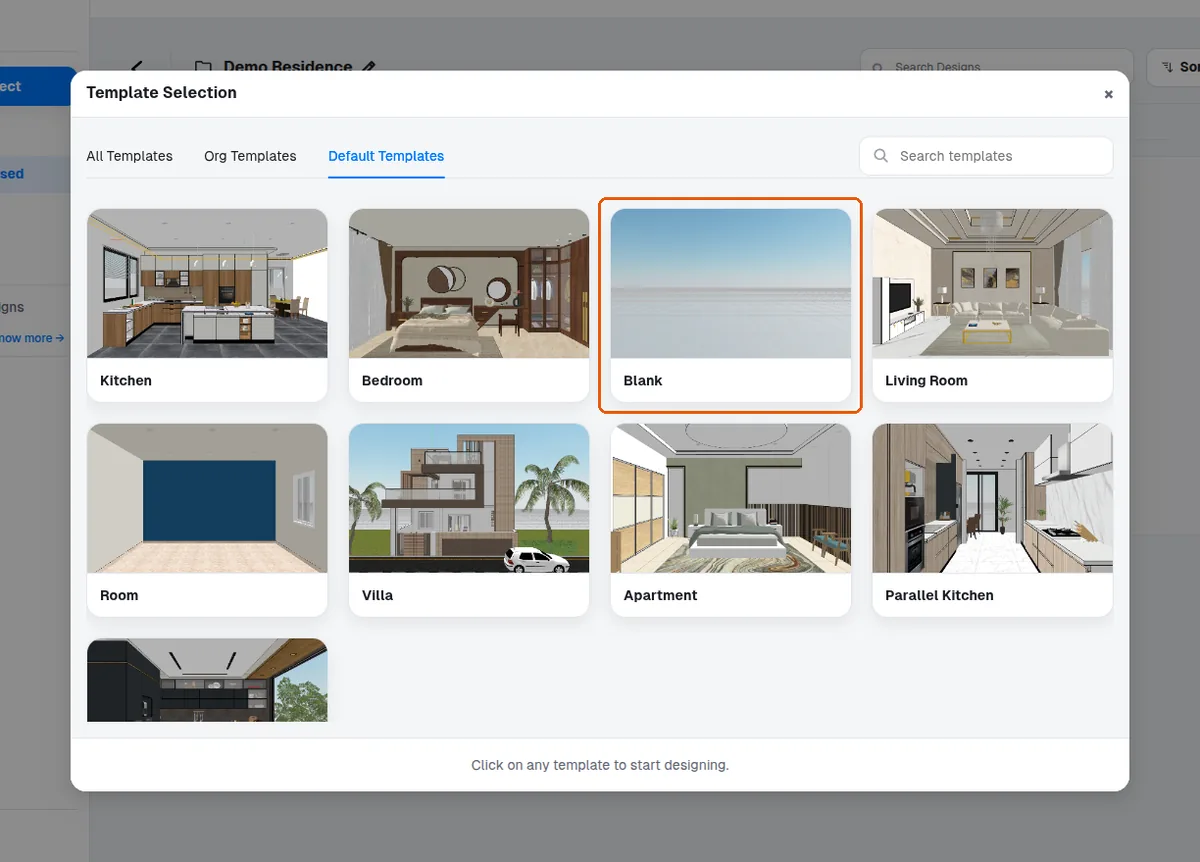
Create a project and start from a reusable template
Create a new project in the design portal and start your design from a reusable template or a blank one.
To begin a design, create a new project in the design portal and select a reusable template where one applies.
✓ 已于 2026年10月20日 在产品中核实In the Design Portal, click "New project", enter the project details, then click "create project". After that select "start new design". Pre-made 3D templates are available, but it is recommended to start with a blank template when beginning.
✓ 已于 2026年10月20日 在产品中核实