Add and edit beams with the Architecture Beam tool
Place beams one click at a time on the floor plan, then select a placed beam to edit its dimensions, rotation, shift, material or delete it.
To add a beam, go to the floor plan view and open the architecture section, where the beam tool is available.
✓ 已于 2026年10月19日 在产品中核实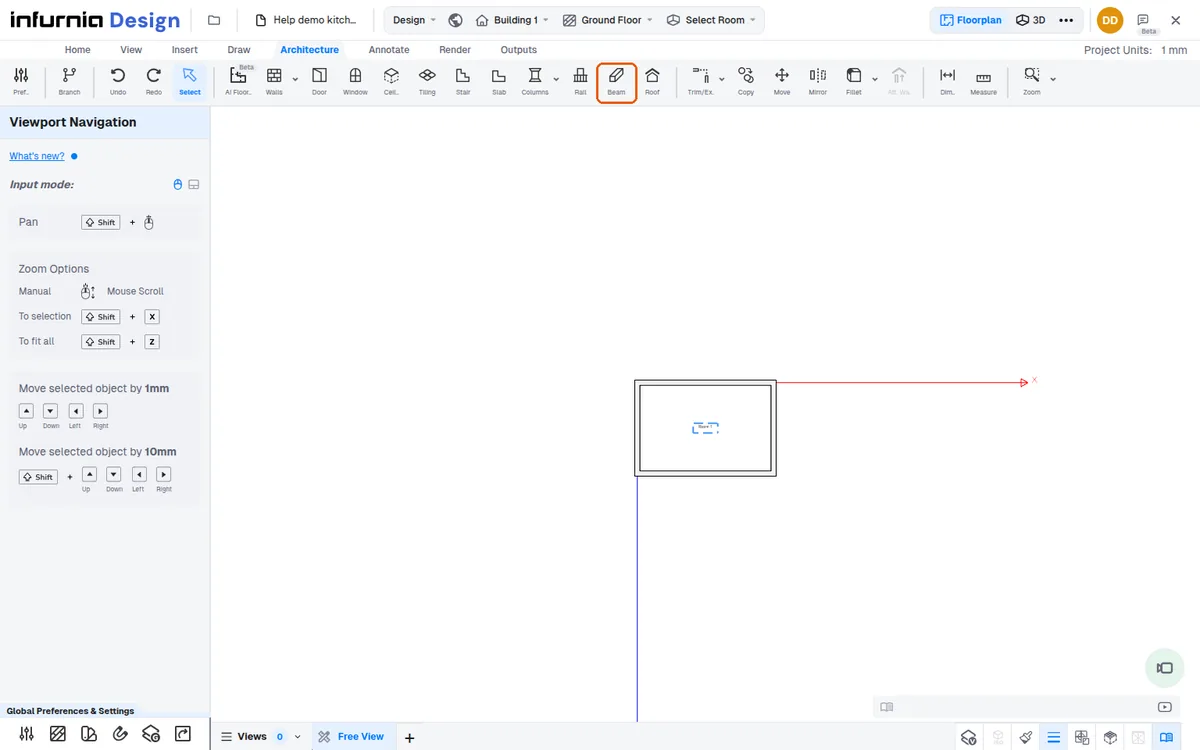
Beams are added with Architecture > Beam.
✓ 已于 2026年10月22日 在产品中核实The tool has no settings panel of its own (its hint says the left panel modifies the beam after placement).
✓ 已于 2026年10月22日 在产品中核实Each click on the plan places one beam.
✓ 已于 2026年10月22日 在产品中核实Select a placed beam to edit it: its panel 'Beam' holds Drawing Layer, Dimensions (W, D, Height, Elevation; 1500, 400, 300 and 2400 mm by default), Rotation (Y, Rotate by 90 deg), Shift Beam (Right, Down), Material and Delete Beam.
✓ 已于 2026年10月22日 在产品中核实