Split a sheet or section into sub-areas with section lines
Draw section lines to divide a sheet or section into independent sub-areas and see how existing objects are reassigned to each side.
Section lines divide a sheet (or an existing section) into independent sub-areas.
✓ 22 Ekim 2026 tarihinde üründe doğrulandı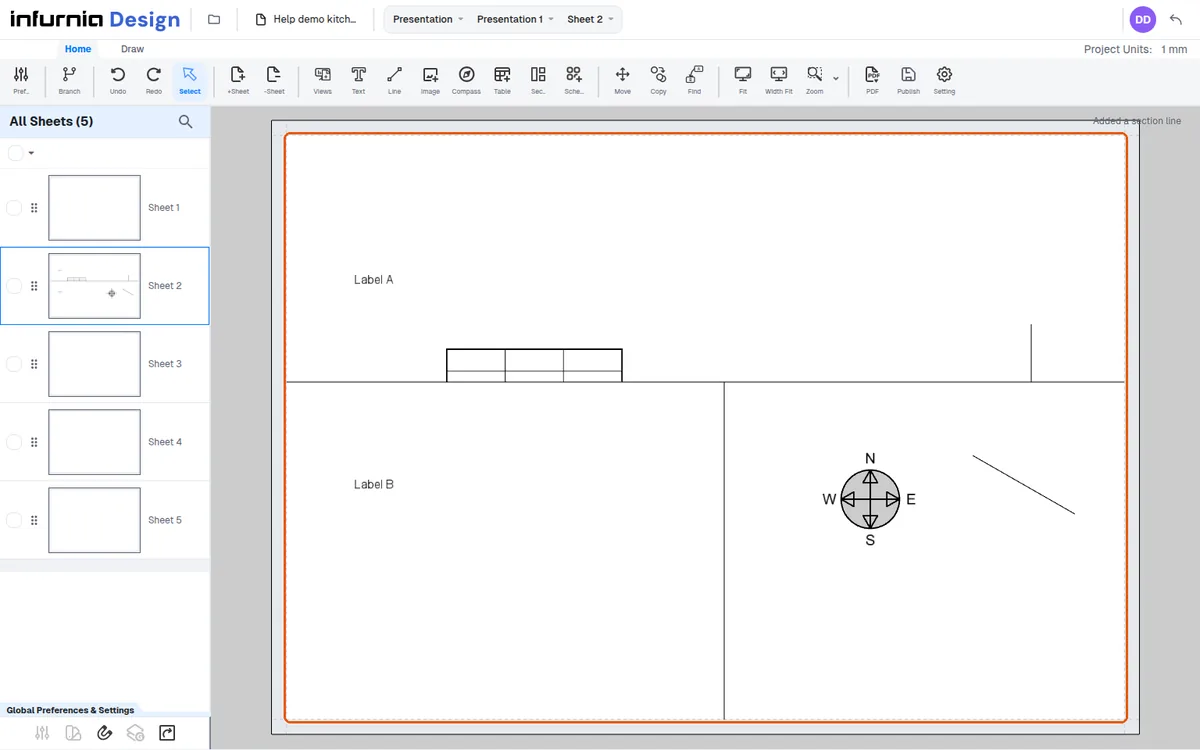
On click, the clicked section is split at that coordinate into two child sections, each with its own canvas.
✓ 22 Ekim 2026 tarihinde üründe doğrulandı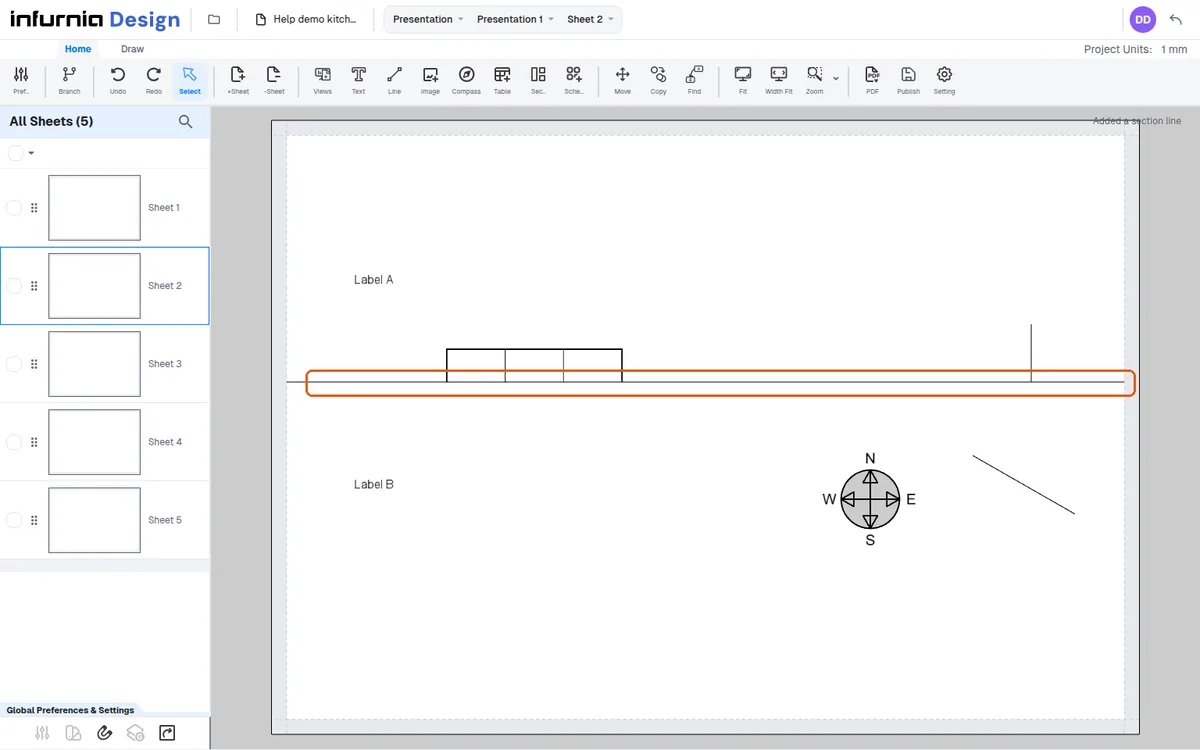
Existing objects are redistributed by rule: text, tables, dynamic schedules and compasses go to whichever side their top-left anchor position falls on.
✓ 22 Ekim 2026 tarihinde üründe doğrulandı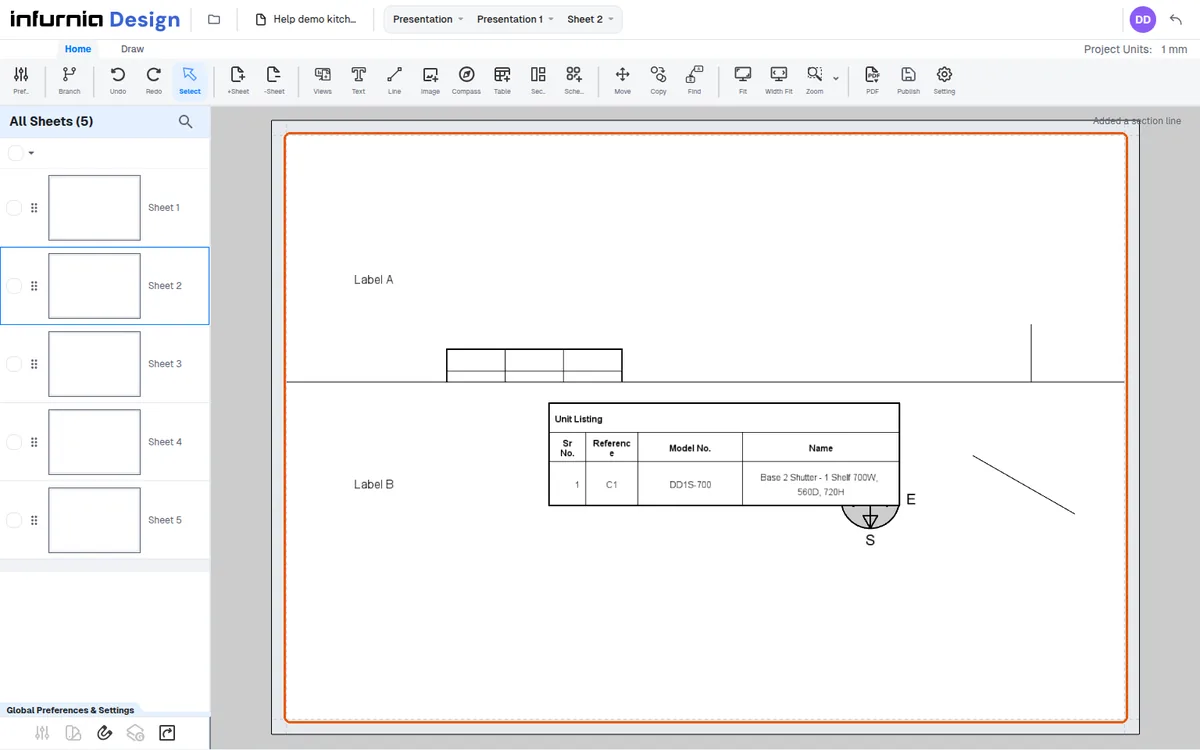
An object visually straddling the line is NOT split; it moves wholly to its anchor's side and keeps its position and size. The part of a table or a drawn line that lies past the line is not drawn: it shows only up to the line.
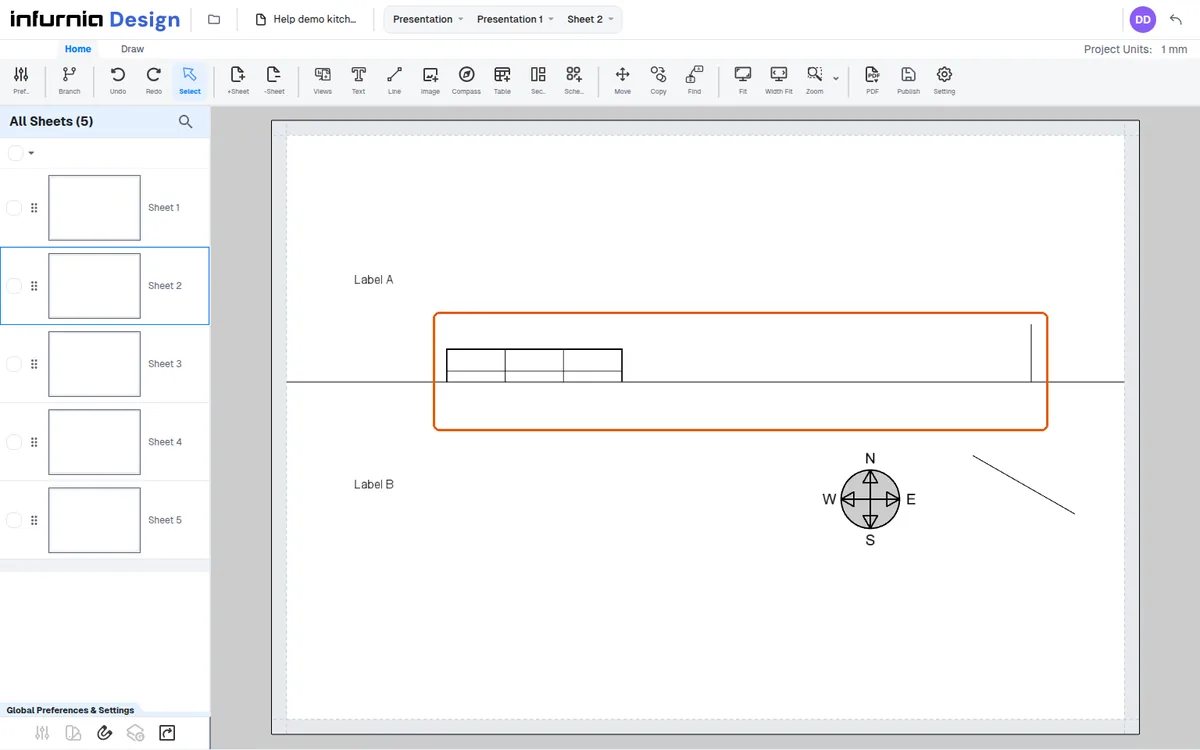
Images are judged by the actual image top-left (crop offset included).
When a horizontal section line splits a section, a drawn line that crosses the cut stays in the upper section. A drawn line lying wholly past a cut moves to the second section (below a horizontal cut, or right of a vertical one), with its coordinates re-expressed relative to that section.
While placing, the panel offers Horizontal/Vertical and pressing Alt toggles the direction live.
✓ 22 Ekim 2026 tarihinde üründe doğrulandıSections nest: splitting a horizontal band vertically creates children inside it, forming a tree.
✓ 22 Ekim 2026 tarihinde üründe doğrulandı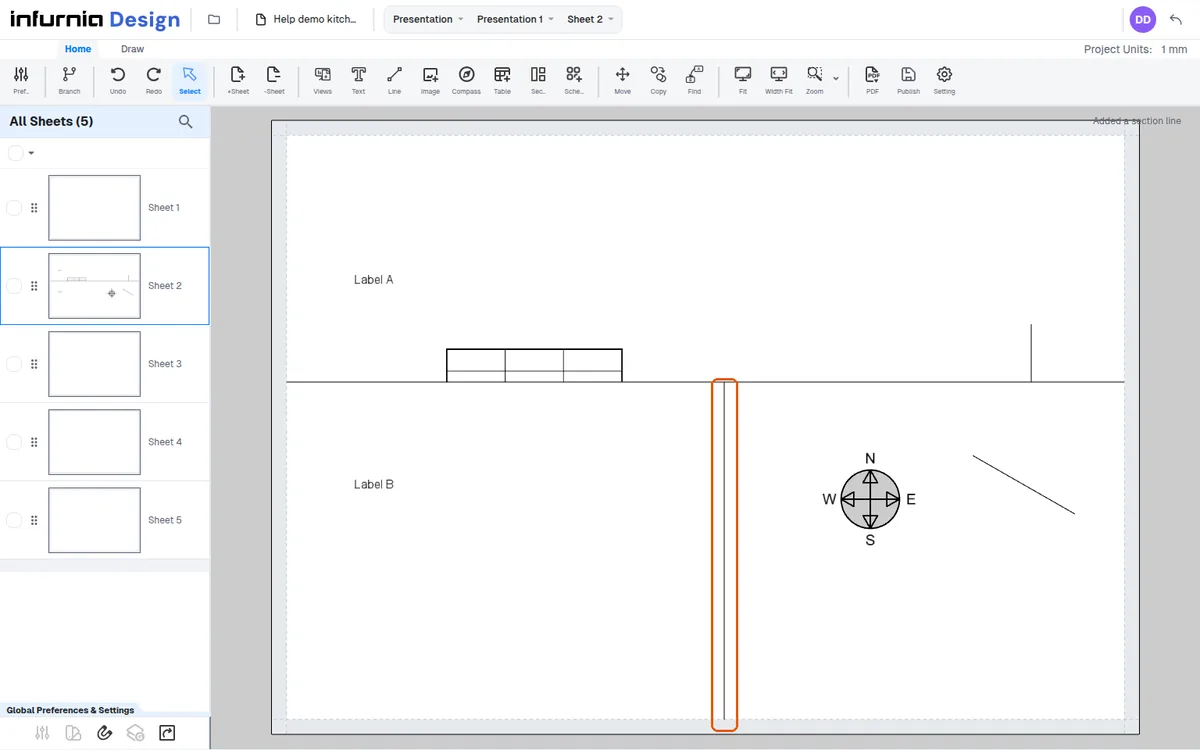
Section lines are a good way to carve a sheet into zones for a title block: each line splits the area into sub-areas that behave as independent regions.
Advise placing section lines before laying out content near the intended boundary, or nudging straddling objects fully to one side first.
Plan the information layout on paper first and add the divisions before placing content near the boundary.