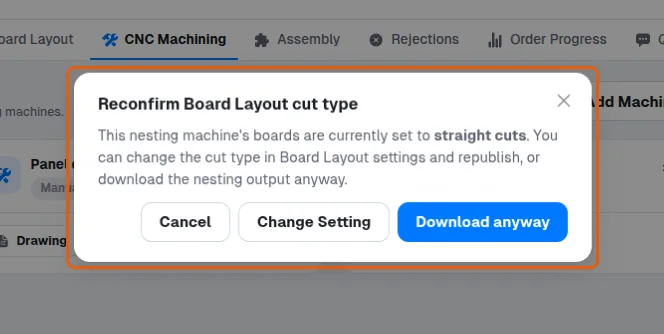
Corrija o aviso "Reconfirm Board Layout cut type" ao baixar arquivos de nesting
See why the warning appears when a straight-cuts board layout is downloaded for nesting and choose how to proceed.
O Type of Cuts do plano de corte está definido como Straight Cuts enquanto uma saída de nesting está sendo baixada - o plano foi otimizado para cortes de guilhotina, então executá-lo em uma router de nesting normalmente desperdiça material.
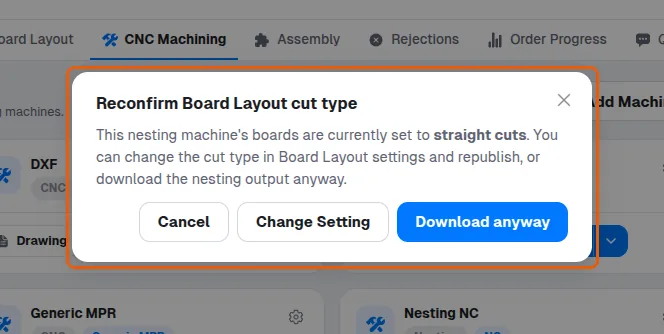
A caixa de diálogo oferece: Cancelar; Download anyway (prosseguir com o plano de corte reto); ou Change Setting, que abre Board Layout Settings, onde Type of Cutting (aba Optimization Settings) pode ser alterado para Nesting.