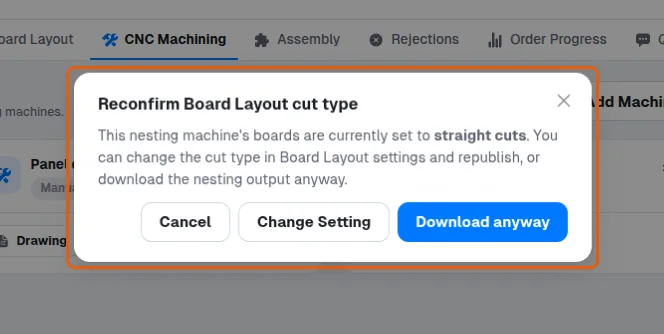
Fix the "Reconfirm Board Layout cut type" warning when downloading nesting files
See why the warning appears when a straight-cuts board layout is downloaded for nesting and choose how to proceed.
The board layout's Type of Cuts is set to Straight Cuts while a nesting output is being downloaded - the layout was optimized for guillotine saw cuts, so running it on a nesting router typically wastes material.
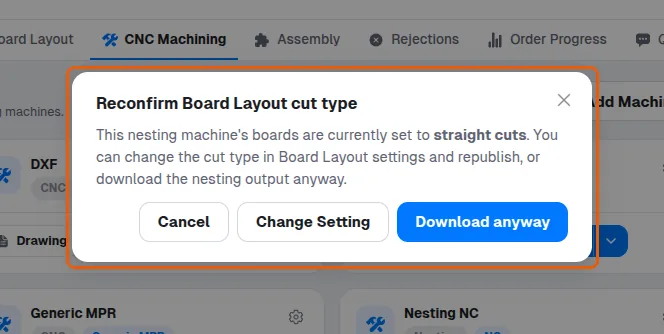
The dialog offers: Cancel; Download anyway (proceed with the straight-cuts layout); or Change Setting, which opens Board Layout Settings, where Type of Cutting (Optimization Settings tab) can be switched to Nesting.