Handle rejected panels: retired codes, remakes and undo
Learn how a rejected panel's code is retired, how the panel is remade with a fresh code, and when a rejection can still be undone.
The Rejected Panels process in production can only be used when the account is using Tracking & Packaging through the platform. Before following or training staff on the rejected-panel steps, confirm that Tracking & Packaging is active; without it the rejected-panel functionality is not available.
If a panel was rejected on the floor, its printed code no longer tracks — scanning it shows a 'Rejected Panel' message explaining that the code has been retired and that a fresh output must be generated from the work order's Rejections tab.
The panel is re-issued as a remake with a new code (shown as an R-number next to it), and the remake's outputs are generated from the Rejections tab.
Rejections carry a reason.
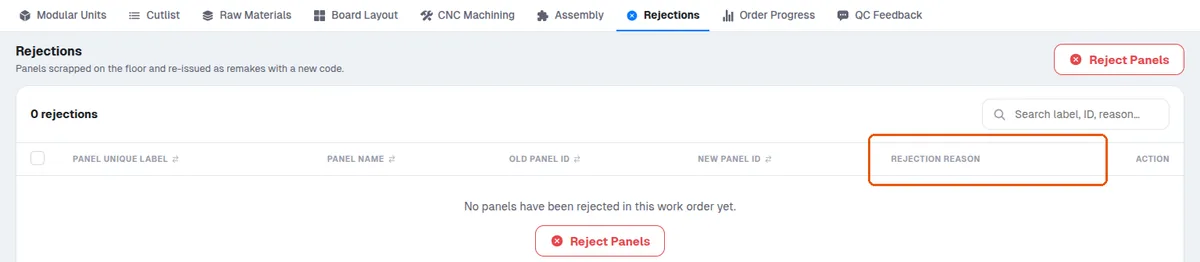
The predefined reason lists exist for Panel Cutting (dimensions, material defect, damage, chip-off), Edgebanding (mapping, length, defect, damage) and CNC (drills, groove, defect, damage), each with an 'Others' free-text option.
A rejection can be undone from that tab, but only while the remake hasn't been tracked, packed or billed; once the remake has been tracked at any station, packed, or billed, the undo is blocked.
The Rejections tab also offers a Download Outputs action: tick the remakes you want and download their outputs (cut list, raw material, board layout and CNC outputs) scoped to just those panels.
Panels that are not required at a given stage are left out of that stage's figures altogether, so they neither help nor hurt it.
✓ १५ ऑक्टोबर, २०२६ रोजी प्रॉडक्टमध्ये तपासले